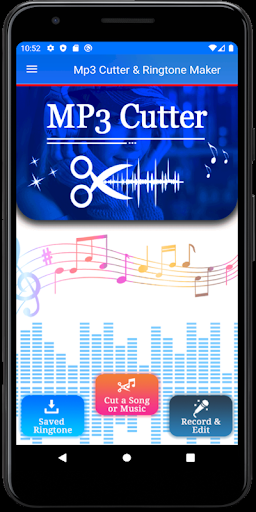
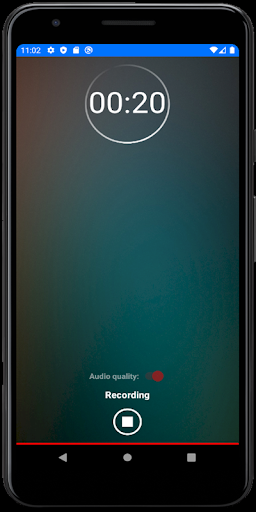
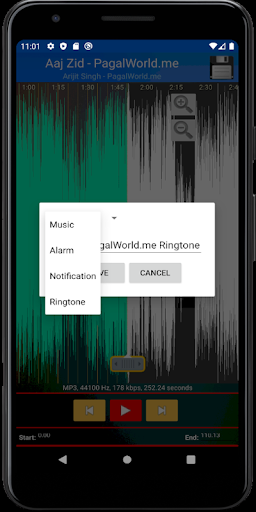
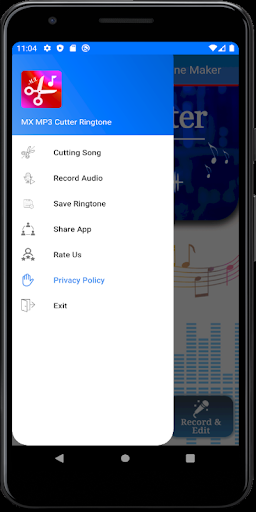
How to use this audio cutter
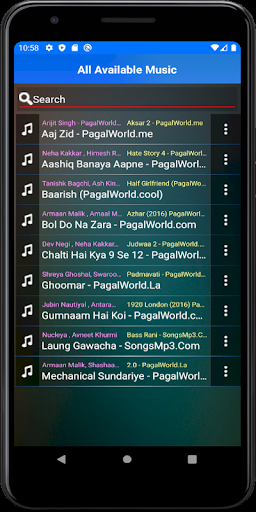
1. Choose a music clip from your phone/ SD card
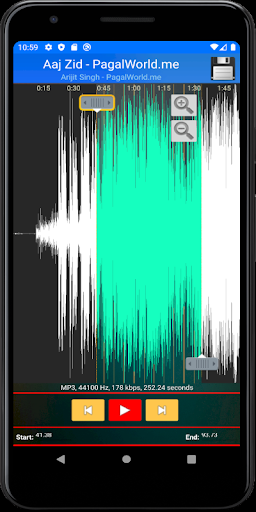
2. Select the length of the music you want to cut out
3. Edit tag for the clip(Title, Format, Bitrate, Volume )
4. Save as Ringtone/Alarm/Notification or Share
1- Easy audio cutter
This audio cutter identifies ALL audio files on your device and SD Card automatically. And you can also use the inbuilt browser to search songs.
2- Professional audio editor
MP3 Cutter & Ringtone Maker enables you to select audio length quickly with waveform zooming or one tap to set start time or end time manually. And you can re-edit music clips inside the audio editor
3 - Efficient audio trimmer
No need to wait for finishing the current converting task. You can start next audio cutting directly with this mp3 editor. In addition, you can re-edit music clips in output folder
Explanation for permissions:
android.permission.WRITE_EXTERNAL_STORAGE
android.permission.WRITE_CONTACTS
android.permission.WRITE_SETTINGS
Thank you for downloading MP3 Cutter & Ringtone Maker. And your suggestions or problems are always welcomed.
Please feel free to contact us at gsmprix@gmail.com.
Free music resource to enjoy
Better user interface


9Apps 4.9

![DREAMCATCHER | NINAd REMIX [EDIT] | BAHRAMJI & MANEESH DE MOOR x MASHUP screenshot 1](https://i.ytimg.com/vi/7Oxk9vfQu7g/mqdefault.jpg)