








DOWNLOAD IS NOT SUPPORTED IN WEB STORE!
Use the latest version of 9Apps to download APK&OBB file of games in one click!
DOWNLOAD 9APPS
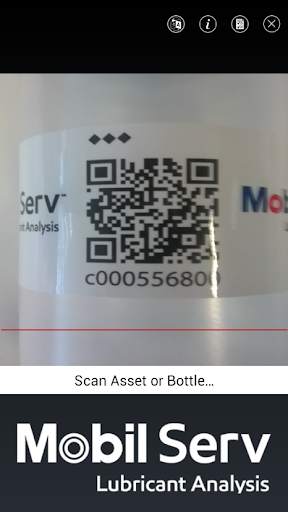
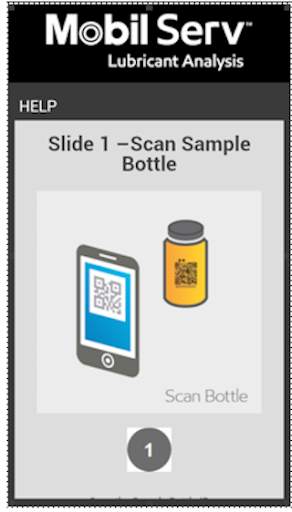
Simply scan and go!
Use the Mobil Serv Sample Scan App to scan and submit your sample bottle without a printed label.
Open the Mobil Serv Sample Scan app, scan the QR code on the Mobil Serv sample bottle, then scan the asset QR code to associate the sample, or click ‘No Asset to Scan’ to select an asset from your asset list in Mobil Serv.
This easy sampling method helps:
- Save time
- Avoid printing labels
- Easily and accurately capture equipment data
Once you assign the sample bottle to an asset, there is no additional labeling required. The data entered on your asset’s oil sample will meet the sample bottle at the laboratory.
The Mobil Serv Sample Scan App only works with the Mobil Serv Lubrication Analysis program.
Compatibility: Android version 4.0 or higher


MSLA App Update Highlights
• New app display name “Sample Scan”
• Updates to the navigation bar, with language selector
• Easier to use Scan and Go screens
• ‘Scan Asset’ options now include Asset Labels and Sample Bottle Labels
• Locked scanner window orientation
• Scan bottle to view/edit workflow
• Register unassigned asset tag


