









DOWNLOAD IS NOT SUPPORTED IN WEB STORE!
Use the latest version of 9Apps to download APK&OBB file of games in one click!
DOWNLOAD 9APPS

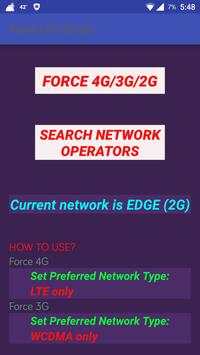
**Currently may not working on samsung phones. Don't Rate low if not working on samsung phones.
**Works for non-rooted phones.
How to use:
step 1: Click "force
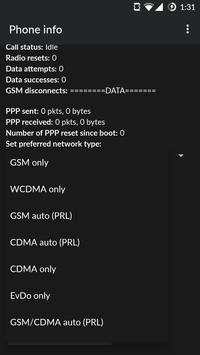
4g/3g/2g" button and scroll down to "set preferred network type" and select the required option.
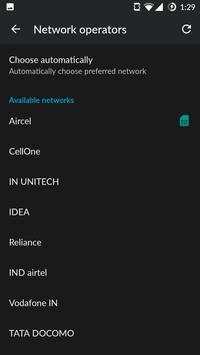
step 2:if not changed,move back and click "search network operators",select your network operator.
This app is used to
* Force
LTE / 3G / 2G Connection only.
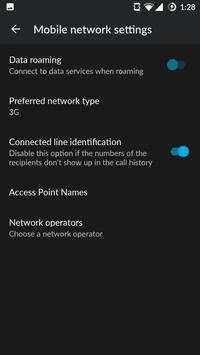
* quick shortcut to the "Network operators" settings, that would usually
require 5 clicks in the settings menu. With a single click you can search for mobile networks operators.
*fix network switching Errors.
Guaranteed App doesn't Crash for Unsupported Mobiles.
Advantages:
*Force 2G to save battery during travel.
*Force LTE or 3G to get constant network mode and speed.
*Provide wide types of network modes.
*shortcut for searching network operator.


Added:
-prevents crashing.
-Search Network Operator : quick shortcut to the "Network operators" settings, that would usually require 5 clicks in the settings menu. With a single click you can search for mobile networks operators.


