









DOWNLOAD IS NOT SUPPORTED IN WEB STORE!
Use the latest version of 9Apps to download APK&OBB file of games in one click!
DOWNLOAD 9APPS
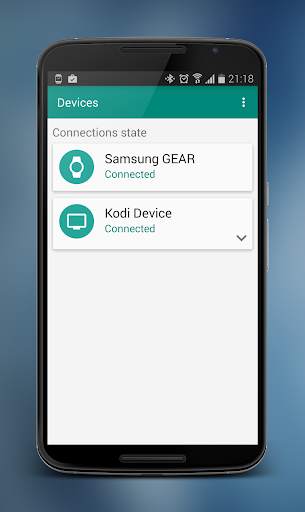
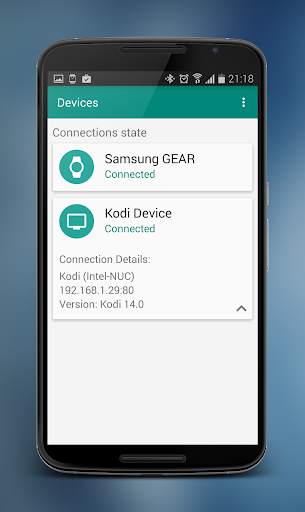
Kodi Gear Circle allows you to control your XBMC/Kodi application using your GEAR device.
How to configure it?
1. Run installed Kodi Gear Circle application on your smartphone
2. Application will automatically detect XBMC/Kodi Host - if not you need to configure it manually
3. You can create many Kodi profiles and switch them in application settings
4. Run Kodi Gear Circle on your GEAR smartwatch wait for connection and voilà!
If application doesn't find host automatically you need do it manually.
1. Go to settings and touch plus
2. Type IP, port username and password
3. Touch save
Important!
The webserver is disabled by default and has to be manually enabled by the user. This can be done in Settings → Services → Webserver → Allow control of XBMC/Kodi via HTTP
Check if ip and port are the same in host as in settings


