









DOWNLOAD IS NOT SUPPORTED IN WEB STORE!
Use the latest version of 9Apps to download APK&OBB file of games in one click!
DOWNLOAD 9APPS
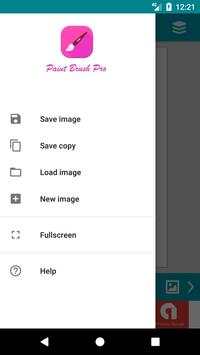
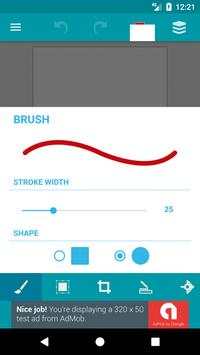
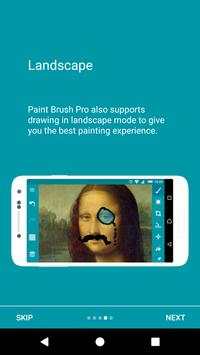
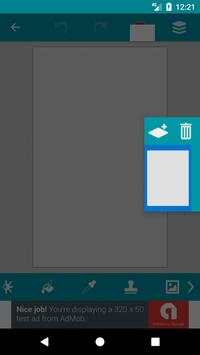
Paint Brush Pro - Draw Doodle Edit is a cool paint editor developed by Ian Pinto that, among others, allows setting parts of pictures to transparent and zooming up to pixel level.
Images are saved under Photos and Gallery as well as in the "Paint Brush Pro folder.
Features:
* Draw in Fullscreen mode
* Undo/Redo painting actions
* Save and Load images
* Switch between draw/move mode. Move canvas around the screen
* Pinch zoom canvas
* Brush and eraser size and shape configuration
* Set the canvas background to any picture from your phones gallery and other locations
* Use the colour picker to set the brush or background fill colour
* Lots of cool tools/effects like pipette, stamp, circle/ellipse/rectangle shapes, crop image, flip image, zoom, line, fill, rotate, use cursor to paint, etc
* Edit previous works
* Image format: png with transparency.
* Tools: brush, pipette, stamp, circle/ellipse, cropping/enlarging, flipping, zooming, line tool, cursor, fill tool, rectangle, image importing, eraser, text, moving, and rotating.
* Full screen drawing.
* Line width and shape.
* Color palette or RGBa values
Many more cool feature updates coming soon.
Report your feedback to support.ipnova@ianpinto.com



- Major update: complete new material design and latest Android version compatibility.
- UI/UX major enhancements and several bug fixes.


