











DOWNLOAD IS NOT SUPPORTED IN WEB STORE!
Use the latest version of 9Apps to download APK&OBB file of games in one click!
DOWNLOAD 9APPS
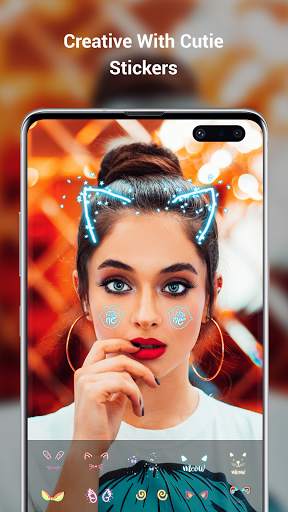
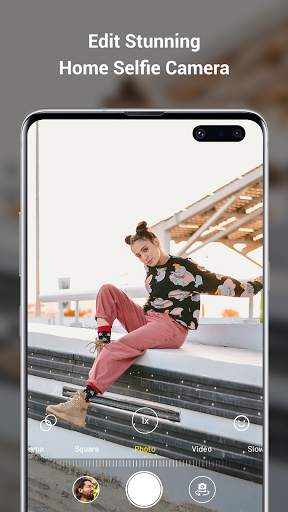
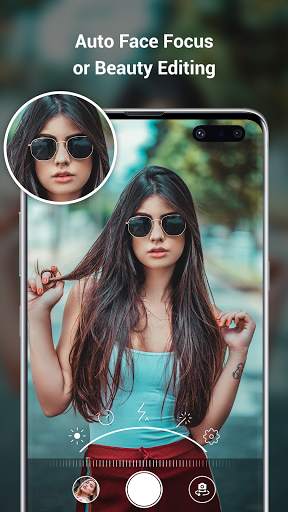
Find the perfect mode for your moment.
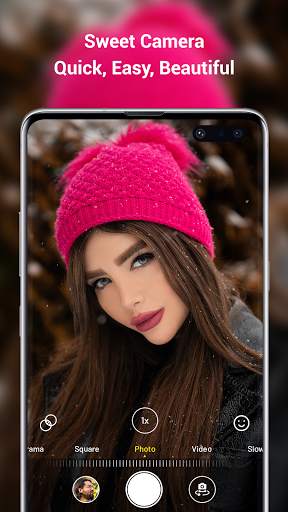
The camera modes helps you take the ideal photo or video. Swipe left or right on the camera screen to switch to a different mode. You can choose from photo, video, time-lapse, slo-mo, square, Portrait modes.
Your camera automatically focuses the image and adjusts the exposure based on what you’re pointing it towards. That way, you always start with a brightly lit photo.
You can change the camera focus and exposure to a specific area. Before you take the photo, tap the place on the screen that you want to adjust. If you want to keep the focus and exposure in the same spot, press and hold on the screen until you see AE/AF Lock.
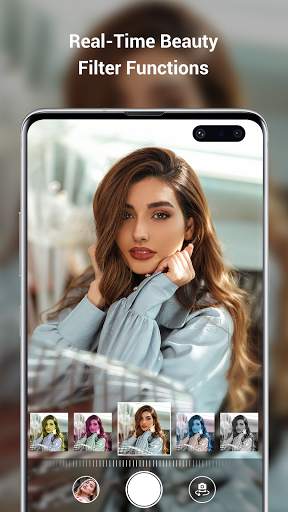
Download Camera for i phone 12 - OS14 Camera HD app with shutter speed, continuous shutter, zoom and anti-blur functions and you can even take pictures with silent shutter sound.


