



DOWNLOAD IS NOT SUPPORTED IN WEB STORE!
Use the latest version of 9Apps to download APK&OBB file of games in one click!
DOWNLOAD 9APPS

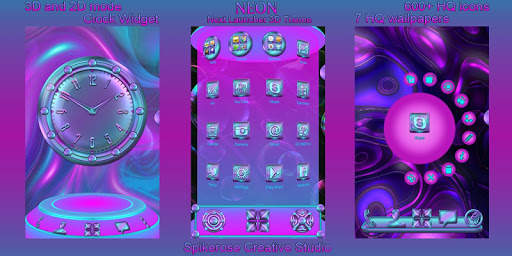
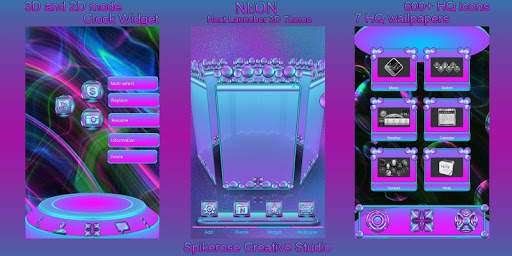
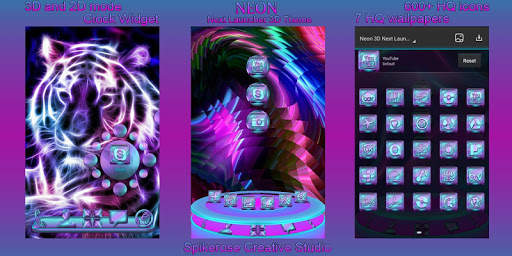
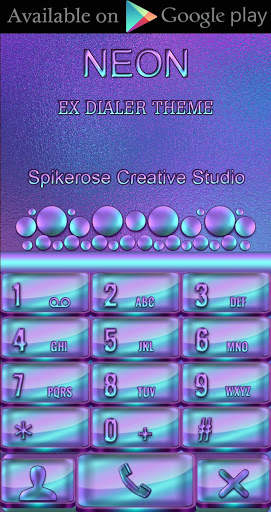
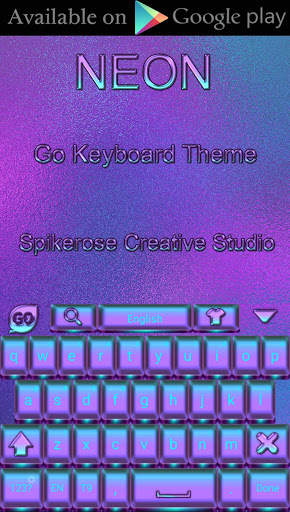
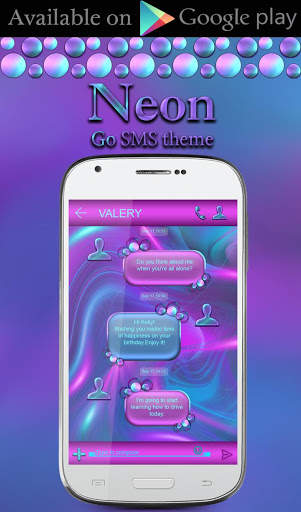
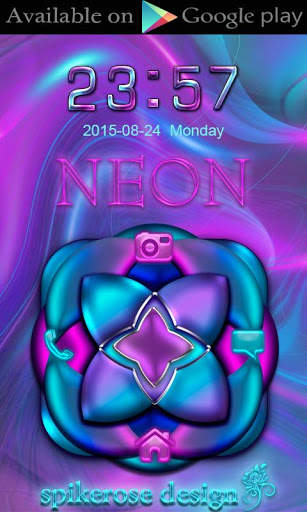
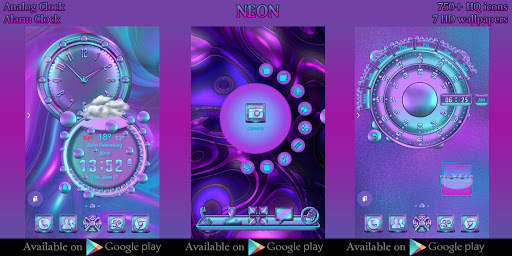
This is not a standalone app, this is a theme (skin) for Next Launcher 3D.
You need Next Launcher 3D installed to apply this theme to your phone.
This theme is compatible with tablet.
Features:
1. Support 3D and 2D mode
2. HD Wallpaper set
3. 600 HQ app icons
4. Analog clock
How to apply this theme:
Go to "Menu", choose "Themes", "Mine", "Apply".
How to change wallpaper:
Go to "Menu", tap "Wallpaper", press on the Next Launcher icon (blue color) and select wallpaper.
How to apply clock:
Go to "Menu", "Widgets", "System", find the widget themes, click on the widget.
3D mode:
Tap "Menu", "Preferences", switch to 3D scene mode.
2D mode:
Tap "Menu", "Preferences", switch to classic mode.
Installation Recommendations:
1. If you don't see the theme, then after installation you must first apply the standard theme of the Next Launcher. After that, the theme appears in the selection of themes.
2. If after switching from one mode to another (usually from 2D to 3D or conversely) icons and other elements don't change, follow these steps to solve this issue:
Tap "Menu", "Theme", "Mine" and then apply current theme.
Copyright © 2018 spikerose. All rights reserved.



Talking Tom Cat
3.963.0MB

Temple Run 2
4.4122.1MB

Dearmet: Video Chat, Live Talk
4.043.4MB

Candy Crush Saga
4.491.1MB

Quikr: Homes, Jobs, Cars Etc
4.120.8MB

Offline Music Mp3 Player- Muso
4.535.9MB

imo beta -video calls and chat
4.394.0MB

Facebook Lite
4.02.5MB

Stickman Fighting
3.059.6MB

ShopClues
3.816.4MB