
















DOWNLOAD IS NOT SUPPORTED IN WEB STORE!
Use the latest version of 9Apps to download APK&OBB file of games in one click!
DOWNLOAD 9APPS
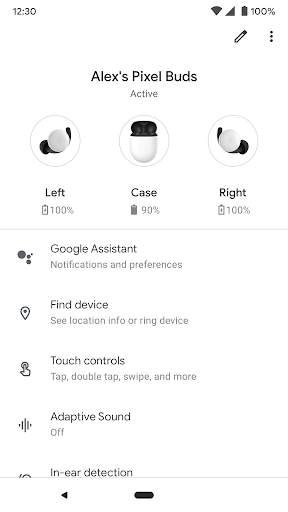
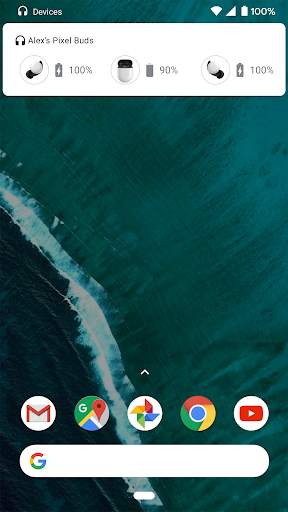
Set up and manage your Pixel Buds right from your Android 6.0 device with the Google Pixel Buds app. You can easily check your earbuds and case battery levels, and control features like Adaptive Sound, in-ear detection, find device, Google Assistant, and spoken notifications.
Here are some of the things you can do with the Google Pixel Buds app:
• Check battery levels
• Learn how to use touch controls
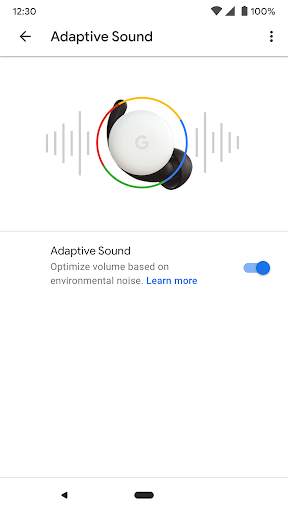
• Turn on/off Adaptive Sound
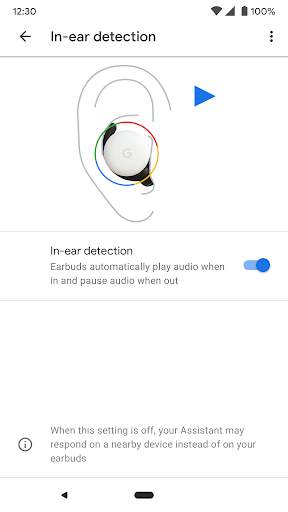
• Turn on/off in-ear detection
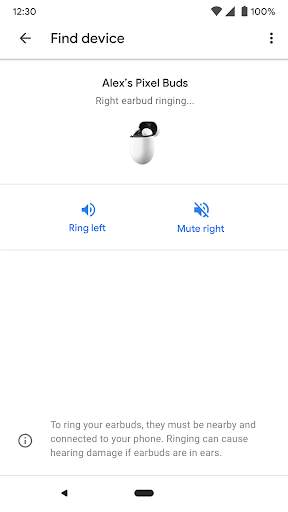
• Ring your earbuds to help find them
• Control your Assistant and spoken notifications
• Get tips & support
To open the Pixel Buds app:
• On Pixel, connect your earbuds > Bluetooth settings > tap the ⚙️next to Pixel Buds.
• On other Android phones, look for the Pixel Buds app icon on your Home screen.
Note: This app is for Google Pixel Buds (2nd Gen)
Welcome to your new Google Pixel Buds