










DOWNLOAD IS NOT SUPPORTED IN WEB STORE!
Use the latest version of 9Apps to download APK&OBB file of games in one click!
DOWNLOAD 9APPS

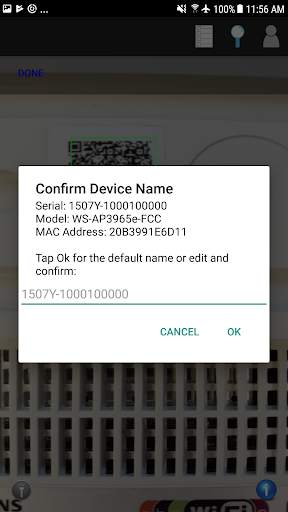
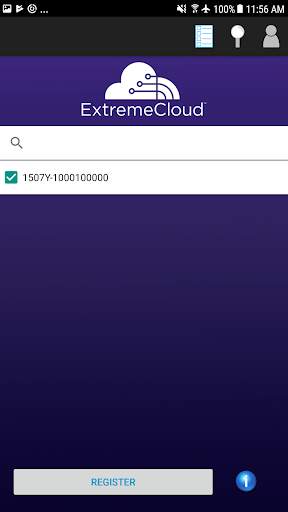
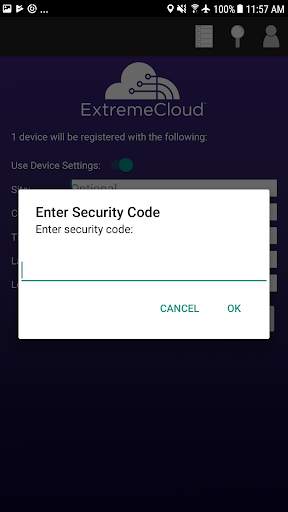
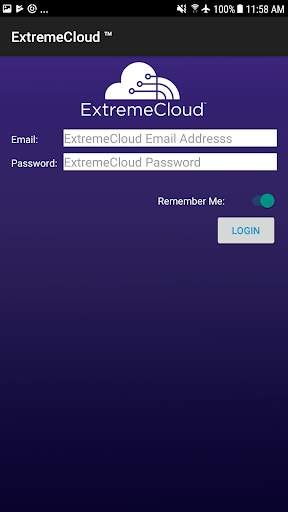
The ExtremeCloud™ Mobile application allows administrators to quickly provision cloud-managed network devices, providing enterprise-grade network services quickly and efficiently.
The application can be used by administrators and/or installers during installation to associate network devices to pre-configured network services ensuring that network services are available as soon as the network device is installed.
How to use:
1. Log in with your ExtremeCloud credentials
2. Tap scan
3. Scan the device's QR code
4. Tap OK to confirm the default device name, or enter a custom name and tap OK.
5. Repeat steps 4 - 5 for each new device
6. Tap Done
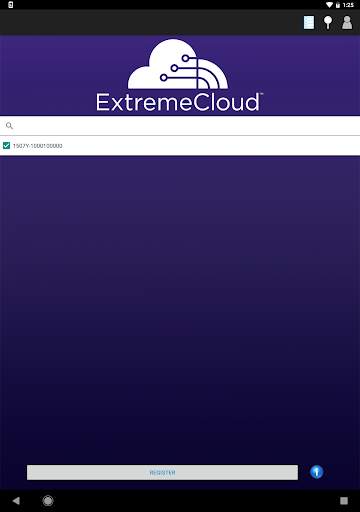
7. The Devices list displays.
8. Review the device list. You can deselect any device that you do not want to register
9. Tap Register
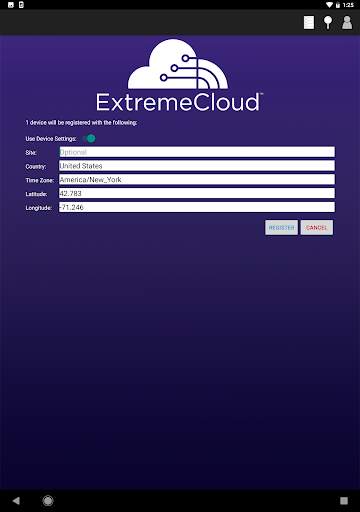
10. Edit the Site information or use the toggle button to hide the expanded information
11. Tap Register


