










DOWNLOAD IS NOT SUPPORTED IN WEB STORE!
Use the latest version of 9Apps to download APK&OBB file of games in one click!
DOWNLOAD 9APPS


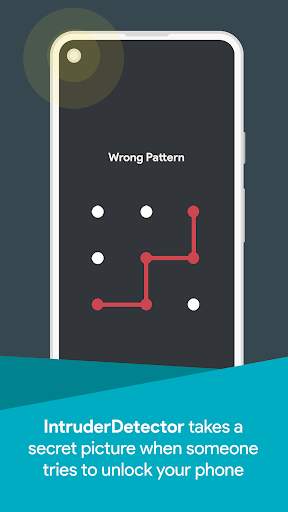
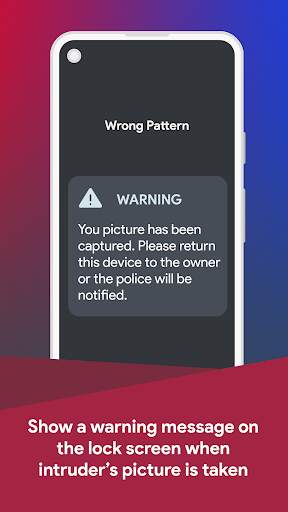

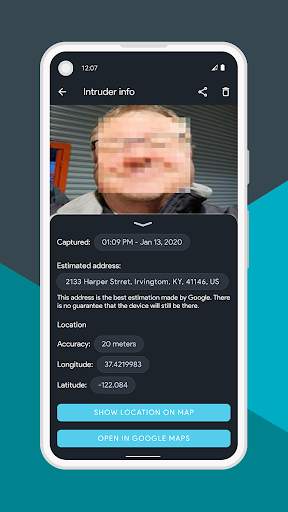
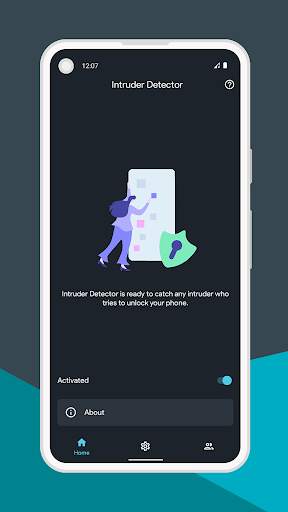
Catch thieves, nosy friends, a partner, or whoever snoops around your phone in the act.
Intruder Detector works in 3 easy steps to help you with that.
Step 1. If someone tries to unlock your phone with the wrong pin, password, or pattern, Intruder Detector secretly captures their picture using the front camera.
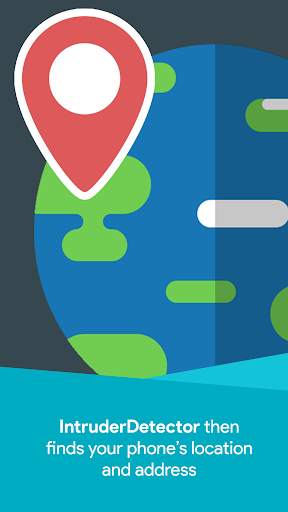
Step 2. In the meantime, Intruder Detector finds your device location and address without them knowing.
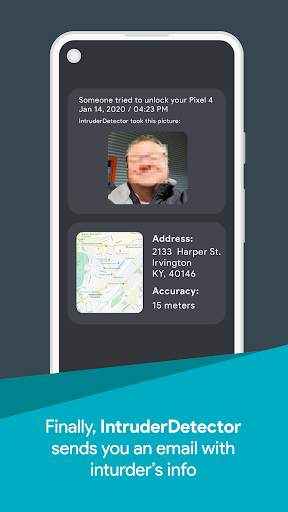
Step 3. And finally, Intruder Detector secretly sends you an email with complete information of the intruder including the intruder’s picture, location, address, and the exact time of the incident.
Important notes:
• Android only detects failed attempts of passcodes with at least 4 letters or points.
• How to uninstall?
To uninstall Intruder Detector, open the app and go to the
"Settings"
page and then tap on
"Uninstall"
at the bottom of the page.
If that doesn't work go to Android settings, security, device admins, and then deactivate Intruder Detector before uninstalling.


![Phone Hacked? 💥 Here's How to remove HACKERS from your phone! [2026 TUTORIAL] screenshot 3](https://i.ytimg.com/vi/W3xukO1SvMw/mqdefault.jpg)


