DOWNLOAD IS NOT SUPPORTED IN WEB STORE!
Use the latest version of 9Apps to download APK&OBB file of games in one click!
DOWNLOAD 9APPS
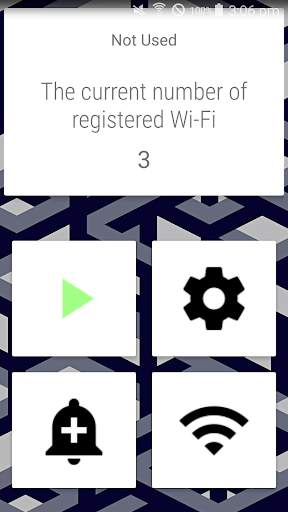
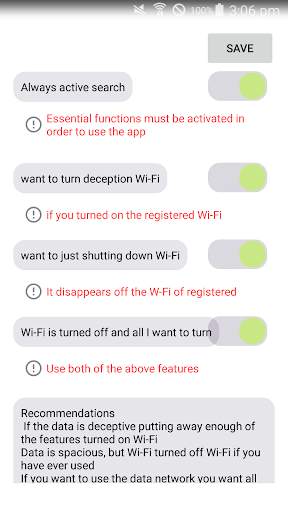
How to use
① Wi-Fi is currently connected to register them.
② Press the ENTER button.
③ - end -
When caught, once the signal is registered on the Wi-Fi connection up
The Wi-Fi signal is not caught, will be taken care off.
Wi-Fi is often used only once, when registration ends its Wi-Fi only where it is detected that!
Wi-Fi is disabled, even if the registration is Wi-Fi enabled automatically detects and connects!
Sometimes forgot to disable the haenotgo where it is often used at home, schools, companies such as Wi-Fi location sensing data from the bomb
Iteusijyo almost hit you ever? Once you register you can prevent data bombs.
Take care of Wi-Fi kyeoju them.
Wi-Fi Direct Shijo turn off Wi-Fi when it is weak?
Wi-Fi is often used only once, when registration ends its Wi-Fi only where it is detected that!
If you are connected to Wi-Fi Direct ankkeo even if you are caught.
Take care of Wi-Fi and turn out them.