










DOWNLOAD IS NOT SUPPORTED IN WEB STORE!
Use the latest version of 9Apps to download APK&OBB file of games in one click!
DOWNLOAD 9APPS
■ Feature
-----------------------------
• App remove
• Batch uninstall
•Remove application easily by single click!
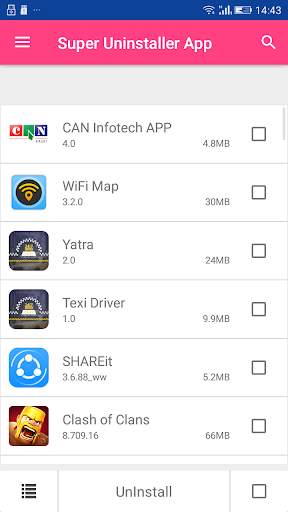
• Display application name, version, installation time and size
• App Usage Tracking
• Batch uninstall
• Fast uninstall by one click
• List all installed apps
• Show app name,version,update time,size
• Search app by name
• Various sort modes
• App share
• Launch app
• Very small application size
• Search in Google Market
• Support Android 1.6-4.x
• Support App2SD
• Uninstall History (Recycle Bin)
• Uninstall Reminder
■ Description
-----------------------------
Super Uninstaller is a tool to uninstall apps for android phones. It is quite easy to use, you can select multiple apps that you want to uninstall, and click "Uninstall Selected Apps" button to uninstall them.
Long press specified app, a context menu will pop up and provide more options. You can view app details by clicking "Application Details". You can share apps by clicking "Share", and you can search the app in the Google market by clicking "Search in Google Market".
■ FAQ
-----------------------------
Q: How to uninstall android app?
Check the apps that you want to uninstall, then tap the uninstall button.
Q: Why can't it list pre-loaded apps?
A: Pre-loaded apps cannot be uninstalled, only if your phone is rooted, you can search "root uninstall" in Google market.
Q: Why are some apps not on the list?
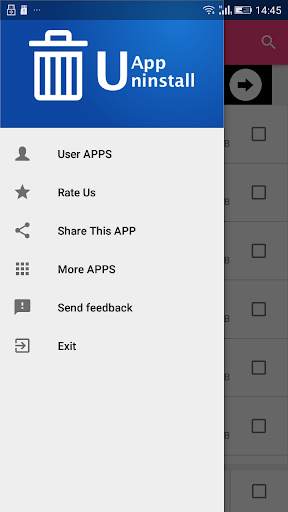
A: Try to click "Menu"->"Refresh" to clean the cache and re-load the app list.


