










DOWNLOAD IS NOT SUPPORTED IN WEB STORE!
Use the latest version of 9Apps to download APK&OBB file of games in one click!
DOWNLOAD 9APPS

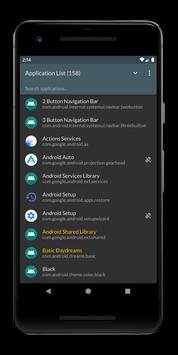
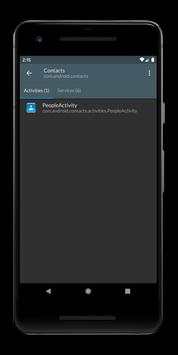
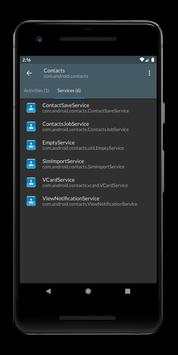
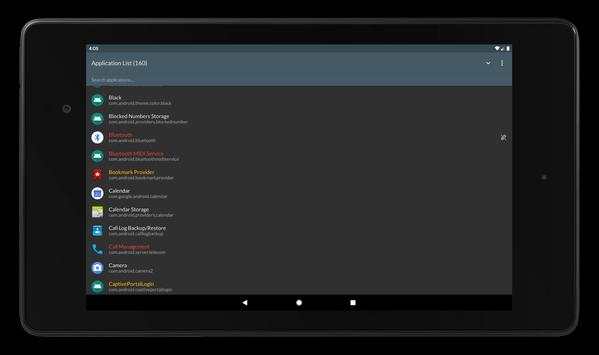
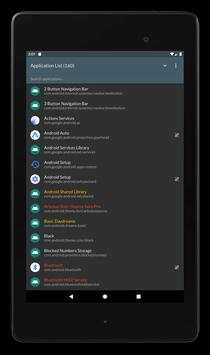
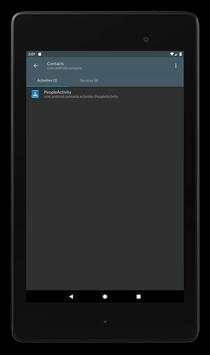
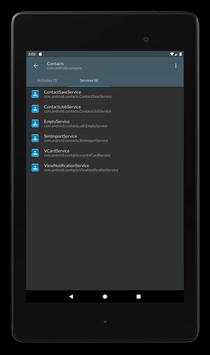
CCSWE App Manager
was designed for users who want disable applications and packages to improve performance. It also allows you to hide icons for applications they do not use without uninstalling the entire application. You can also hide icons for stock system applications which will allow you to continue to receive system updates while saving space in your application drawer.
★★ NOTE: You must have a stock Samsung device in order to use CCSWE App Manager (SAMSUNG) ★★
Contact
appmanager@ccswe.com
if you have any issues. We are more than happy to offer any help we can but cannot do anything if you simply give us a low rating instead of contacting us.
★★ Features ★★
★ Clear data for any application
★ Disable services and receivers
★ Export and import package lists (
Pro version only
)
★ Hide (disable) application icons without uninstalling the application
★ Home screen widget (
Pro version only
)
★ Favorites list (
Pro version only
)
★ Freeze (disable) applications
★ Password protection (
Pro version only
)
★ Uninstall applications
★★ Frequently asked questions ★★
★ Why does CCSWE App Manager (SAMSUNG) require device admin privileges?
Unfortunately the Android security model does not make it possible for one application to enable/disable components for another application. This makes sense for standard applications because you wouldn't want a competing application to be able to disable yours. That is why
CCSWE App Manager
requires device admin privileges in order to achieve this.


Improved application filter
Improved themes and UI components
Fixed issue when saving application filter
Fixed Samsung version
Fixed Pro License integration
Removed Samsung stores from blacklist


