
DOWNLOAD IS NOT SUPPORTED IN WEB STORE!
Use the latest version of 9Apps to download APK&OBB file of games in one click!
DOWNLOAD 9APPS

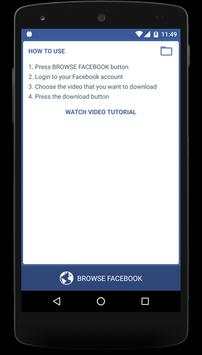


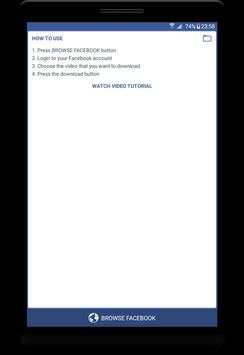


✪ Video Downloader Instant allows you browse to your Facebook account and choose the video that you want to download. You can choose the video from anywhere: your wall, page, group, etc...
This is the good enough to help you get video from the facebook.
✪ How to use:
-
Step 1: Choose Browse Facebook button
-
Step 2: Login to your account
-
Step 3: Find the video that you want to download (on Page or Group)
-
Step 4: Click on video and choose the option (Watch video or Download video)
✪ Some features:
-
Download the video from facebook to your device storage
-
Play the video that has downloaded
-
List up all downloaded videos
-
Play video in HD quality
-
Support to share video
-
Delete video
-
View detail information of video (name, date modified, path file, capacity)
Note:
- This app is not collect any data from the user
- Any unauthorized downloading of contents are the responsibility of the user.
- Any unauthorized acts when downloading content or any infringement of intellectual property rights are the sole responsibility of the user.