DOWNLOAD IS NOT SUPPORTED IN WEB STORE!
Use the latest version of 9Apps to download APK&OBB file of games in one click!
DOWNLOAD 9APPS
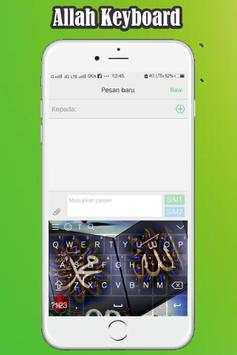
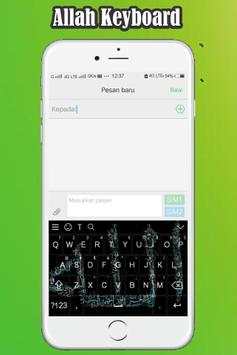
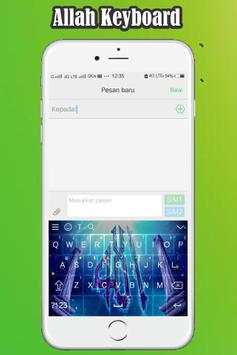
Allahu Akbar!
Download Keyboard Allah now so that you are always in a protected!
How to use the Keyboard Allah:
1. Launch the application of
Keyboard Allah
- Select Enable Keyboard,
- Check only
Keyboard Allah, select 'ok'
2. Select Set Input Method
- Check only
Keyboard Allah
3. Select Set Themes, select a theme you want.
4. Congratulation on using
Keyboard Allah
Thank You!