










DOWNLOAD IS NOT SUPPORTED IN WEB STORE!
Use the latest version of 9Apps to download APK&OBB file of games in one click!
DOWNLOAD 9APPS

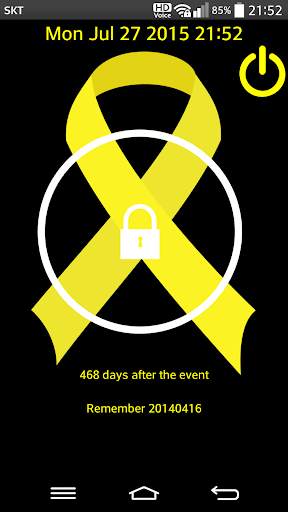
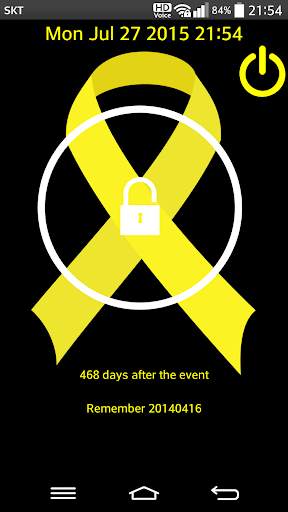
This screen locker app is made to cherish the memory of a deceased person at Sinking of MV Sewol
How to unlock your screen
1. Touch anywhere on the screen
2. Drag to the out of
the white circle
You can see all the sources(including java files, layout files etc.) at https://github.com/KunHwanAhn/YellowRibbonLocker
[1.3.5]
Apply Android M
- At first time, run this app, ask required permission.
[1.3.4]
Updated Function
- Remove Google AdSense
[1.3.3]
Improved Function
- Update UI
- Fix minor errors
[1.3.1]
New Function
- Add a new haptic response, Vibration
[1.3.0]
New Function
- Change the way to unlock screen
[1.2.0]
New Function
- Add power button on the right top side to turn on/off this lock screen app for a day (If you want to turn off this app, run this app and then click on the power button)


