DOWNLOAD IS NOT SUPPORTED IN WEB STORE!
Use the latest version of 9Apps to download APK&OBB file of games in one click!
DOWNLOAD 9APPS
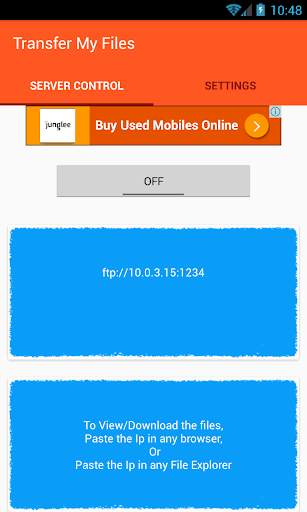
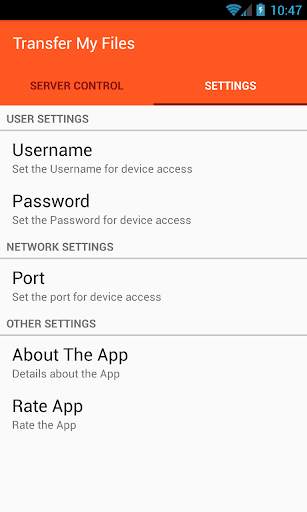
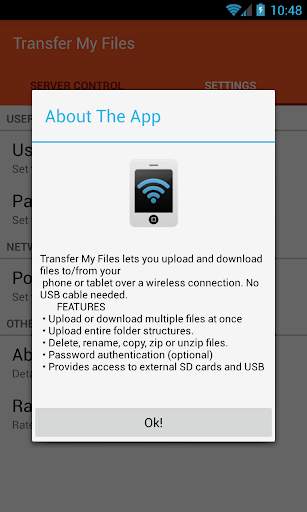
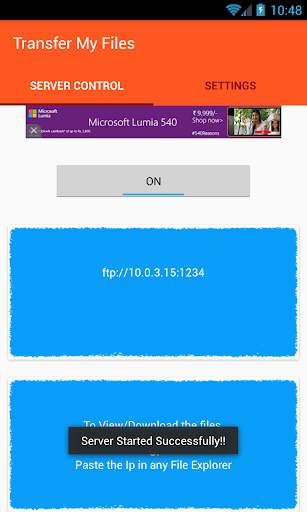
Transfer My Files lets you upload and download files to/from your phone or tablet over a wireless connection. No USB cable needed.
FEATURES
• Upload or download multiple files at once
• Upload entire folder structures.
• Delete, rename, copy, zip or unzip files.
• Password authentication (optional)
• Provides access to external SD cards and USB storage devices
• Works while the device is in hotspot mode
• To download from browser, RightClick on file-> save link as
NOTE
• In order to use this app, your computer and your phone need to be on the same local area (or wlan) network.
• If you would like to use this app on public WiFi networks, please make sure to set an access password in the app settings.
• If you're using Transfer My Files alongside other server apps, make sure they do not use the same port number.
Feel free to send any questions, comments, complaints or suggestions to adityak368@gmail.com.
By default, Username = anonymous, and there is no password needed.
Tags: web server, webserver, file explorer