










DOWNLOAD IS NOT SUPPORTED IN WEB STORE!
Use the latest version of 9Apps to download APK&OBB file of games in one click!
DOWNLOAD 9APPS

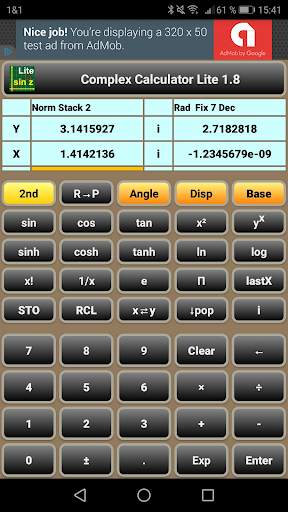
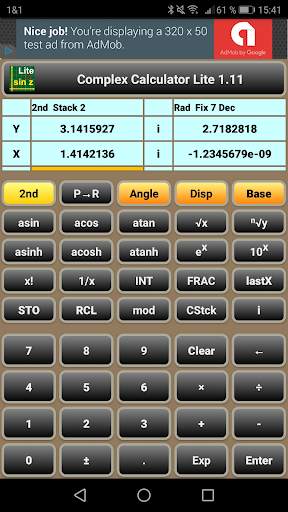
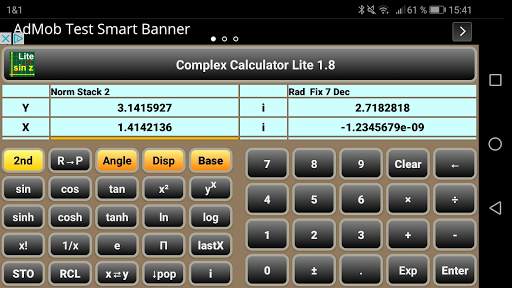
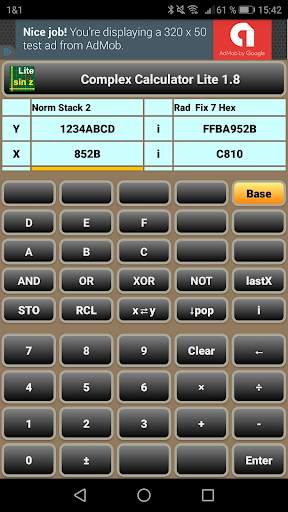
You are mathematician or electrical engineer, who wants to calculate AC circuits? Or you are just curious, what is the complex result of asin(2)? Here is the tool you have been waiting for.
Use the app like a normal pocket calculator - with the following special features.
- The data input scheme is RPN (reverse polish notation), as well-known from HP calculators.
- The data is kept in a stack, from which the lowest two entries (called X and Y register) are always visible.
- To toggle the active input field between real and imaginary part, use the "i" button or touch the related input field. The currently active input field is highlighted with an orange bar.
- After pressing the "2nd" button, the related buttons change their labels (e.g. "sin" --> "asin").
- All scientific functions work as well-known, however with complex results, if required. Even the factorial "x!" reveals some more results - using the gamma function.





18 (1.18): Bugfix Percent Functions (empty stack)
17 (1.17): Percent Functions % and %CHG
16 (1.16): App adapted to Android 11
15 (1.15): Update to targetSdkVersion 29
14 (1.14): Layout and Text Size optimized for all Displays
13 (1.13): Text Size optimized for Tablets
12 (1.12): Layout optimized for Tablets
11 (1.11): Modulo function (2nd, mod)


