

![30+ Keyboard Shortcuts for YouTube Videos [How-To] screenshot 2](https://i.ytimg.com/vi/Pvn1a5J0D9A/mqdefault.jpg)











DOWNLOAD IS NOT SUPPORTED IN WEB STORE!
Use the latest version of 9Apps to download APK&OBB file of games in one click!
DOWNLOAD 9APPS

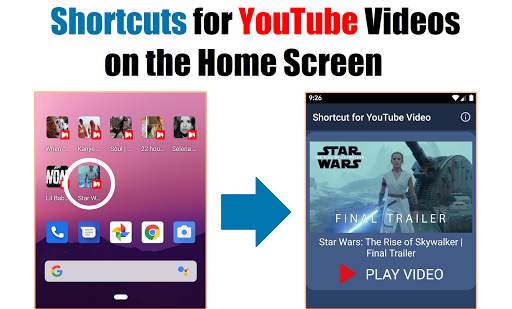
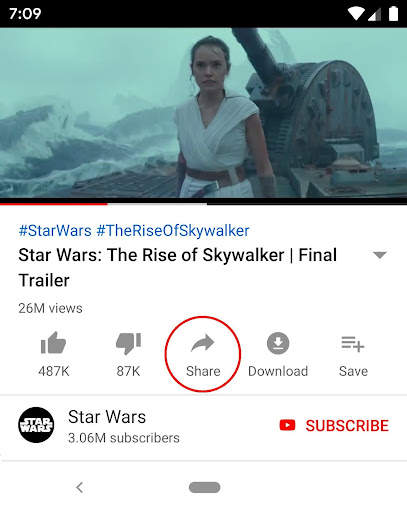
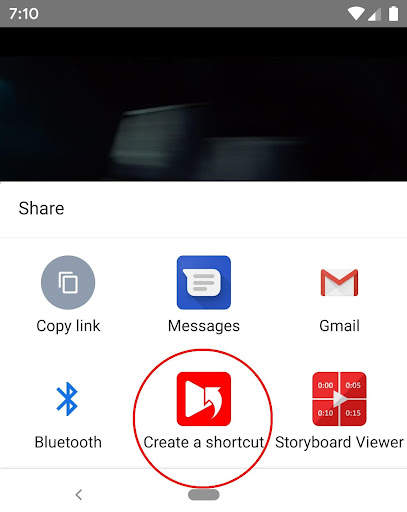
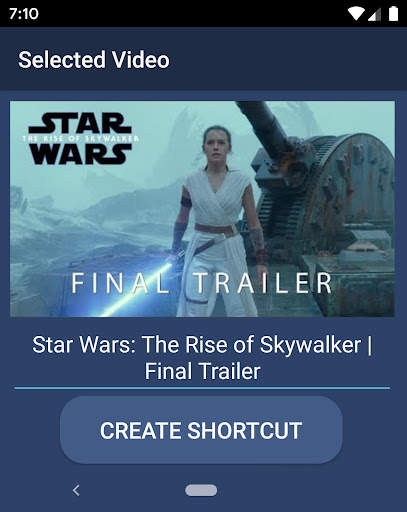
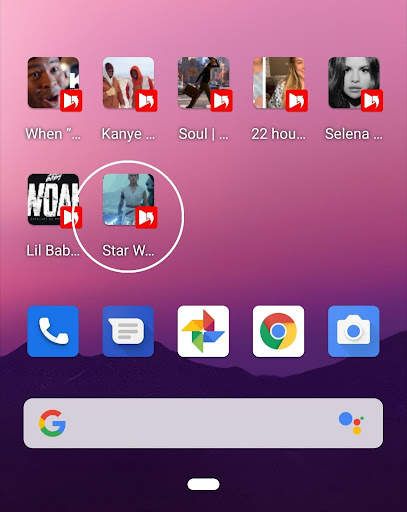
How to create a YouTube shortcut on your home screen.
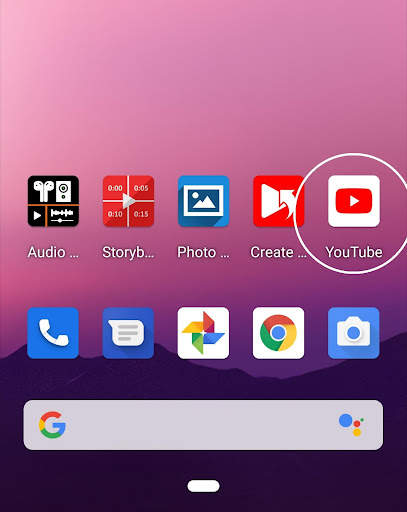
1. Launch the YouTube app.
2. Touch 'Share' on the video.
3. Touch 'Create Shortcut'.
4. Create a shortcut.
5. A shortcut of the YouTube video is created on the home screen.
You can also create shortcuts for YouTube channels and playlists. (Thumbnails are currently not supported for channels and playlists.)
Thank you.


