









DOWNLOAD IS NOT SUPPORTED IN WEB STORE!
Use the latest version of 9Apps to download APK&OBB file of games in one click!
DOWNLOAD 9APPS

STEP 1:
Download HomeMedia App
STEP 2:
Download & install free Server (HomeMedia) for Windows and start it
Download it from
http://www.banamalon.net
STEP 3:
Select 'Change Server' from HomeScreen
A list of the Servers should appear otherwise press the refresh button or add a new server by pressing the add button
STEP 4:
Be a potate and use your coach!
If any problems occur just contact us directly!
STEP 5:
Comment/Rate this app!
SUPPORT:
- Install guide:
http://www.banamalon.net/android/wiki/index.php?title=HomeMedia_APP
- Forum:
http://www.banamalon.net/android/bbpress/
- Mail
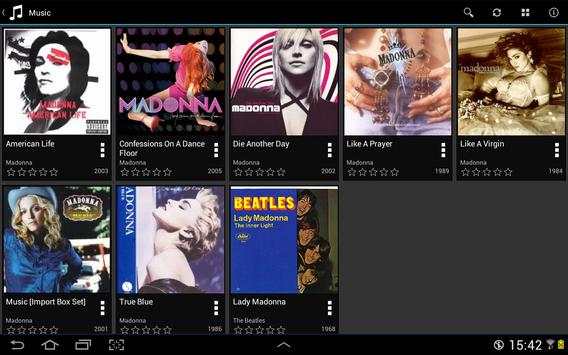
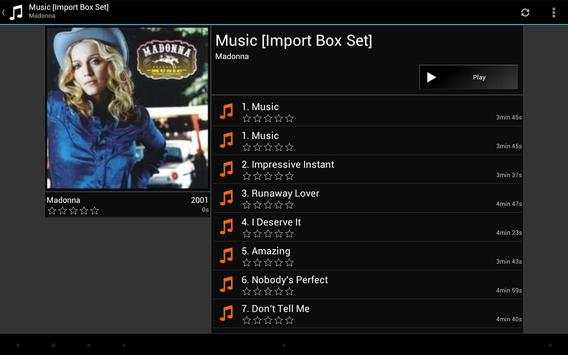
This is a filemanager for your media files.
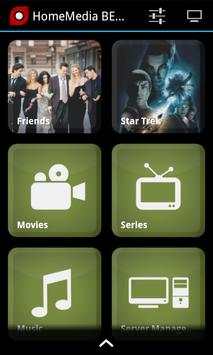
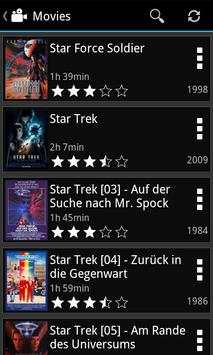
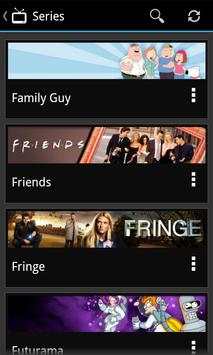
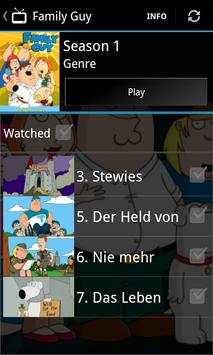
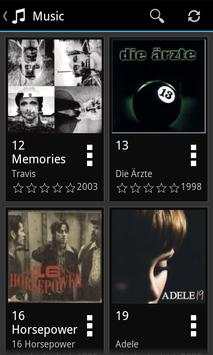
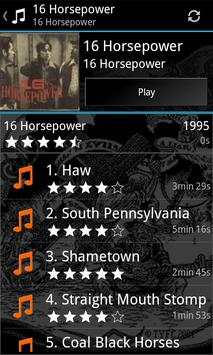
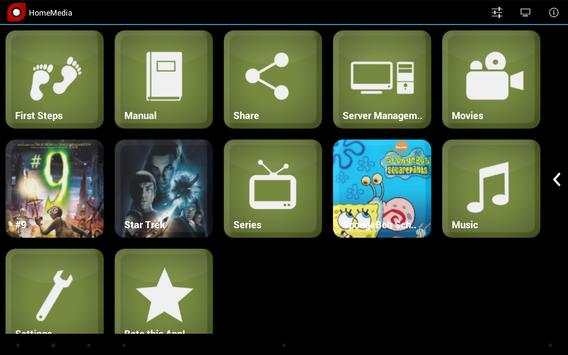
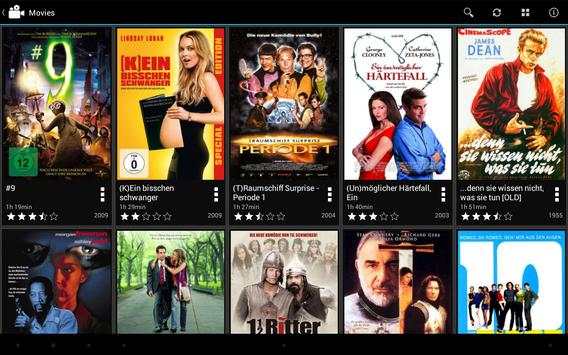
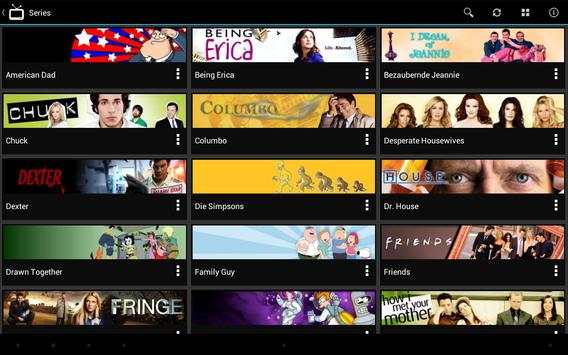
HomeMedia App provides you to browse your media collection stored in HomeMedias server program.
Therfore you must DOWNLOAD the server program HomeMedia to use this app otherwise it won't show you anything!
Features:
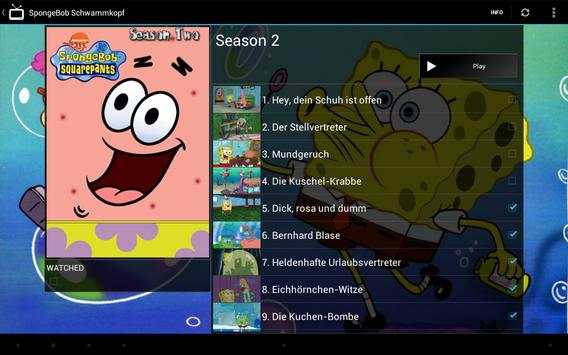
- Browse your media files
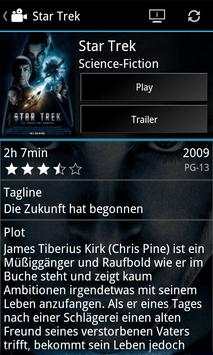
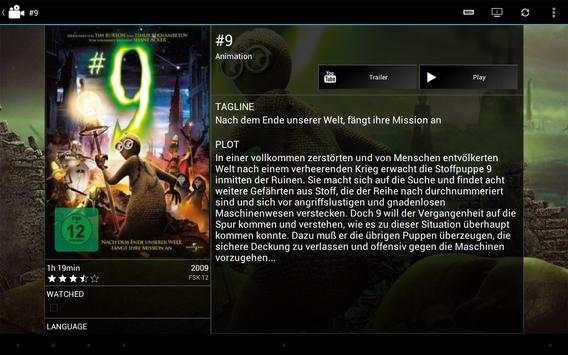
- Watch a trailer of a movie on your device [uses third party apps]
- Show information of a movie on the server
- Watch the media file on your device [uses third party apps eg. RockPlayer]
- Start the media file on the server
No remote control yet? Try out our remote controls with integrated HomeMedia! We are currently supporting Media Player Classic (MPC), VideoLAN Client (VLC), Windows Media Player (WMP) and foobar2000.




- Complete redesign


