












DOWNLOAD IS NOT SUPPORTED IN WEB STORE!
Use the latest version of 9Apps to download APK&OBB file of games in one click!
DOWNLOAD 9APPS
GPS speedometer
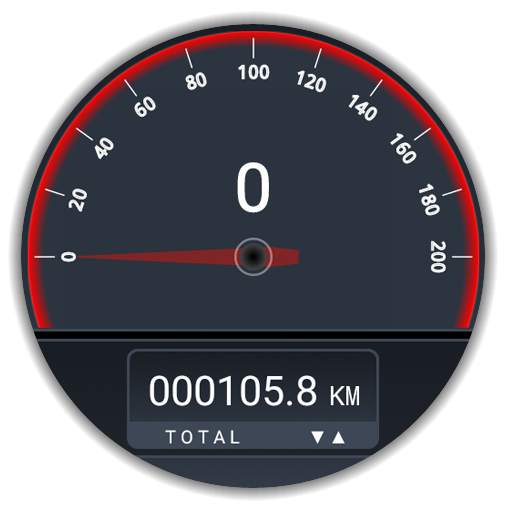
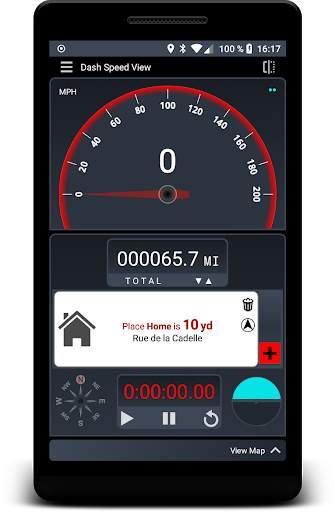
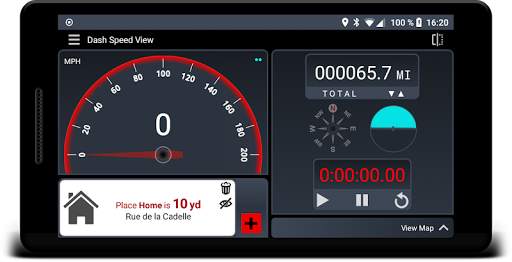
- Speedometer in KM/H, MPH, KT (setting in preferences)
- Distance counter in km, mile, yard (total and session)
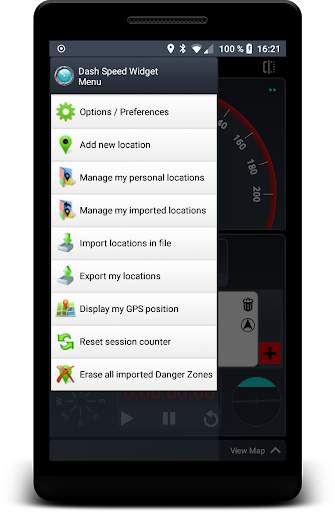
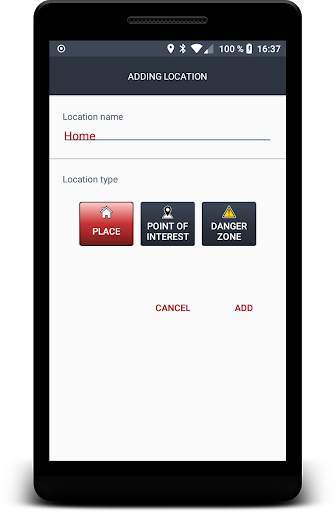
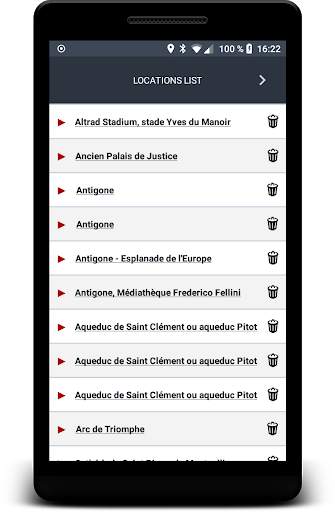
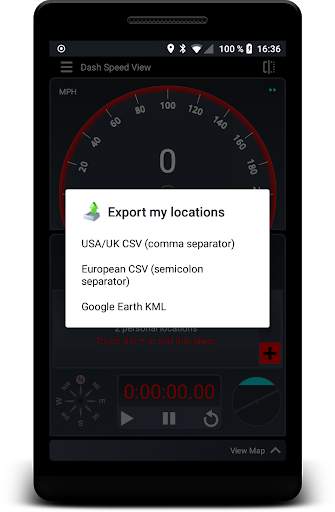
- Location, Point of Interest and Zone Alerts (programmable) with possibility of importing and exporting CSV, ASC and TXT files
- GPS position with geographic address if available
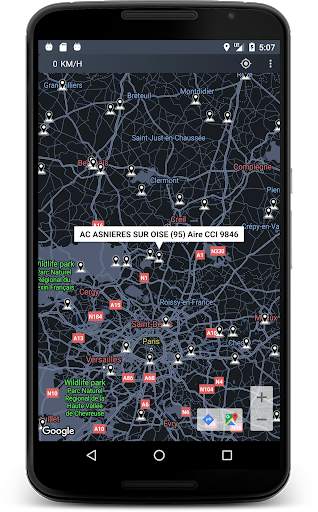
- Map of your location
- Classic stopwatch
- GPS compass
- Virtual Horizon
- High Head Mode
options:
- Proximity alerts (visual, sound, vibration)
recommendations:
The quality of your GPS receiver can affect the results, please set your GPS in High Precision mode.
Buildings, tunnels, mountains, buildings, cloud cover, etc. can affect the reception of the signal.
The app only interprets what your device sends it.
Use:
Click on the GPS compass to view your location.
Click on the distance counter to be able to reset it or to change the TOTAL and SESSION modes (the session counter automatically resets when the device is restarted).
Click on the virtual horizon to lock or unlock the position.


