DOWNLOAD IS NOT SUPPORTED IN WEB STORE!
Use the latest version of 9Apps to download APK&OBB file of games in one click!
DOWNLOAD 9APPS

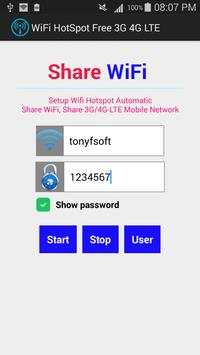
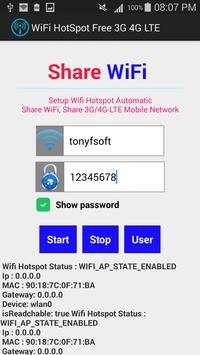
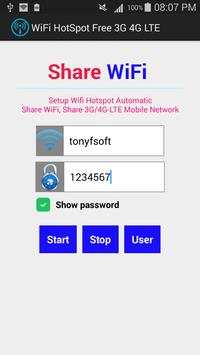
1. Enter the name of the Wi-Fi hotspot that you want.
2. Enter the desired password. (Password Must be contain at least 8 characters)
3. Click Start to begin.
4. Turn off your WiFi, press STOP.
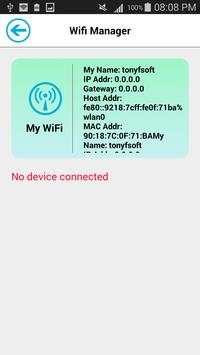
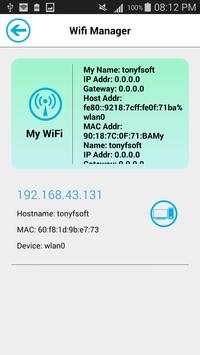
5. Manager all devices using your wifi, press User.
6. To connect to the Wi-Fi hotspot you have to find your correct name Hotspot and enter the correct password that you created above.
-WiFi hotspot
-Share your mobile's internet (WiFi/3G/4G-LTE) connection with laptop, tablet or any other WiFi enabled devices.
![Soft wifi vs wifi hotspot in modem dongle datacard [Difference] screenshot 1](https://i.ytimg.com/vi/9U7o6XK3uuw/mqdefault.jpg)