









DOWNLOAD IS NOT SUPPORTED IN WEB STORE!
Use the latest version of 9Apps to download APK&OBB file of games in one click!
DOWNLOAD 9APPS

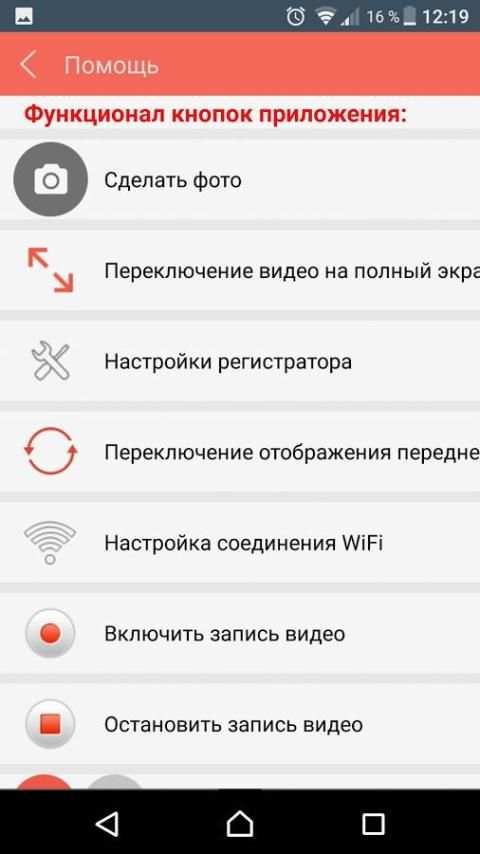
The application for interaction with the standard DVR OPTIMAL-DVR. Videorgegistrator formed in a regular design passenger compartment and installed using a regular fasteners. Modern electronic filling allows to obtain high-quality video traffic situation with 1296P resolution (2304x1296) and a viewing angle of 150 degrees in the horizontal plane. To expand the functionality to the DVR can be connected the GPS signal receiver (to uniquely bind to the video area), and a rear view camera (two-channel recording).
The DVR does not have its own display, this application is used for managing your settings and quick access to the archive of videos.
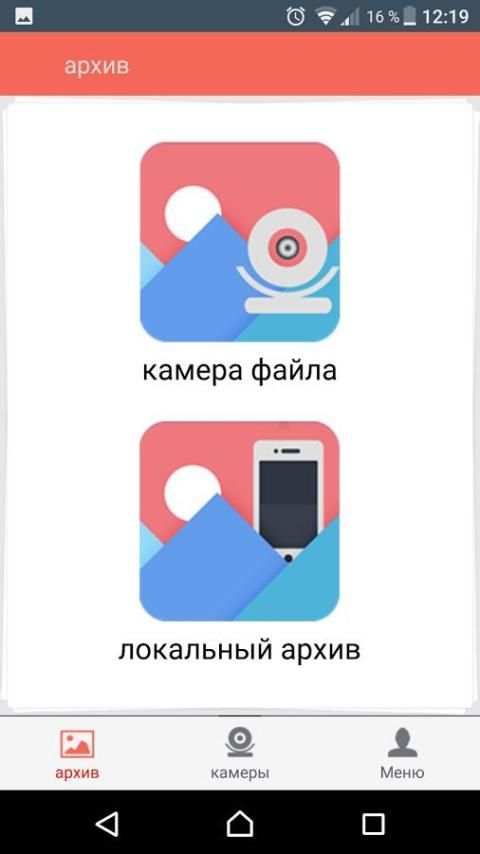
With the application, you can change the video quality settings, events sensitivity of the sensor (G-sensor), operation of built-in microphones and speakers, adjust the date / time, etc. The application has full access to the archive of videos to view, save a copy to your smartphone, remove non-relevant content.
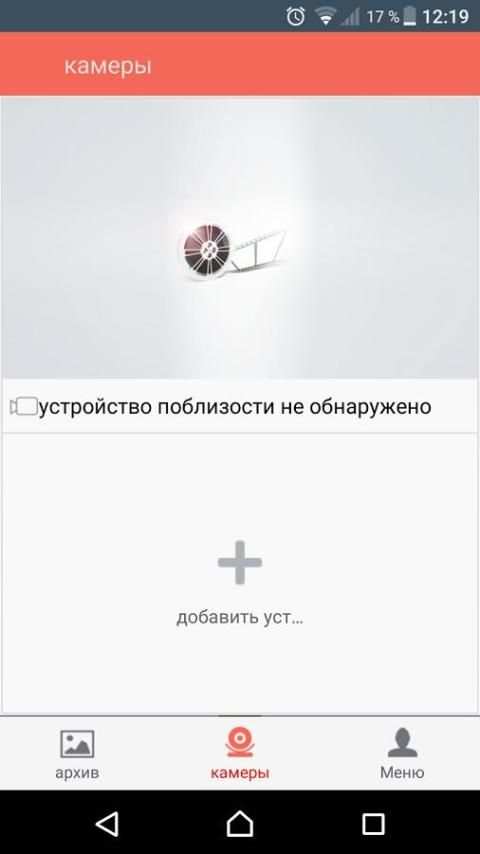
Connection procedure:
- turn on the power of the DVR
- Enable WiFi on your smartphone with the application installed
- run the application WiFi DVR W
- choose the WiFi access point DVR
- use password "1234567890" to connect



Все


