












DOWNLOAD IS NOT SUPPORTED IN WEB STORE!
Use the latest version of 9Apps to download APK&OBB file of games in one click!
DOWNLOAD 9APPS

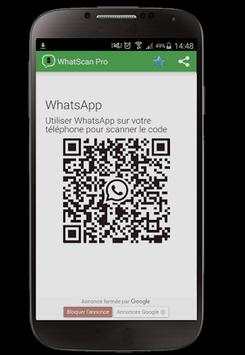
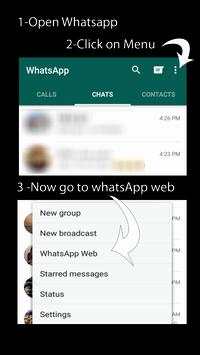
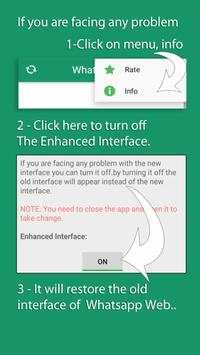
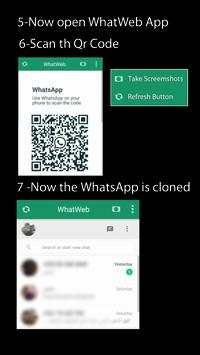
1. Open Whatscan for Whatsweb app on your 2nd phone and it will show a QR Code for you to scan.
2. Use WhatsApp on your 1st phone to scan the QR Code on WhatScan your 2nd phone.
3. That's it! All the WhatsApp messages (including text, images, audio and video) will now be synced on both of your phones!
Disclaimer: Whatscan for Whatsweb is created by us, and it not an official WhatsApp application and not associated with WhatsApp In
new version


