









DOWNLOAD IS NOT SUPPORTED IN WEB STORE!
Use the latest version of 9Apps to download APK&OBB file of games in one click!
DOWNLOAD 9APPS

Save Whatsapp Video and Photo Status of your Friends and Family
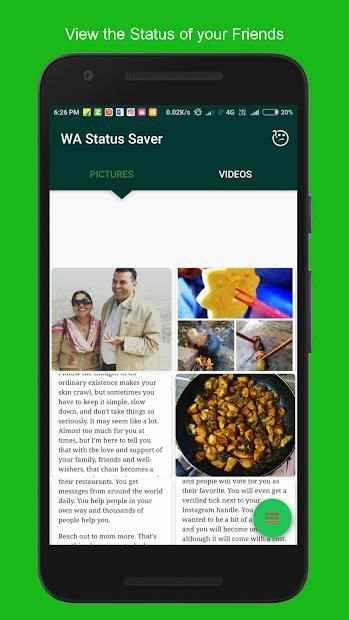
Whatsapp Status Downloader helps you to save the image or video status update from your contact list in Whatsapp to your local storage.
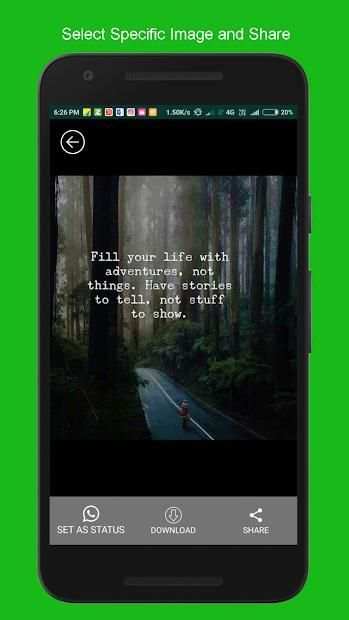
You can save, share it with friends and set the images and videos as your status.
How to use Whatsapp Status Downloader?
1. Open WhatsApp and View the status you want to download to your phone.
2. Now open the Whatsapp status Downloader app and you can see also the seen status.
3. Click on the thumbnail, now you can save and share the status.
4. Then Open Menu button in bottom right of the home screen to See saved Status.
Note: We do not access your contact or chat information. We just copy the image from the hidden folder to other folder in your device.





- Save the Image/Video Status Locally
- Share the Image/Video with your Friends


