










DOWNLOAD IS NOT SUPPORTED IN WEB STORE!
Use the latest version of 9Apps to download APK&OBB file of games in one click!
DOWNLOAD 9APPS





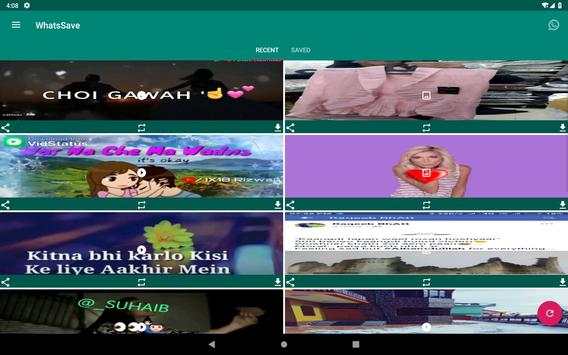
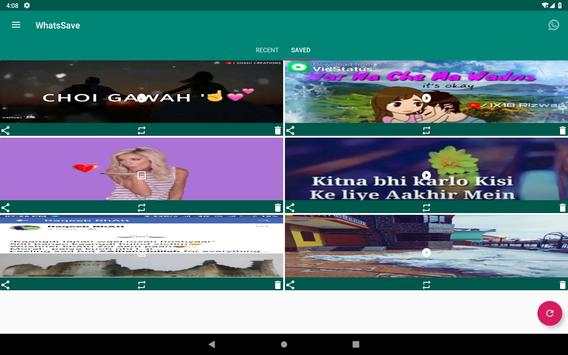

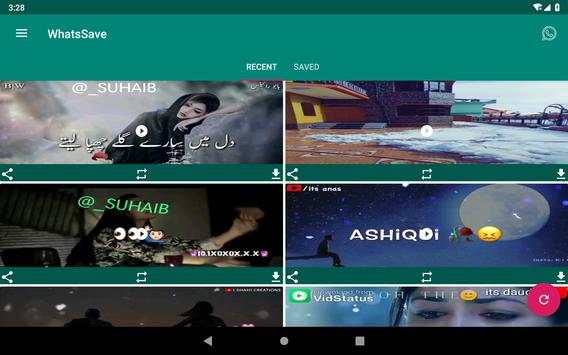

Steps to use.
All you have to do is Install WhatsSave and do the following:-
1. Check the desired Status/Story from WhatsApp
2. Open
WhatsSave, Click on any video or image to view or download
3. Select download Button to save
Features:
1. Save videos or images to gallery
2. Repost
3. Share
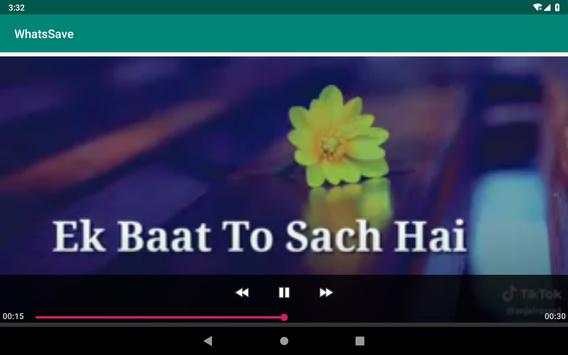
4. Inbuilt Image Viewer and Video Player
Disclaimer:
1. Re-uploading image/video stories and is NOT encouraged, please seek owner approval.
2. This app is not affiliated with WhatsApp.
3. Any unauthorized downloading or re-uploading of contents and/or violations of Intellectual property rights is the sole responsibility of the user.
IMPORTANT
The
"WhatsApp" name is copyright to WhatsApp,inc. This app is in no way affiliated with, sponsored or endorsed by WhatsApp, Inc. We are not responsible for any kind of re-usage of any media downloaded by user.


