











DOWNLOAD IS NOT SUPPORTED IN WEB STORE!
Use the latest version of 9Apps to download APK&OBB file of games in one click!
DOWNLOAD 9APPS




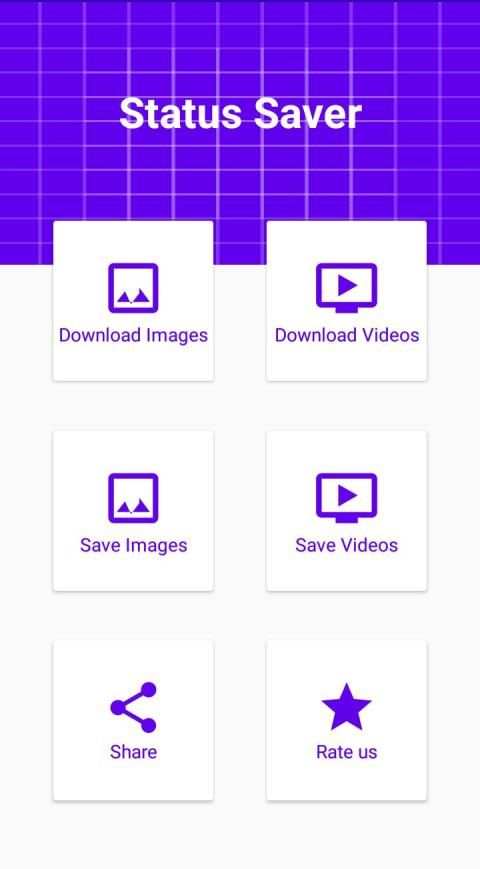

Here is the best choice for saving WhatsApp Statuses,
How to Use?
1 - Check the Desired Status
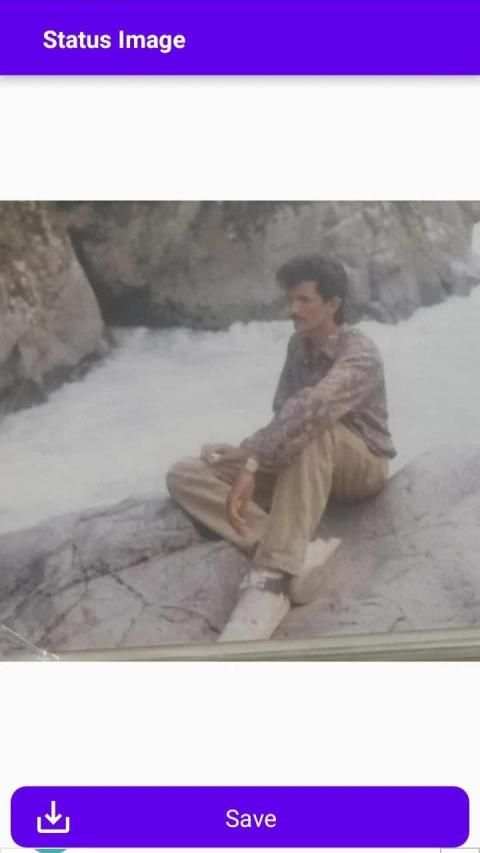
2 - Open WhatsApp Status downloader, Click on any Image or Video to View...
3 - Click the Save Button!
OR
1 - Check the Desired Status
2 - Hold on a Status to Enable Multi Selection,
3 - Click "Save" buttom at the bottom
The Status Image/Video is Instantly saved to your Gallery!
The Only App in the Store which shows you Statuses from 4 Different Apps/Environments!
They include -
1) Normal Statuses,
2) G.B Statuses,
3) Business Statuses!
Notable Features:
* Simple save images and videos,
* Easy & Fast Saving,
* Simple and Easy User Interface!


