








DOWNLOAD IS NOT SUPPORTED IN WEB STORE!
Use the latest version of 9Apps to download APK&OBB file of games in one click!
DOWNLOAD 9APPS
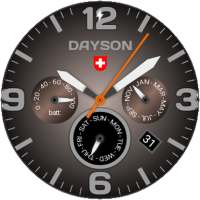
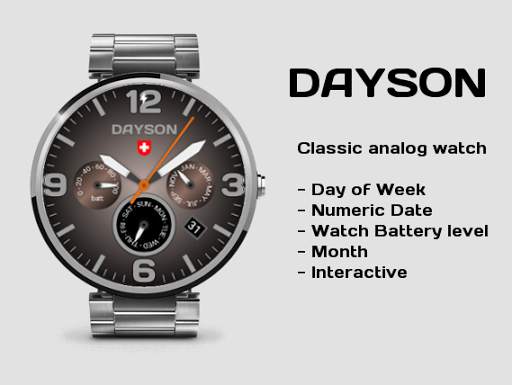
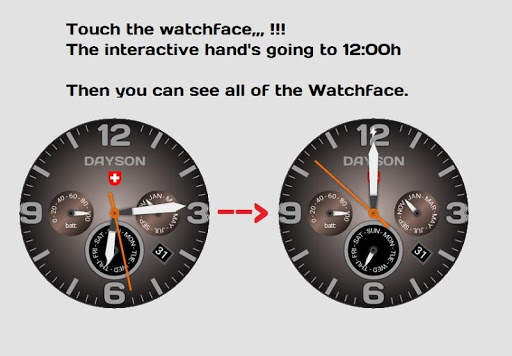
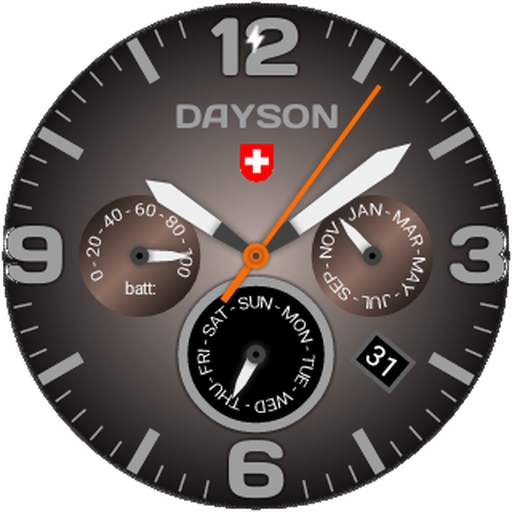
Watch Face DAYSON
Interactive Watch Face for Android wear smart watch
Features:
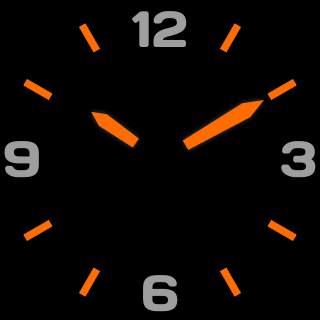
★ Custom Ambient Mode brightness
Settings:Ambient Mode Brightness *
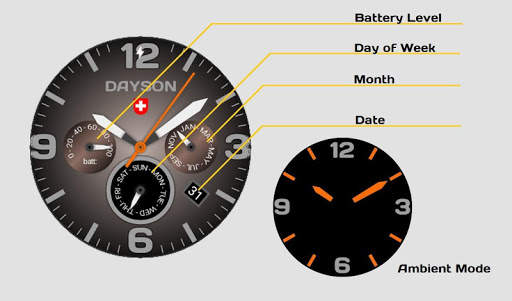
You can change watchface brightness for Ambient mode.
You can change ambient hour mark color.
★ Choose time to go in Ambientmode
★ Date indicator
★ Day indicator
★ Battery level indicator
★ Hourly Vibrate
★ LCD and AmoLED screen (burn-in protection compatible)
Compatible with:
★ LG G Watch
★ LG G Watch R
★ LG Watch Urbane
★ Moto 360
★ Huawai
★ Sony Smartwatch 3, und viele weiter Android smart watches.
* Tap the watchface icon on your PHONE to setup.
After install the watch face will be available in the Android Wear app.
Touch the watch face to select it and a small wheel will apear on top of the watch face.
Touch it again and the configuration app will start.
If it not showing on the watch run Resync app option in Android Wear app
Installation
It will be installed on your watch automatically from your phone paired with your watch after a short time and please wait. (may take a few minutes)
After installation,you can choose the watch face from the setting menu.
Or just long tap on the current watch face screen,so watch face selector screen will open.




New API


