










DOWNLOAD IS NOT SUPPORTED IN WEB STORE!
Use the latest version of 9Apps to download APK&OBB file of games in one click!
DOWNLOAD 9APPS


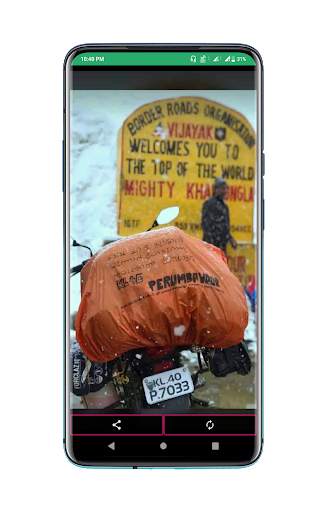
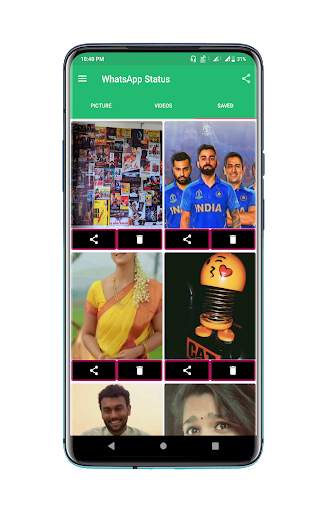

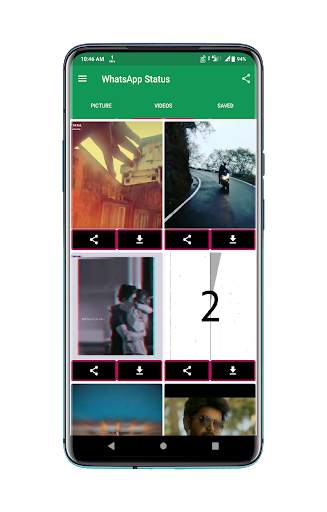
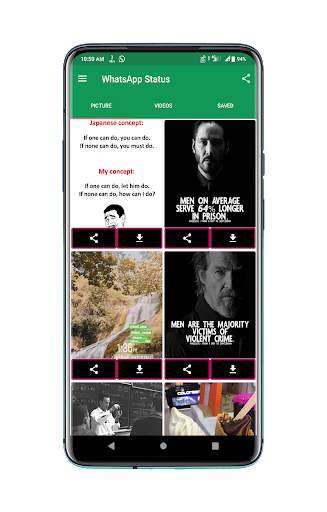
😊 Never loss any status you wanna keep in WhatsApp!
😀 Repost Friend's Statuses Without taking Screenshots
Application to Save the Status On WhatsApp
🌈 How to save status:
1- View desired status in WhatsApp.
2- Open saver and click desired status.
3- Click the save button.
4-Select Share or Re post Option
Then you will possess wanted status instantly!👍User friendly operations!
Features:
☆ Easy to use.
☆ Clean and Robust Design.
☆ Support Status, Business Status and GB Status.
Status Saver Disclaimer:
The Application is not associated with WhatsApp.
Please be sure you have the right to share the contents before saving and sharing it.
Any unauthorized actions (saving or sharing) and/or violations of IPR is the sole responsibility of the user.





App Size Reduced
Bug Fixes and Some Improvements


