
Simple, small, free app to boost your speaker or headphone sound volume. Useful for movies, audio books and music.
Use at your own risk. Playing audio at high volumes, especially for a prolonged amount of time, can destroy speakers and/or damage hearing. Some users HAVE reported destroyed speakers and earphones. If you hear distorted audio, lower the volume (but it may be too late).
* Quick boost with one tap on the button.
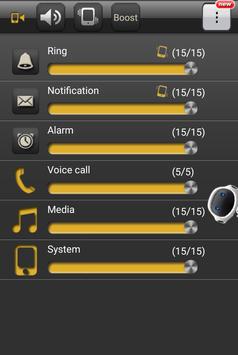
* Quick configuration of the volumes of Ring, Notification, Voice call, Media, Alarm and System.
* Switch to silent or vibration mode with just one touch.
* Remember the settings and adjust the volumes automatically when your phone is turned on.
* Remember the settings with or without headset and adjust the volumes when your headphone is plug in or pull out.
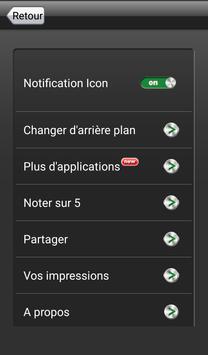
When you set the boost to zero, Volume Booster will be off. The notification icon is just for ease of launching. If you don't like seeing the notification icon when Volume Booster is off, just go to Volume Booster's Settings and set it to appear only when Volume Booster is running.



9Apps 4.9













