










DOWNLOAD IS NOT SUPPORTED IN WEB STORE!
Use the latest version of 9Apps to download APK&OBB file of games in one click!
DOWNLOAD 9APPS
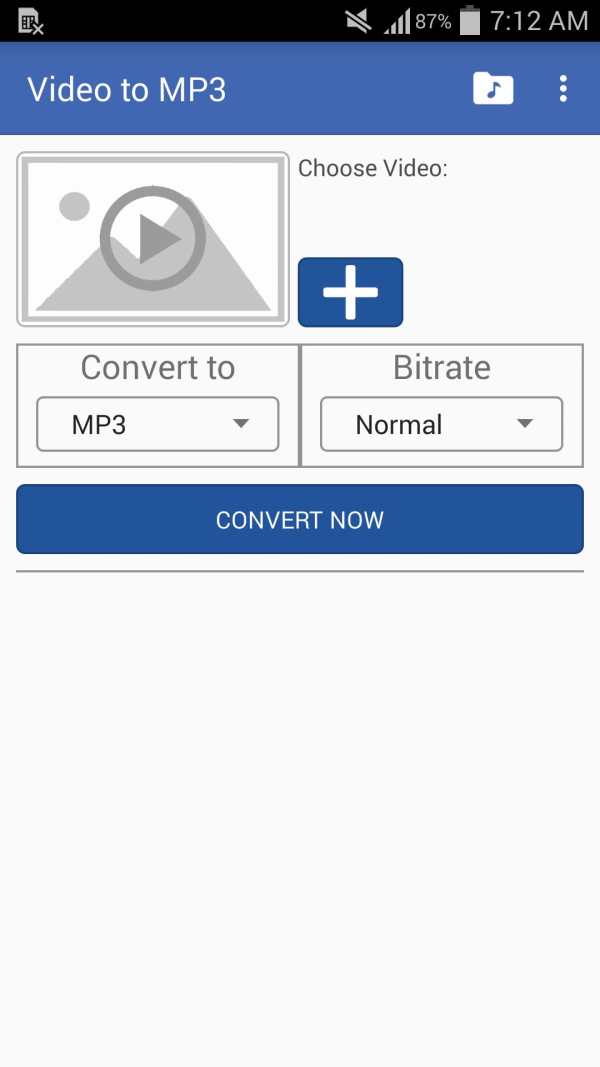
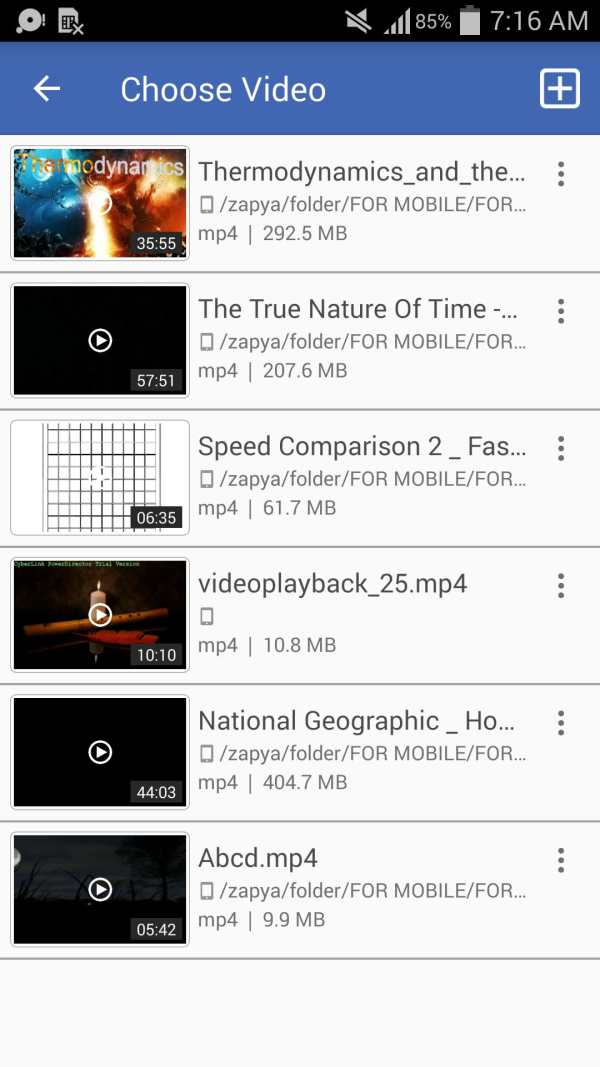
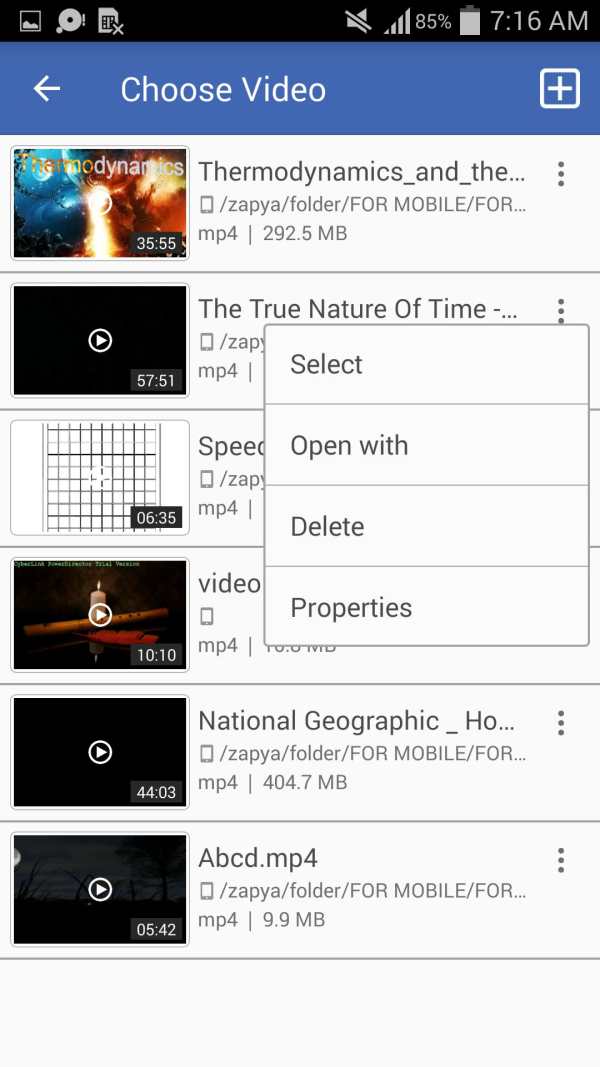
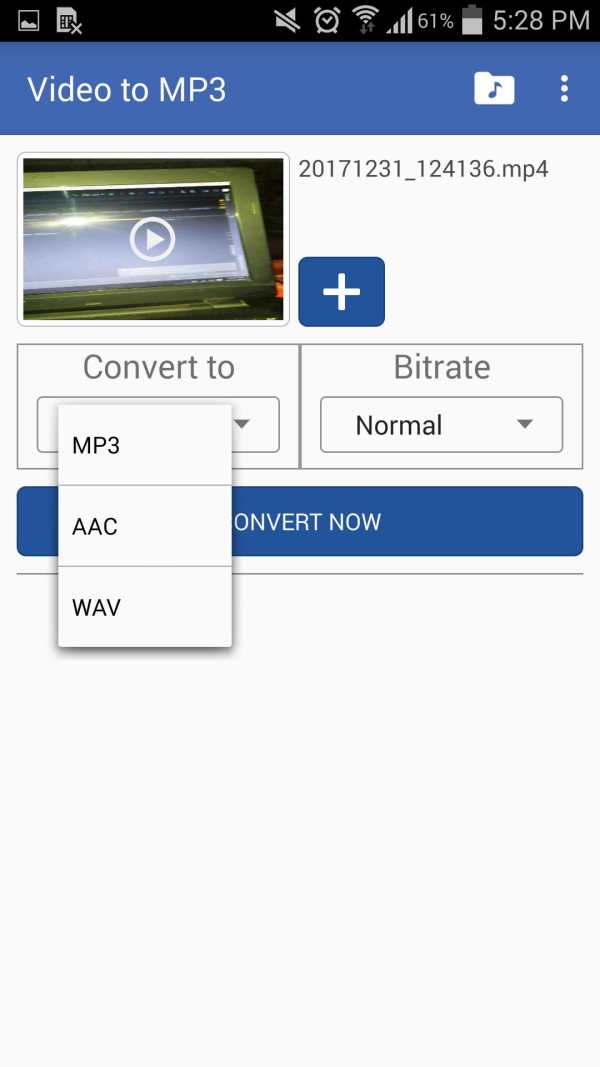
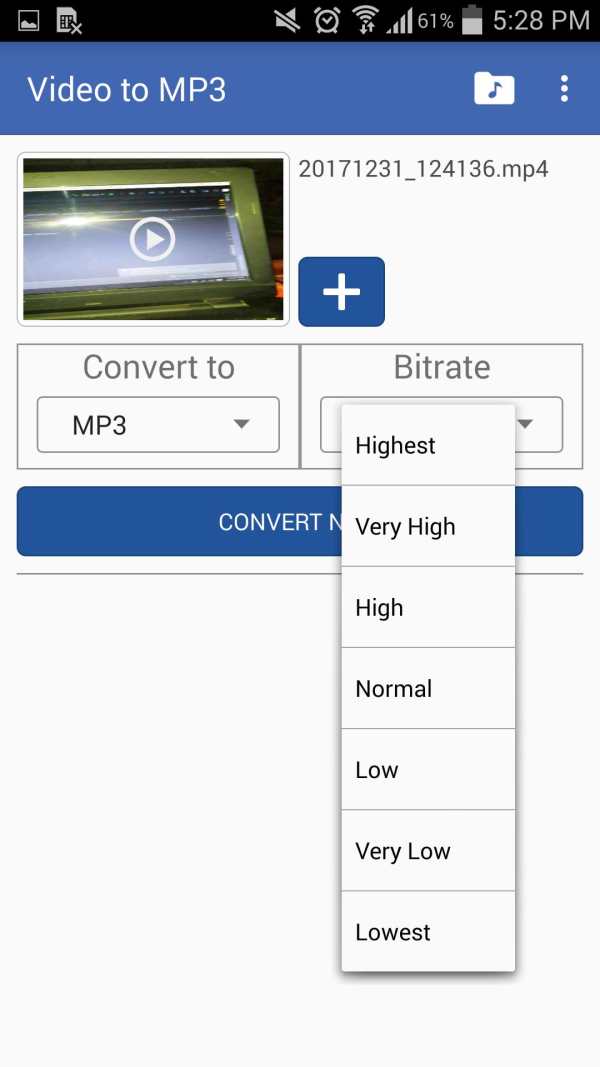
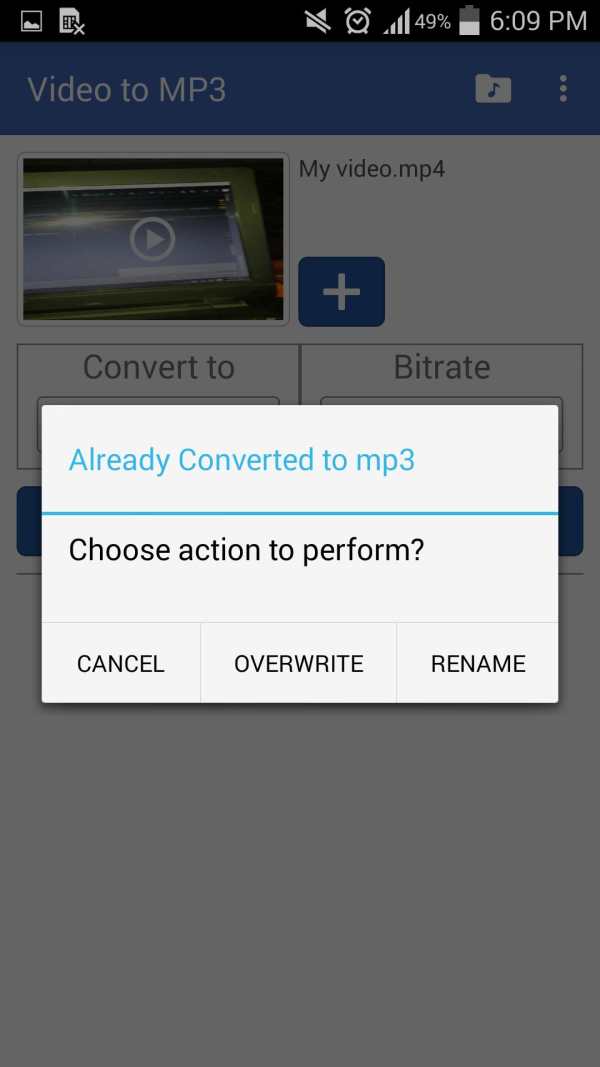
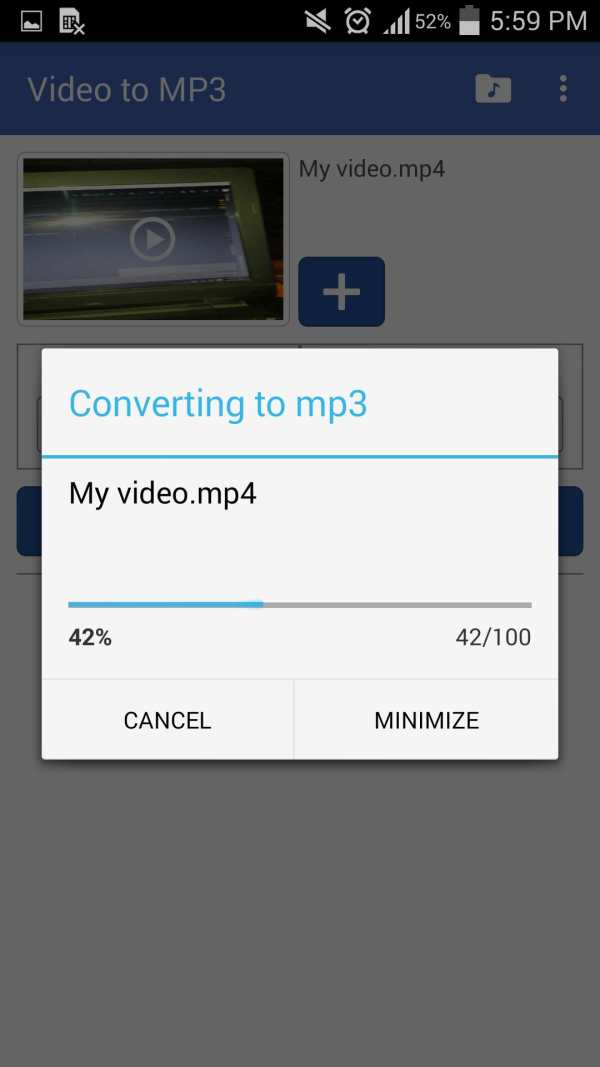
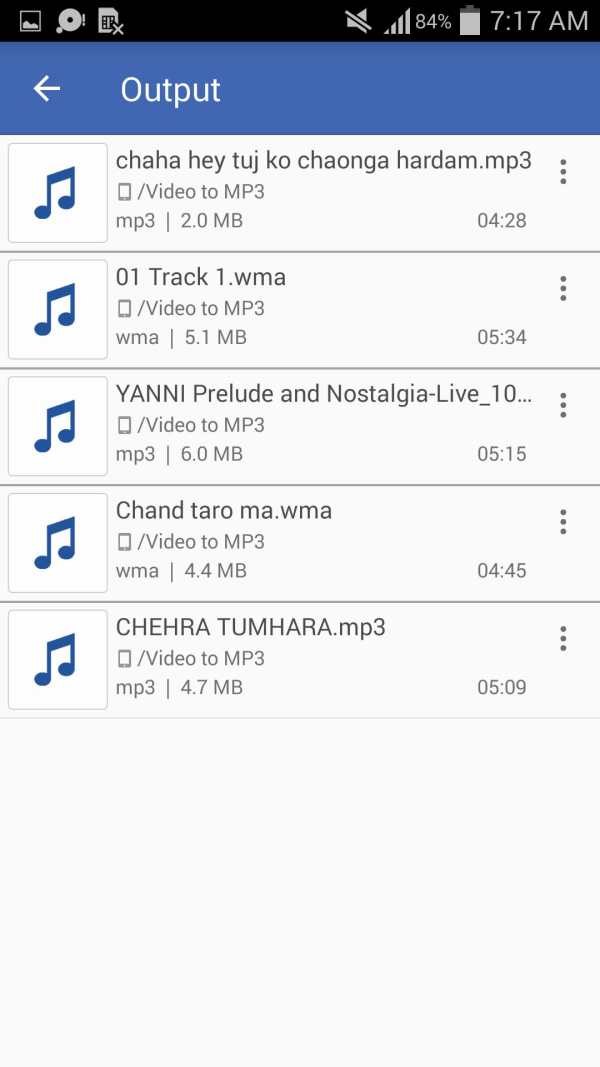
Step by step instructions
1) Choose Video that you want to convert (Long press if you want to play)
2) Choose audio format
3) Choose audio bitrate
4) Hit "Convert" button and enjoy
Features
- Simple user interface
- Fast video conversion
- Support various types of videos (MP4, WMV, FLV and so on)
- Support various types of audios (MP3, AAC, WAV)
- Input videos powerful and beautiful browser for choose video
- Output audios simple and lightweight browser
- Support several types of bitrate (Highest 320 kb/s, Very High 256 kb/s, High 192 kb/s, Normal 160 kb/s, Low 128 kb/s, Very Low 112 kb/s, Lowest 96 kb/s)
- Shows properties of audio and video
- Able to delete input Video
- Able to delete converted audio
- Able to play audio or video on a different player
- Run in Background
- Options (Play, Cancel Conversion, Replace if output file exist, Rename if output file exist)
- Video to MP3 Converter uses ffmpeg libraries.
Used icons in this app downloaded from
www.icons8.com
Bug fixes
Improved user interface
Added more features
Added options for audio and video (properties, delete)


