











DOWNLOAD IS NOT SUPPORTED IN WEB STORE!
Use the latest version of 9Apps to download APK&OBB file of games in one click!
DOWNLOAD 9APPS

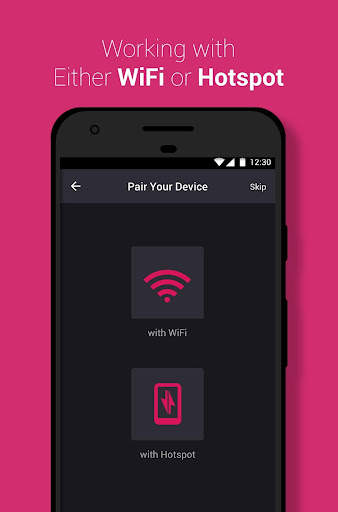
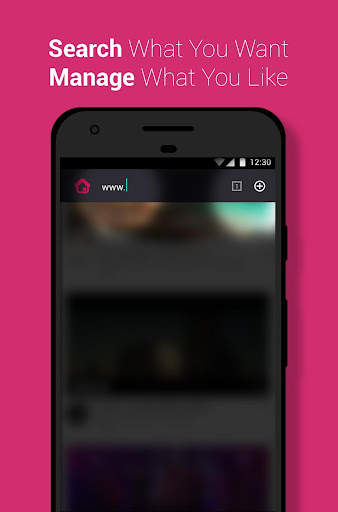
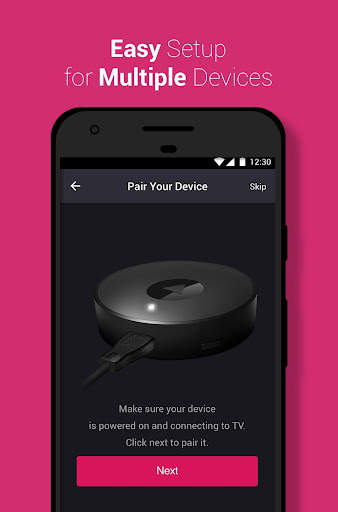
TubiCast free your screen
All your entertainment beautifully streamed from your phone to your TV.
Tubicast is a streaming solution that plugs into the HDMI on your TV. Use your phone to stream your favorite shows, movies, music, education, and more, straight to your TV.
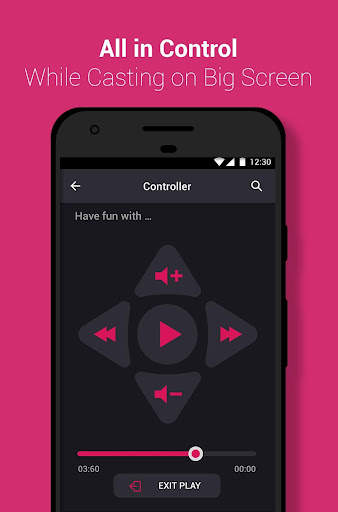
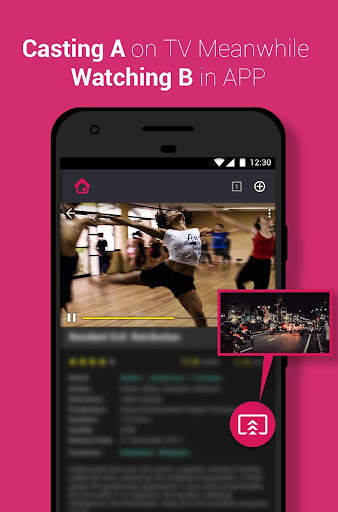
You can stream on your TV from anywhere in the house, while keep using your smartphone.
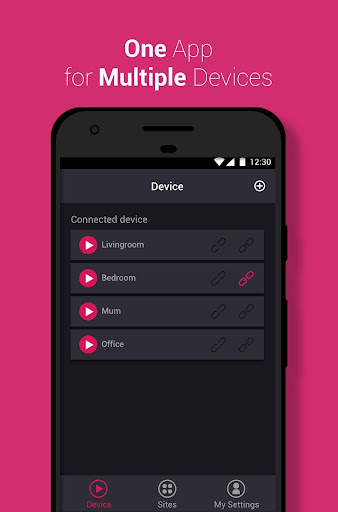
Enjoy Tubicast App’s fantastic functions for Tubicast dongles, Chromecast dongles.
How to stream on your TV:
1.Connect TubiCast to your TV by HDMI, Turn on the television and switch the TV signal source to HDMI input.
2.Install TubiCast App on your smartphone, search and configure Wi-Fi for TubiCast device .
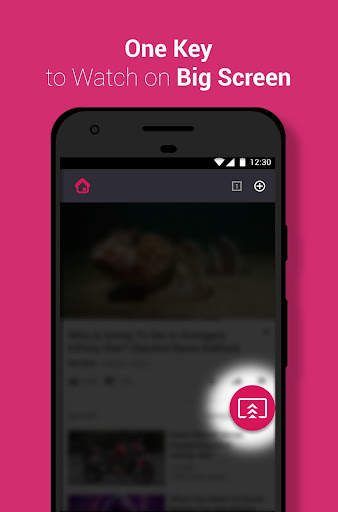
3.Simply choose the video on the App, tap the cast button to play video on the screen.
For more information, please refer to Tubicast official site: http://www.tubicast.com/
![Cast Videos from Google Drive to Your TV with Chromecast [How-To] screenshot 1](https://i.ytimg.com/vi/CX_4xRUCC6E/mqdefault.jpg)


1.Optimized the experience of device network settings
2.Fixed some bugs and crashes


