










DOWNLOAD IS NOT SUPPORTED IN WEB STORE!
Use the latest version of 9Apps to download APK&OBB file of games in one click!
DOWNLOAD 9APPS

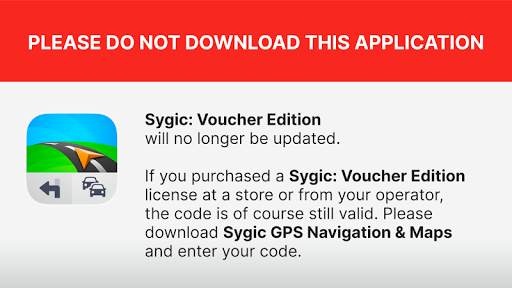
Unfortunately, this application will no longer be updated. Please download Sygic GPS Navigation & Maps, which has more advanced navigation features and the latest offline maps.
If you have purchased a Sygic navigation license at a retail store or if you have received a voucher with a product code with your smartphone, your code will, of course, be valid there.
How to activate your Premium license with a product code:
1. Connect your phone to the Internet. We recommend a stable Wi-Fi connection.
2. Open the Google Play Store.
3. Search for Sygic GPS Navigation & Maps and install the app.
4. Launch the Sygic GPS Navigation & Maps application.
5. Go to Menu → Sygic Store → Activate License → Activate Product Code
6. Enter your code.
7. When you have finished entering the code, tap "OK".
8. Your Premium license will be activated after completing this step; you can continue downloading maps.
By installing, copying, or using a partial or full version of this software, you agree to the terms of this agreement: https://www.sygic.com/company/eula
* Map update
Up-to date maps with the most recent roads and places
* Get ready to unleash the power of your car’s cockpit.
Enjoy the new Cockpit feature in the latest update to stay informed about your acceleration, incline, altitude or speed.


