










DOWNLOAD IS NOT SUPPORTED IN WEB STORE!
Use the latest version of 9Apps to download APK&OBB file of games in one click!
DOWNLOAD 9APPS

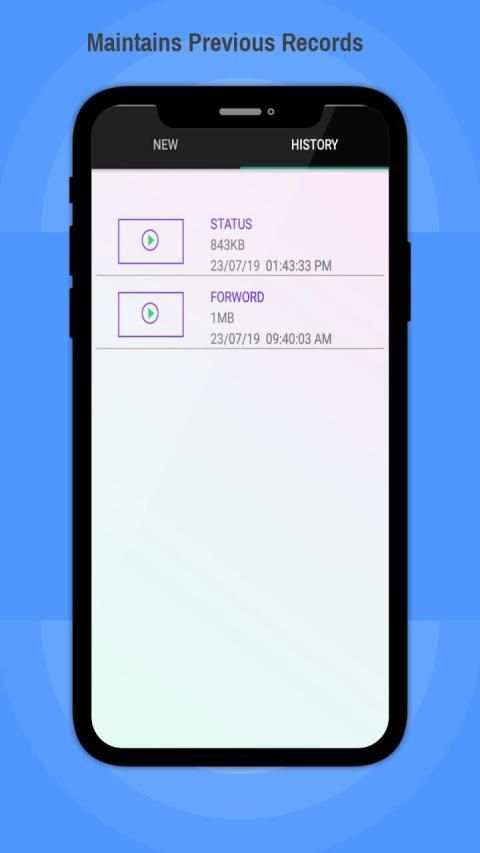
Simple and quick video story splitter for WhatsApp.
Now post larger videos with the ease of just a click.
Usage:
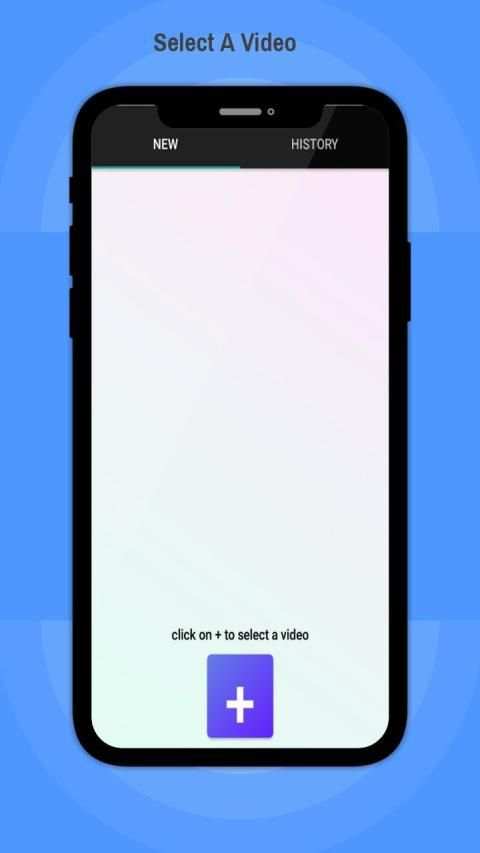
1-Click on create button("+" button) to select a video that you want to post on your stetus/forward.
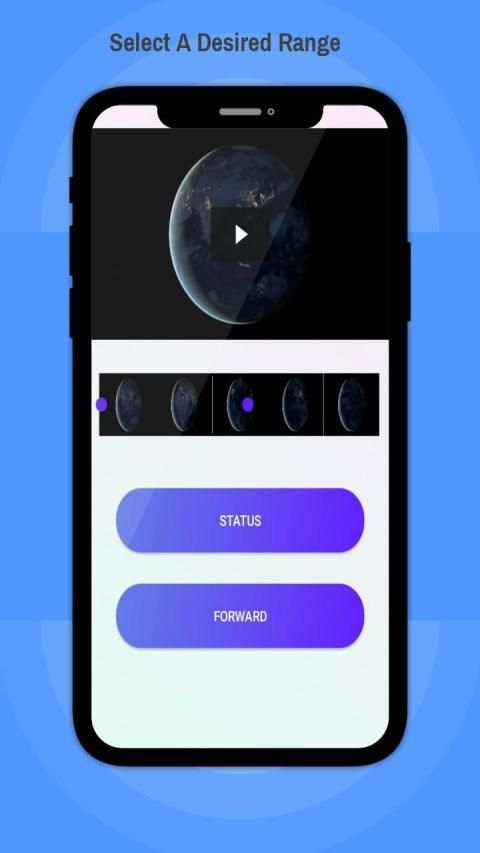
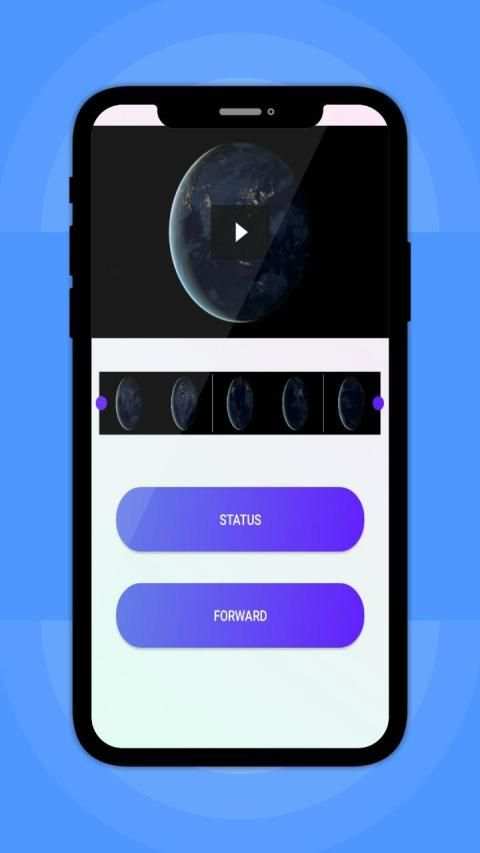
2-Select the range you want .
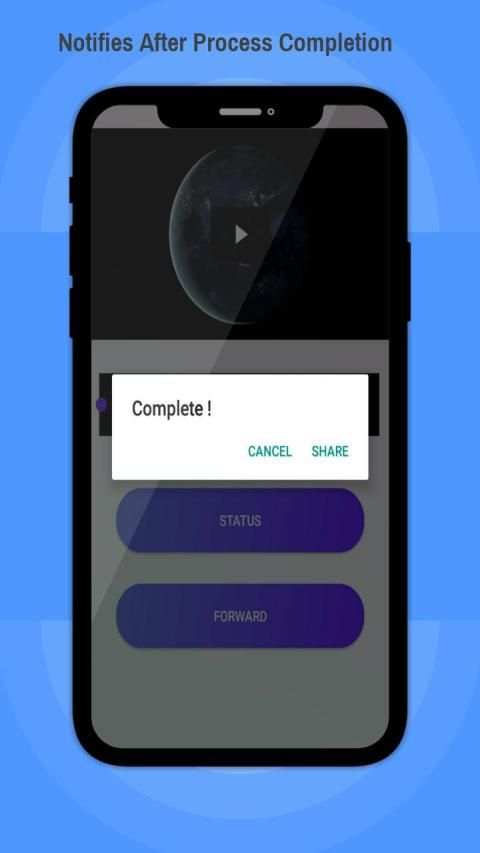
3-Click on either "status" or "forward" button ,the process is started and you can see the progress of the process .You can check the application status on the progress bar.
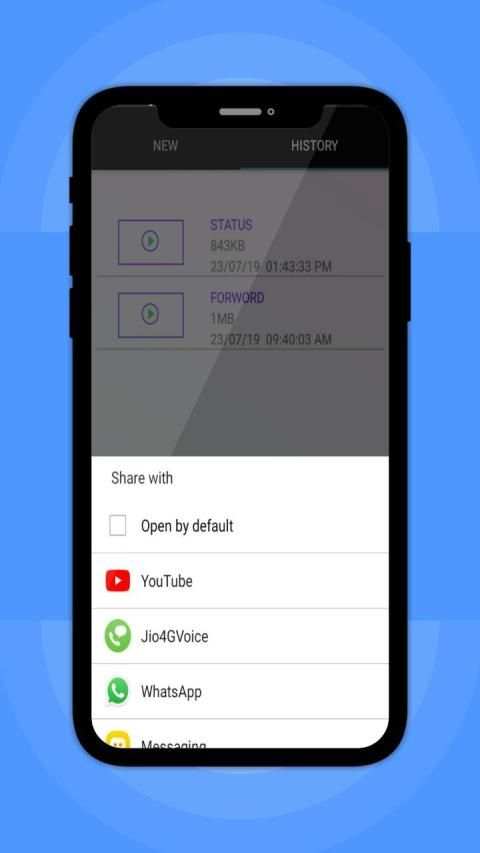
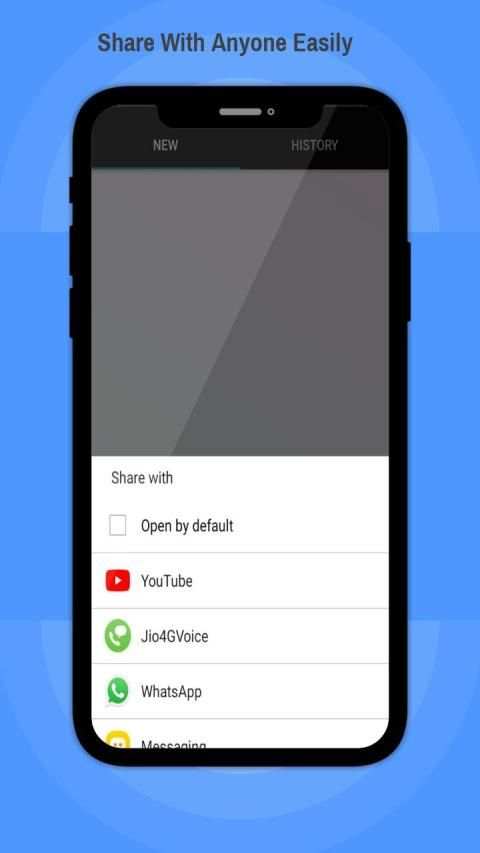
4.Once the process is completed ,the app asks if you want to share the video ,if you click on share button it will asks to select an app with whom you want to share.
5.On click of specific app your processed video is opted to specific dashboard ,click on the send and the video will automatically posted.You can check on this status update by going to the selected app.
Done!
Note:
Currently the video cutter works well for a range of 30 minutes or less,so please select a playback time range of 30 minutes or less using the range selection tool i.e slider.


![👊Bugatti Super Sport Car WhatsApp Status🍃 Full Screen | BUGATTI Chiron [CAR EDIT] screenshot 5](https://i.ytimg.com/vi/1J6Pm2Lyj9U/mqdefault.jpg)
minor bug-fixes!


