









DOWNLOAD IS NOT SUPPORTED IN WEB STORE!
Use the latest version of 9Apps to download APK&OBB file of games in one click!
DOWNLOAD 9APPS

## The app requires the Xposed Framework ##
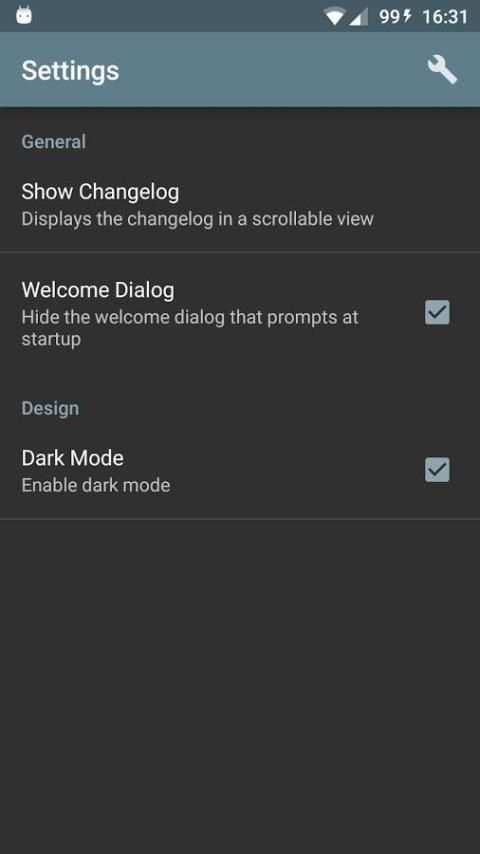
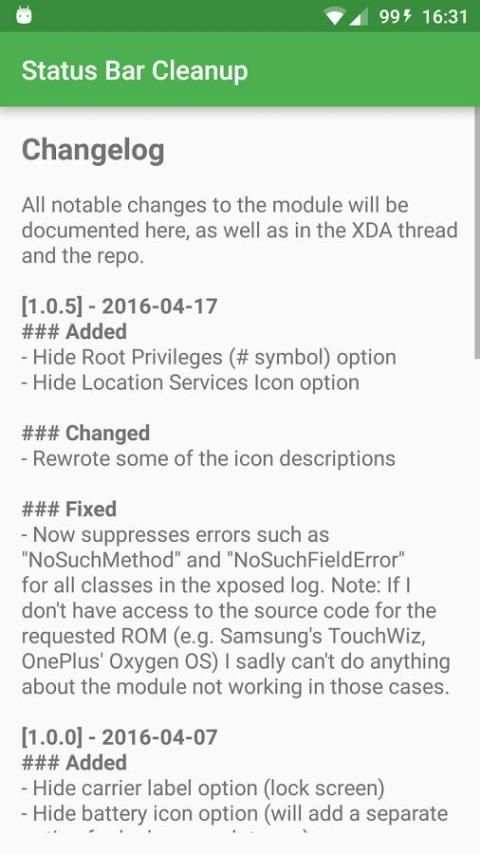
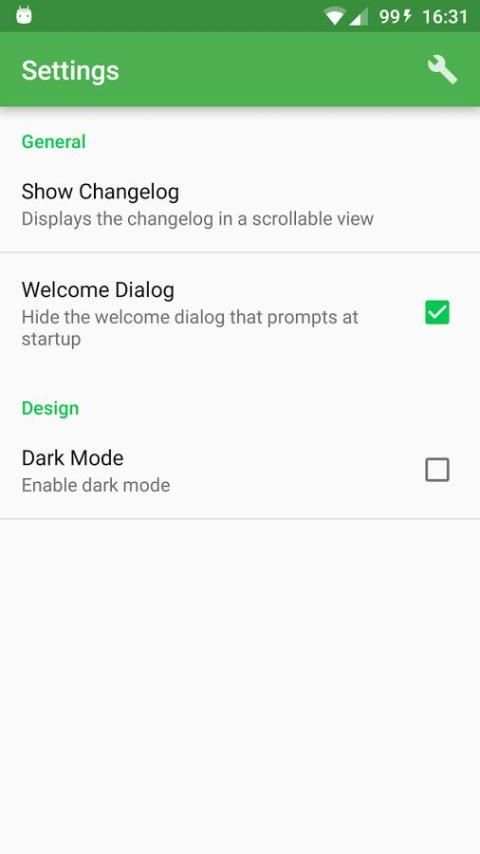
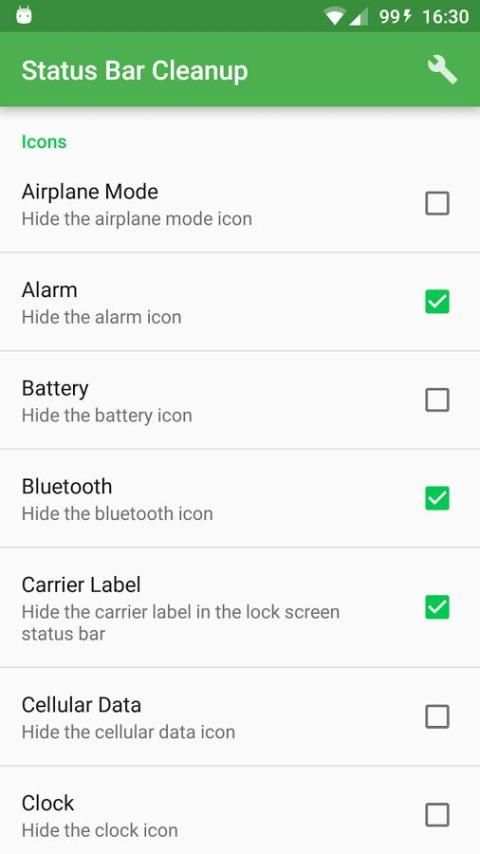
Status Bar Cleanup allows you to hide certain icons in the status bar. Check the icons you want to hide and then soft reboot/reboot your device for the changes to take effect. If you change your mind and want to restore the icons, simply uncheck the icons and then reboot/soft reboot.
You can currently hide the following icons:
- Airplane Mode
- Alarm
- Battery
- Bluetooth
- Carrier (Lock screen)
- Cellular Data
- Clock
- Current User (Lock screen)
- Hotspot
- Input Method Manager
- Location Services
- "No Sim Inserted"
- Root Privileges (#)
- Vibrate Mode
- VPN
- Wi-Fi
Note:
Focusing on AOSP-based ROMs with Marshmallow and Lollipop. If I don't have access to the source code for a requested ROM (e.g. Samsung's TouchWiz, OnePlus' Oxygen OS) feature, then I sadly can't do anything about it not working.
Feel free to head over to the
XDA-thread
or send me an email if you want to make a relevent feature request/discuss something.

![4 No-Root Tips for Cleaning Up Your Galaxy S6's Status Bar [How-To] screenshot 2](https://i.ytimg.com/vi/mxkeM7f1aJc/mqdefault.jpg)


[Fixed]
- Issue with back stacks.
- Optimized the welcome dialog for landscape view.
[New]
- Completely remade the app using a preference activity instead.
- New version of the welcome dialog window


