
DOWNLOAD IS NOT SUPPORTED IN WEB STORE!
Use the latest version of 9Apps to download APK&OBB file of games in one click!
DOWNLOAD 9APPS

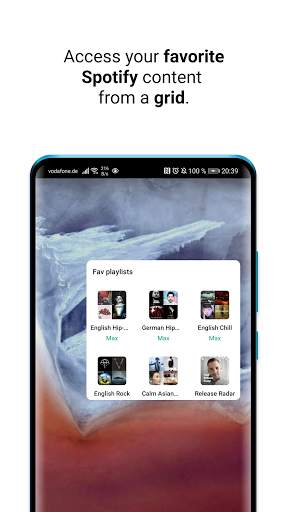
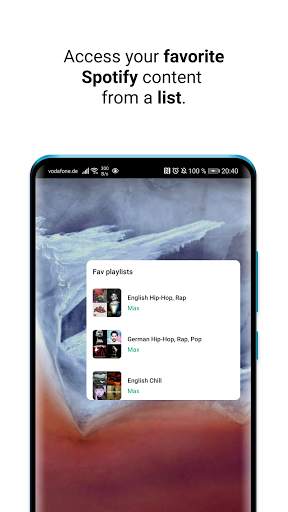
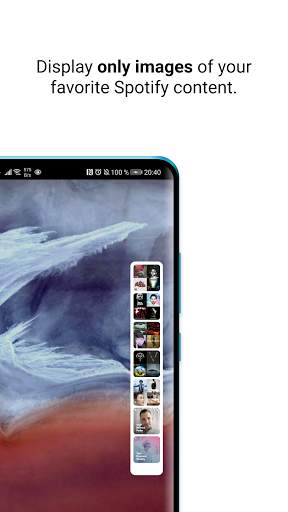
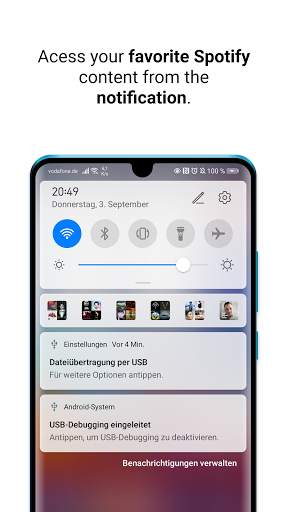
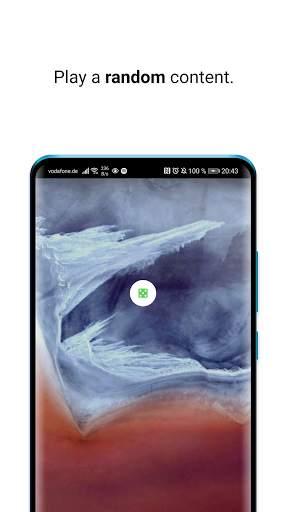
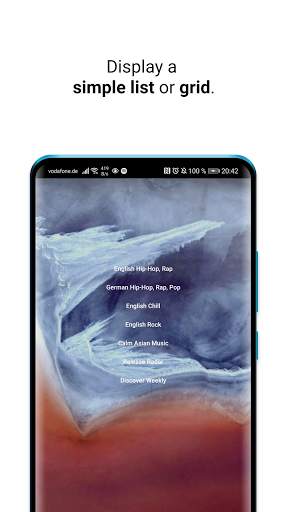
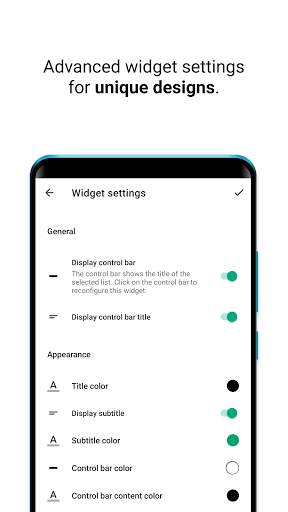
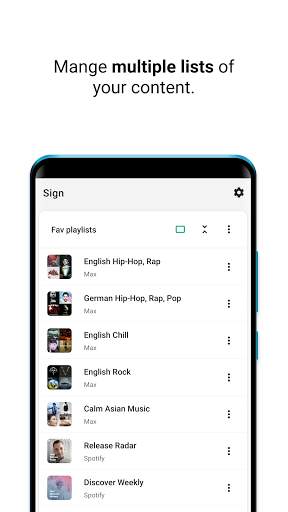
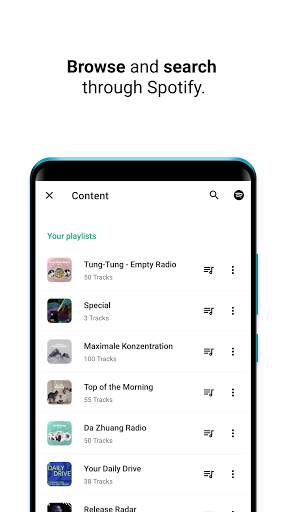
Add your favorite Spotify content to Sign and organize them in lists.
You can display lists then per widgets on your homescreen or in a notification.
Stop spending so much time finding your favorites.
You can add all kind of Spotify content - songs, artists, charts, playlists, songs, podcasts, shows and more!
Features
• Beautiful and highly customizable various widgets
• A customizable permanent notification
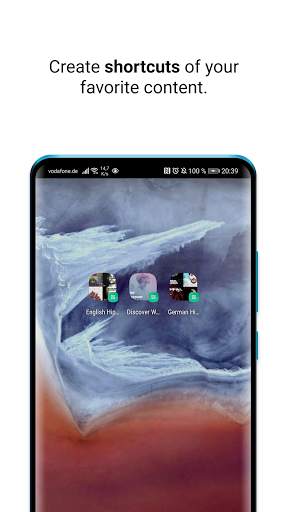
• Create shortcuts for any content
• Organize your favorite Spotify content with ease!
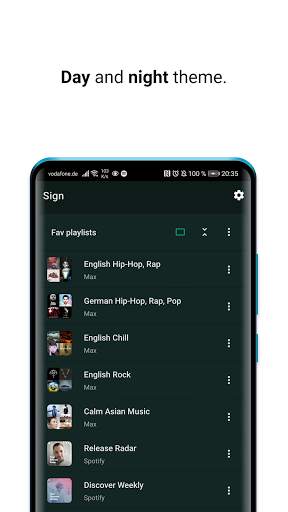
• Day and night mode support
Notes
• Supports Spotify free, Spotify premium, Spotify student, Spotify family and all other plans.
• Supports playlists like Spotify wrapped 2020, 2019, Best of, .. and more.
How to use Sign for Spotify
1. You need to have a Spotify account, the Spotify app and being logged into Spotify.
1. Open the app.
2. Create your own list.
2. Log-in with Spotify.
3. Select all your favorites and save them.
4. You can now use this list to display it into a widget or as a notification.
How to use the widgets of Sign for Spotify
1. Open the Android Widget View.
2. Scroll to Sign for Spotify.
2. Hold and drag a widget to your homescreen.
3. A view will automatically open and you can choose a list to be displayed in the widget.
4. Optionally you can change the design and make it truly yours - and fit to your homescreen.


2.2.3
- Custom order, select custom order and drag & drop your content in your way.
- Translation option added to the settings. Please help us to translate the app in your language!
- Twitter support option added to the settings.
- Serious bug and widget issue fixes