












DOWNLOAD IS NOT SUPPORTED IN WEB STORE!
Use the latest version of 9Apps to download APK&OBB file of games in one click!
DOWNLOAD 9APPS
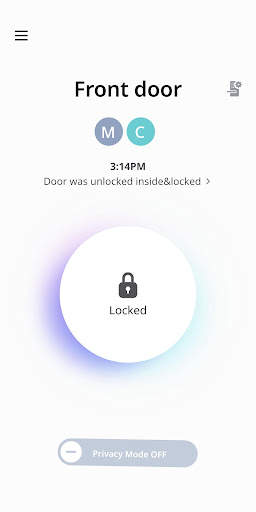
If you install the Samsung Smart Door Lock App, you can experience various services anytime and anywhere, including checking the door lock condition of your home, opening doors with the door lock, and issuing one-time keys for visitors.
[Major Services]
1. Real-time checking of door lock condition
Status of door opening with the door lock, notifying forced door opening, notifying overheating detection, checking battery condition, etc.
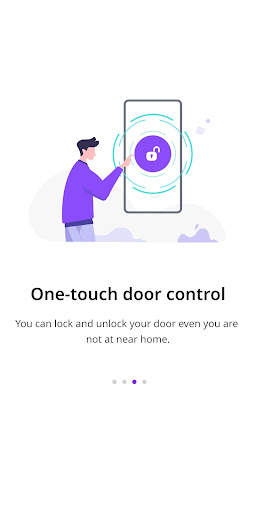
2. Remote control of door opening with the door lock
Method 1: Click the padlock button on the main window of the app.
Method 2: Place the back of the smartphone on the card image of the door lock.
(Only android available)
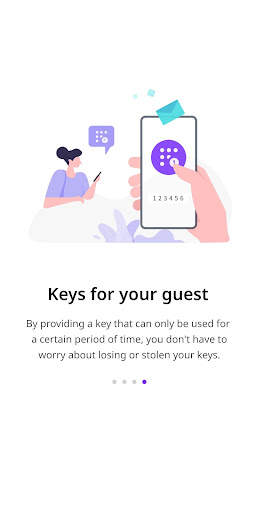
3. Issuing a temporary pin code to visitors
You can create a temporary pin code with a set date and time. Upon the expiration of the set date and time, the one-time key will be deleted automatically.
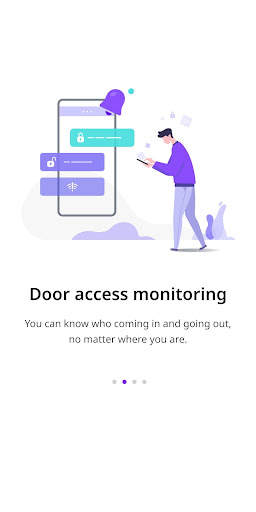
4. Checking the access history of the door lock
The app notifies you in real-time who accesses you home, and enables you to check the access history.