DOWNLOAD IS NOT SUPPORTED IN WEB STORE!
Use the latest version of 9Apps to download APK&OBB file of games in one click!
DOWNLOAD 9APPS
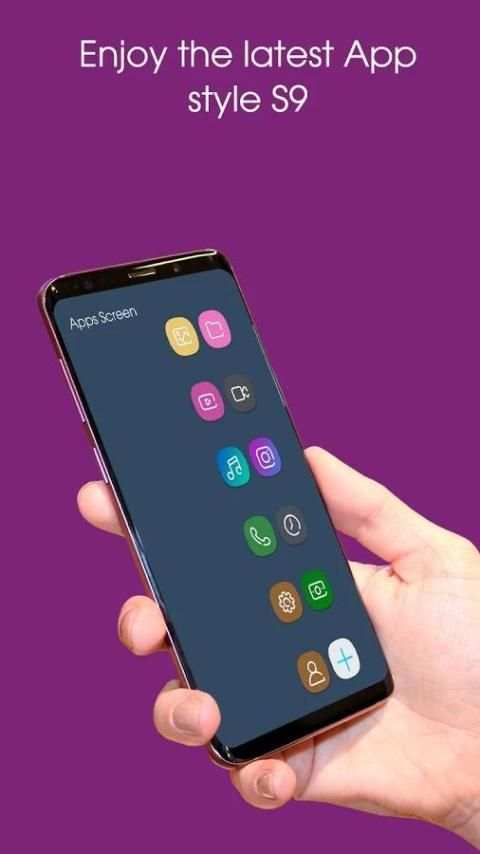
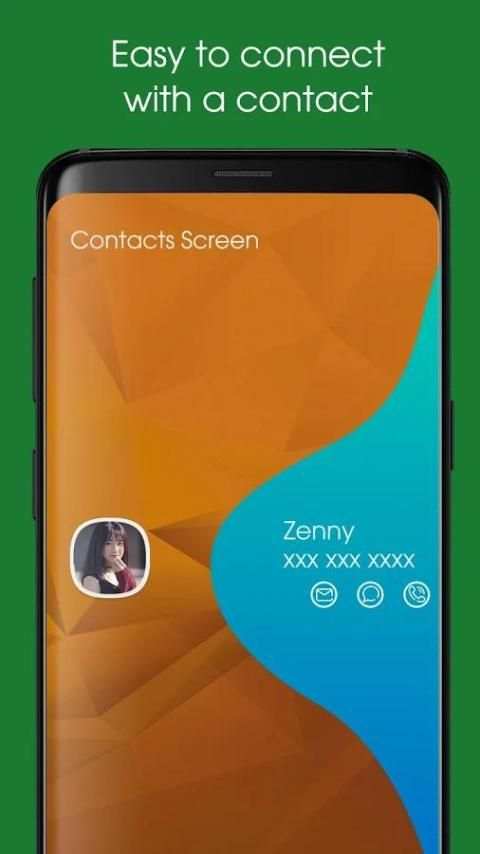
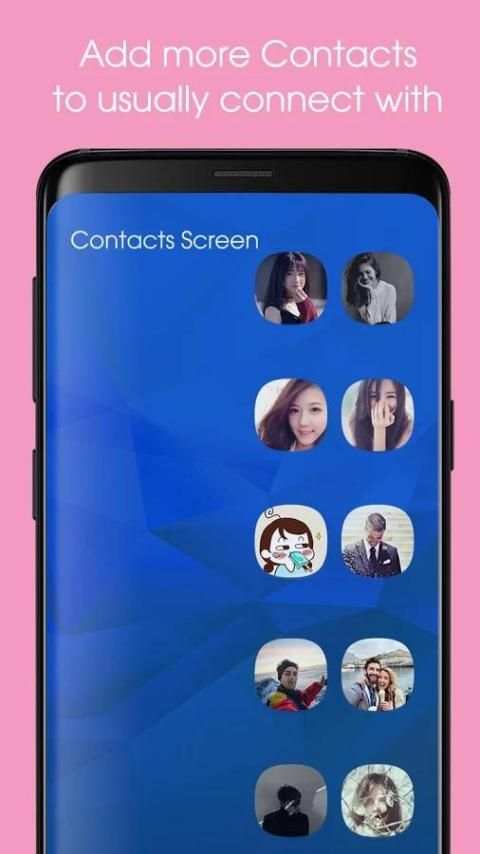
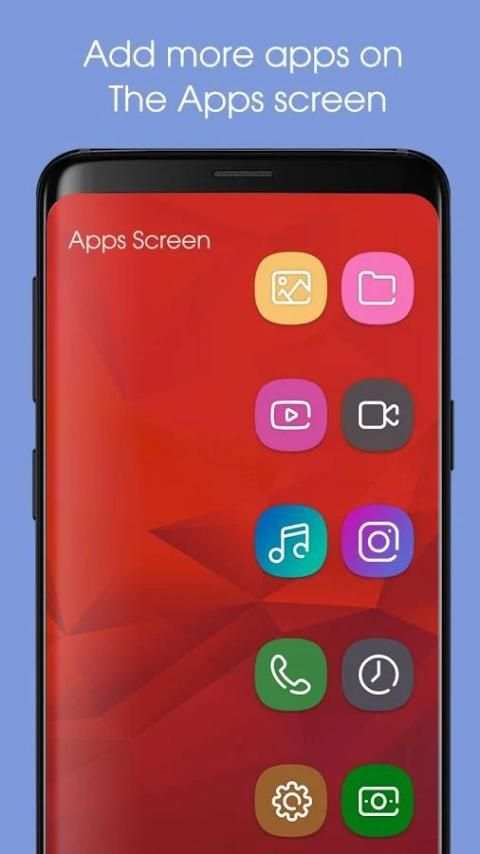
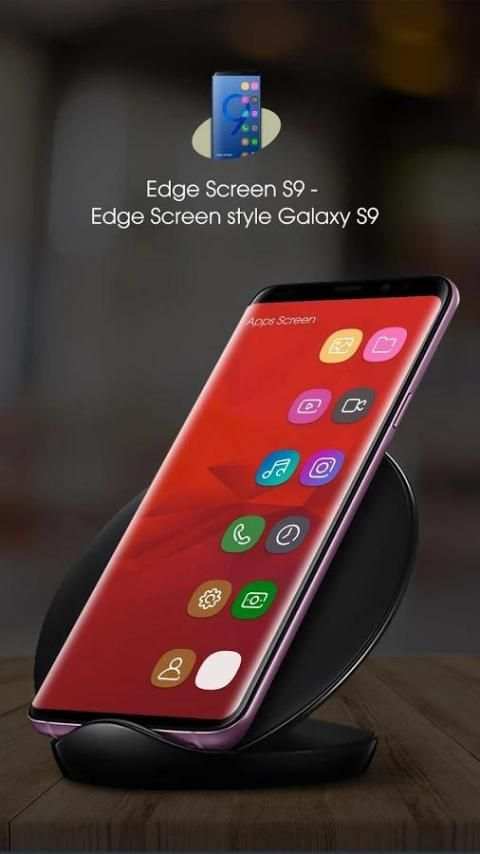
S9 Edge screen - Edge screen style galaxy S9 is an application you can't ignore if you are a fan of Samsung Galaxy. With a nice interface, the utilities that it gives you are great. S9 Edge screen - Edge screen style galaxy S9 app was inspired entirely from the edge screen application on the galaxy S9 edge, S8 Edge, S8+. The S9 Edge screen - Edge screen style galaxy S9 is the only feature on the Samsung Galaxy Edge. You will have the opportunity to use this exciting feature on your phone. You will have a S9 Edge Launcher of Galaxy S9 Edge in your hands at no cost. Just hit download S9 Edge screen - Edge screen style galaxy S9 and experience
S9 Edge screen - Edge screen style galaxy S9 apps very cool on your phone:
If you don't qualify to own a galaxy phone. Use S9 Edge screen - Edge screen style galaxy S9 to custom your phone with people edge, contact edge , and contact app only for galaxy note 8 or Galaxy S9 phone. Add your favorite contacts and favorite app: Easily add your favorite contacts and your favorite apps to edge panel
Quick Messaging, quick contact edge lite and Quick Call Phone Dialer:
With just a swipe you can call, message to a friend in the S9 Edge screen - Edge screen style galaxy S9. Swipe again to launch your favorite applications in the edge panel. Even more amazing is that you can use it anytime anywhere without worrying about your phone slow lag and energy consumption battery
Main Features of S9 Edge screen - Edge screen style galaxy S9
● Provide Contacts Edge and Apps S9 Edge for you.
● Compass tool help you determine the direction quickly and accurately.
● You can add important contacts to Contacts Edge screen.
● You can edit the contacts information in Contacts Edge.
● Add applications which are frequently used to Apps S9 Edge.
● Call or email friends with just a swipe.
● Set different color markings for your contacts.
● Will not slow down your phone speed or consume your battery.
● Make your phone efficient.
● Simple intuitive UI is super easy to use.
● It’s totally free.
How to use S9 Edge screen - Edge screen style galaxy S9?
● Click Contacts Edge to add your important contacts
● You can choose color to each contacts as you like by clicking the color bar on right side
● Click Apps S9 Edge screen to add your favorite apps
● From the home screen click the edge slide to show Edge Screen S9
● You can add contacts to Edge screen by tapping the round button on Contacts Edge
● Click a contact in Contacts Edge to quick dialer or send messages
● Swipe the S9 Edge Panel to see Apps Edge
● You can also add apps to S9 Edge Screen by tapping ‘+’ button on Apps Edge
● Click a application to quick start your app
The S9 Edge screen - Edge screen style galaxy S9 has been tested and runs very smoothly in most of the models. Install and use it with Contacts Edge and Apps S9 Edge to customize your phone to have Galaxy S9 edge screen.
Thank for use this S9 edge screen , if you like this app, don’t rate 5 star for S9 edge screen to support for us !