

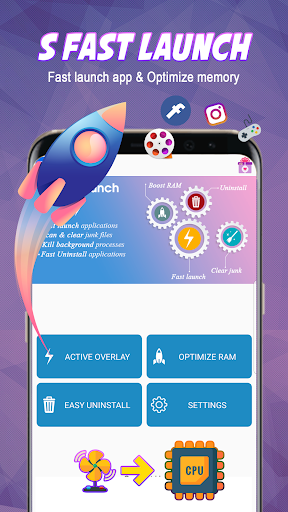
S Fast Launch is a great tools for you to run the application anywhere on the screen very fast with ram cleaner and kill background applications and uninstall applications at the same time.
S Fast Lauch Key Functions:
🔥
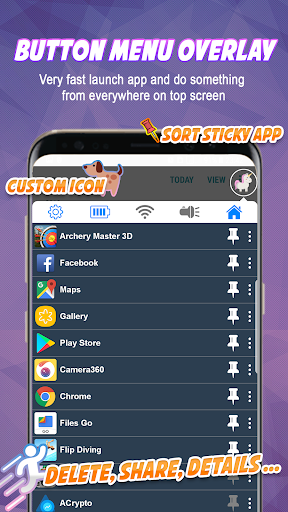
Quick Menu - Super fast launch app menu
On S Fast Launch, the most prominent feature is that you can lauch an application anywhere on the top phone screen at any time use. This feature is similar to chat head application.
More with this 'Quick Menu' overlay button you can perform actions such as: Delete applications, Share applications, and show application details in settings, or open them in Gplay.
The great thing about this feature is that it saved your time to switch between applications quickly and conveniently.
🔥
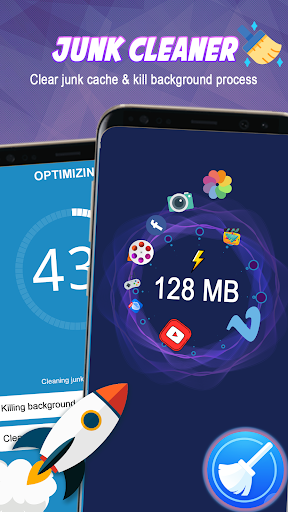
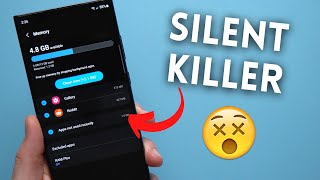
Optimize ram (ram cleaner ) and kill background processes
S Fast Launch added the feature to help you optimize RAM and memory to give you more memory space for work and relax.
With this feature, S Fast Launch will help you to remove junk files in the fastest way with just one touch.
S Fast Launch also help you kill all running applications that consume battery power and the amount of RAM you have, making your phone run smoothly.
🔥
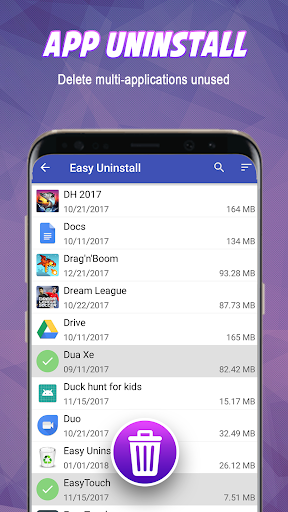
Uninstall app - remove multiple apps
That feature allows you do not have to tired to delete unnecessary applications in the fastest way. You can search for applications by name, by size or by date of installation, to remove them from your phone for extra storage.
🔥
Turn on / off tools on the Quick Menu
On the Quick Menu of the S Fast Launch you can turn on or off Wifi connections.
You can also use the Flashlight button on the Quick Menu to turn on / off the flashlight. The quickest way to shine in the dark.
You can feedback with us via email: feedback.mobiapps@gmail.com
Thank you for using our product and look forward to receiving feedback from all of you to help make the good product.
Certainly in the near future we will update many useful features for our customers.




9Apps 4.9













