








DOWNLOAD IS NOT SUPPORTED IN WEB STORE!
Use the latest version of 9Apps to download APK&OBB file of games in one click!
DOWNLOAD 9APPS
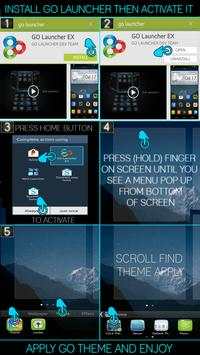
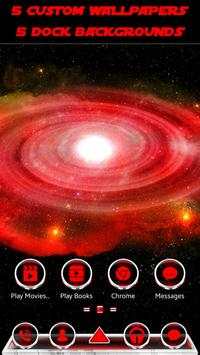
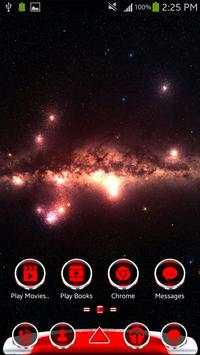
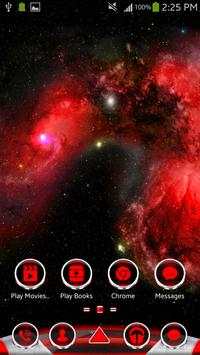
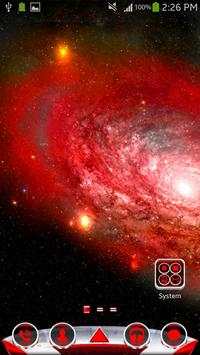
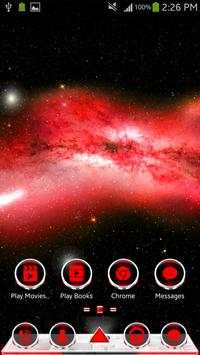
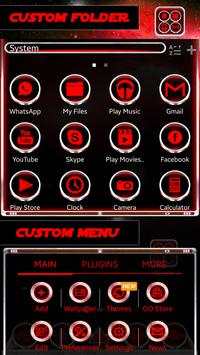
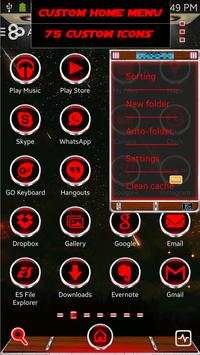
★INSTALL GO LAUNCHER EX FIRST, READ BELOW★
★Activating Go Launcher Ex ★
Open "Play Store" app > Search for "Go Launcher > Install > Open Go Launcher > Hit your "Home" Button >
"Complete action using" Click on Go Launcher (Always)
★Applying the Theme★
Once you have downloaded a Theme From "Play Store" > Hit Home Button > On your main screen Press (HOLD) with Finger on screen > A menu will pop up from bottom of screen > Click Theme > Theme > Scroll Click on Theme name your done.
★Applying the Wallpaper★
Once your Main Screen (Home screen) > Press (HOLD) with Finger on screen > A menu will pop up from bottom of screen > Click Wallpaper > Go Wallpaper > Scroll Click on Wallpaper you want.
★Applying the Dock background★
1) Physical Buttons: Click on your physical Menu Button on the lower part of your Phone > A menu will popup > Click on "Preferences" > "Background" > Click below "Dock background" > GO Theme background > Scroll find the dock you want Hit "Set Dock" your done.
2) None Physical Buttons: On your screen below you should see 3 small "vertical dots" click there
> A menu will popup > Click on "Preferences" > "Background" > Click below "Dock background" > GO Theme background > Scroll find the dock you want Hit "Set Dock" your done.
★Change Icons★
"Can Only change icons from main screen" > Press (HOLD) with Finger on a ICON > A menu will pop up
> Click Replace > Scroll Click on the one you want.


