









DOWNLOAD IS NOT SUPPORTED IN WEB STORE!
Use the latest version of 9Apps to download APK&OBB file of games in one click!
DOWNLOAD 9APPS


***ONLY VALID FOR MODELS BEFORE 2016!!!***
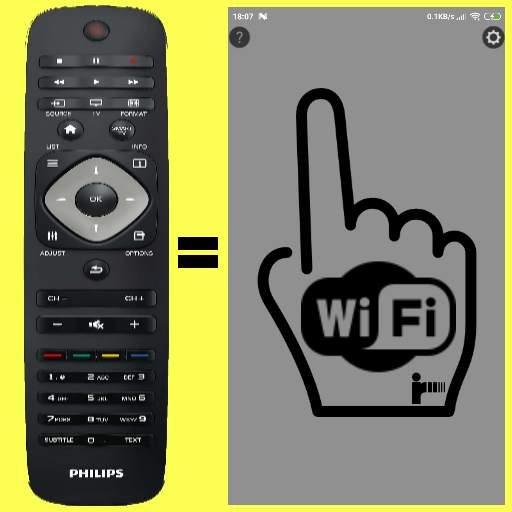
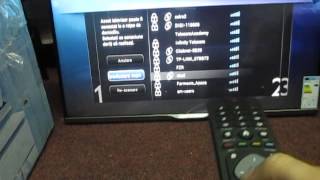
Philips TV WiFi-Remote, Simple, No buttons, finger gestures
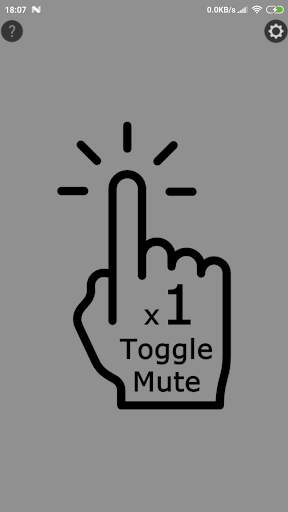
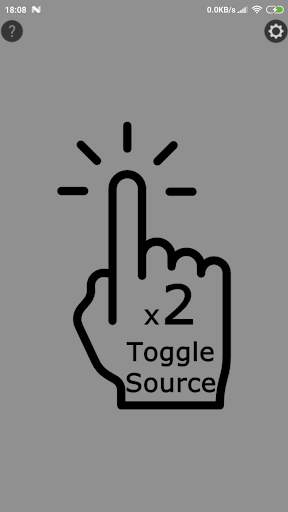
Basic functions : Volume/Channels/On/Off/Toggle Source
No need to look on Phone's screen for buttons!
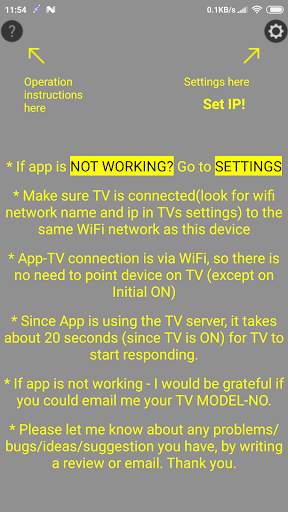
Click on HELP and SETTINGS icons(Top-left,Top-Right corner of screen) for instructions.
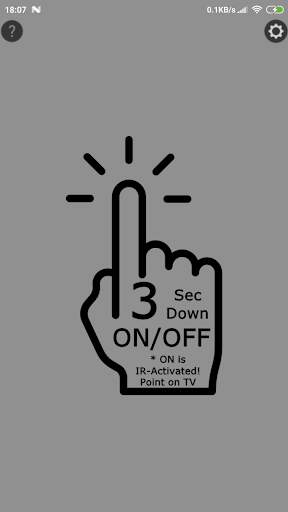
* turning the TV ON is by IR(Infrared) - point your device on TV(like original remote), and press for 3 seconds, until (confirmation) vibration.
* after few seconds remote will be connected to TV via WiFi (after that - you don't need to point device to TV)
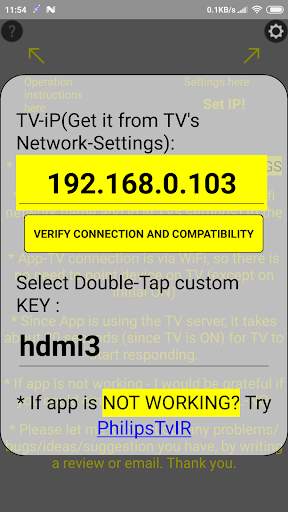
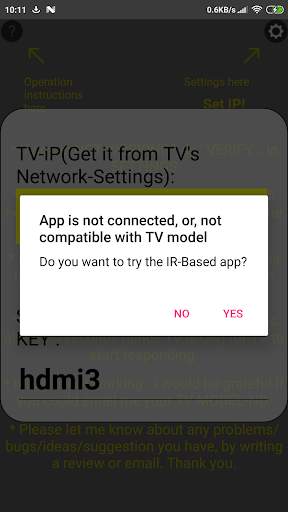
** REMEMBER!!! you need to update app's settings(Top/Right corner of screen) with the TV's IP!
Disclaimer:
This app is made by me, and is NOT affiliated with, or endorsed by PHILIPS.



Please reply me with any problem/suggestion/issue you've encountered with this app.
Any help on how to improve the app will be highly appreciated!
Thanks!


