








DOWNLOAD IS NOT SUPPORTED IN WEB STORE!
Use the latest version of 9Apps to download APK&OBB file of games in one click!
DOWNLOAD 9APPS
Tired of remembering multiple passwords or annoyed of forgetting them?
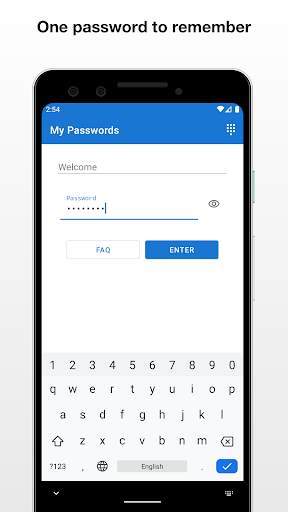
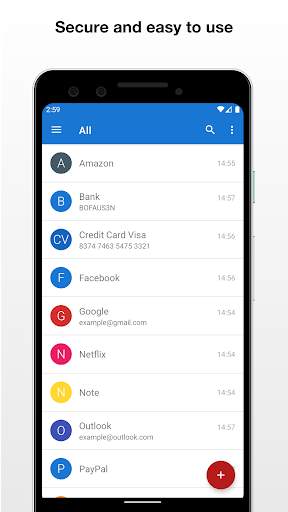
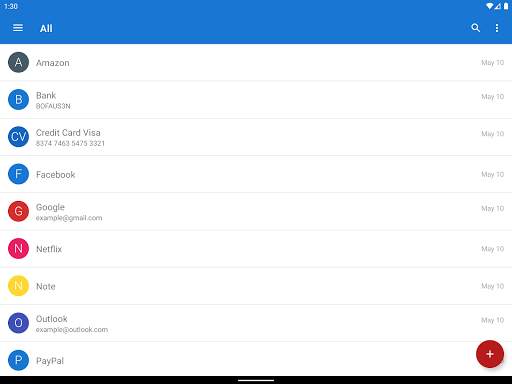
My Passwords app helps you to store all your logins, passwords, and other private information safe and secure in an encrypted database. The only thing that you have to do is to remember a master password which is used as encryption key.
It is 100% secure since it doesn't have access to the internet.
FEATURES
• Quick and easy access
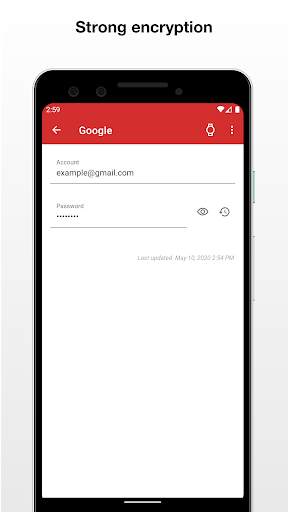
• Strong data encryption using AES-256 bit
• Backup and restore your data
• Auto backup to local storage
• No internet permission
• Built in password generator
• Auto exit when the screen turns off
• Multi window support
• Unlimited number of entries
• [PRO] Archive entries
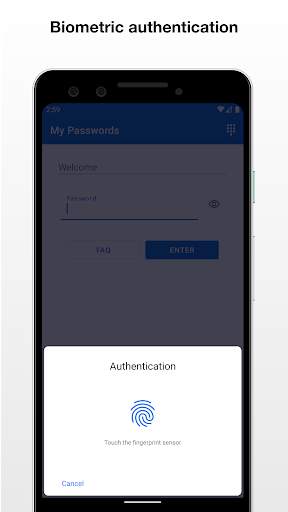
• [PRO] Biometric authentication (fingerprint etc.)
• [PRO] Clipboard auto clear
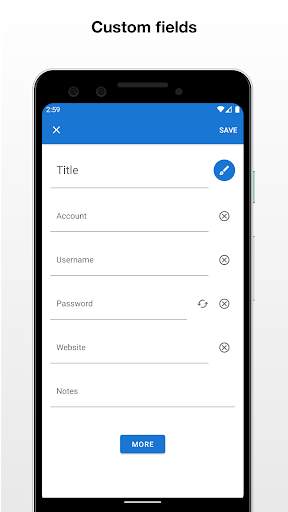
• [PRO] Custom fields
• [PRO] Export and import csv files
• [PRO] Export to pdf and print
• [PRO] Image attachments
• [PRO] Password history
• [PRO] Self destruction
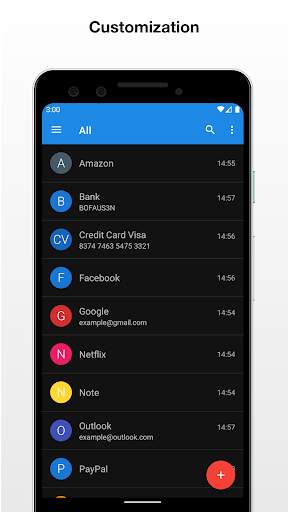
• [PRO] Theme selection
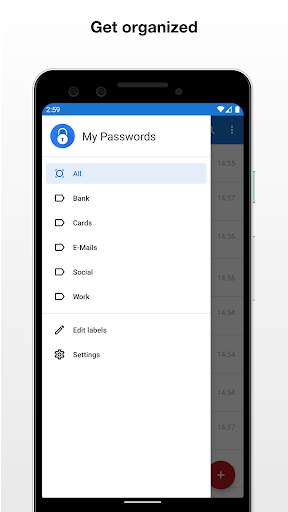
• [PRO] Unlimited labels
• [PRO] Mass entry actions (label assignment etc.)
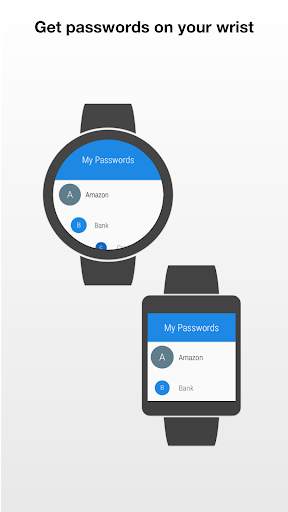
• [PRO] Wear OS app
GO PRO
The optional PRO version is available with a single in-app purchase which unlocks all the additional features. You purchase only once! No additional monthly fees or subscriptions.
SECURITY
Your data is always encrypted using 256-bit Advanced Encryption Standard (AES) which has been adopted by the U.S. government and is used worldwide.
If you need a new strong password you can simply create one with the built in password generator.
BACKUP AND RESTORE
If you have multiple devices, you can share easily your passwords with all your devices without having to retype them using Dropbox, Google Drive or similar application. Simply create a backup on a device and transfer it to another where it can be restored using the same master password.
WEAR OS APP
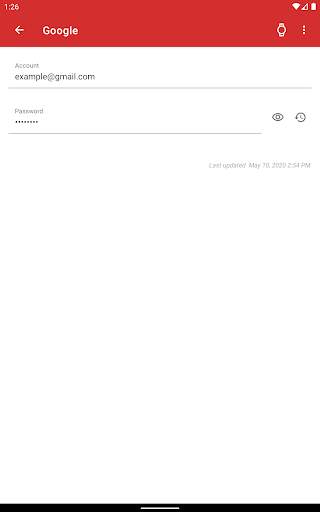
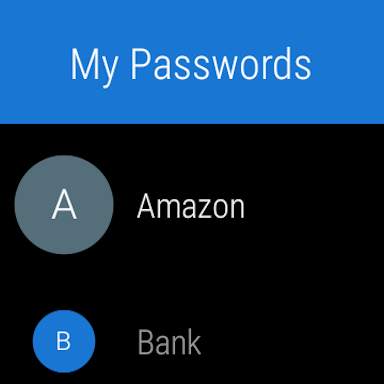
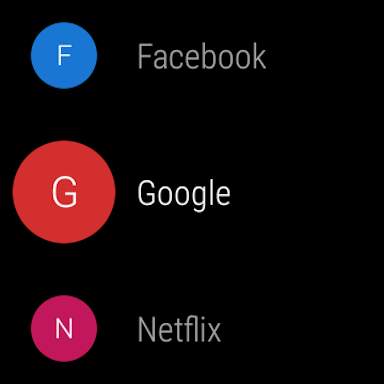
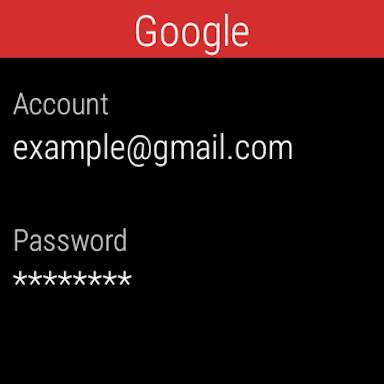
You can add some of your entries on your wrist to easily access them on the run. Simply open an entry on your phone and tap the watch icon.
NOTES
• This is an offline password manager application and there is no automatic synchronization between devices
• If the master password is lost, the stored data cannot be recovered





- Bug fixes
If you have any questions please contact: android@my-passwords-app.com