









DOWNLOAD IS NOT SUPPORTED IN WEB STORE!
Use the latest version of 9Apps to download APK&OBB file of games in one click!
DOWNLOAD 9APPS
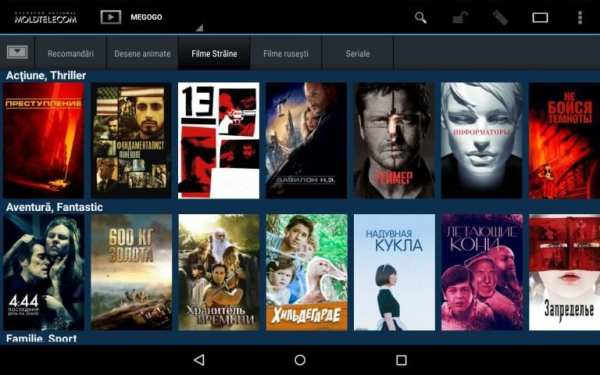
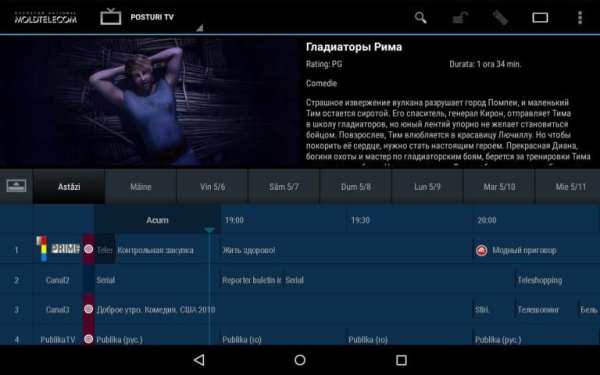
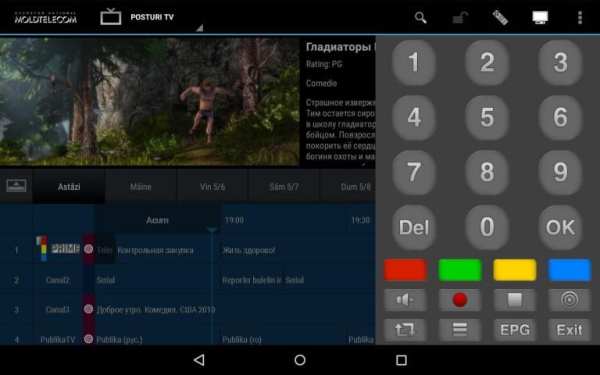
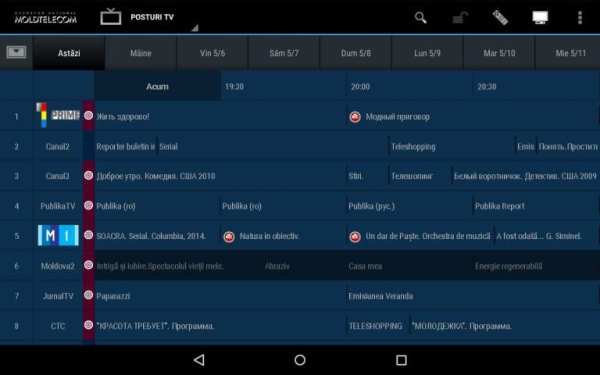
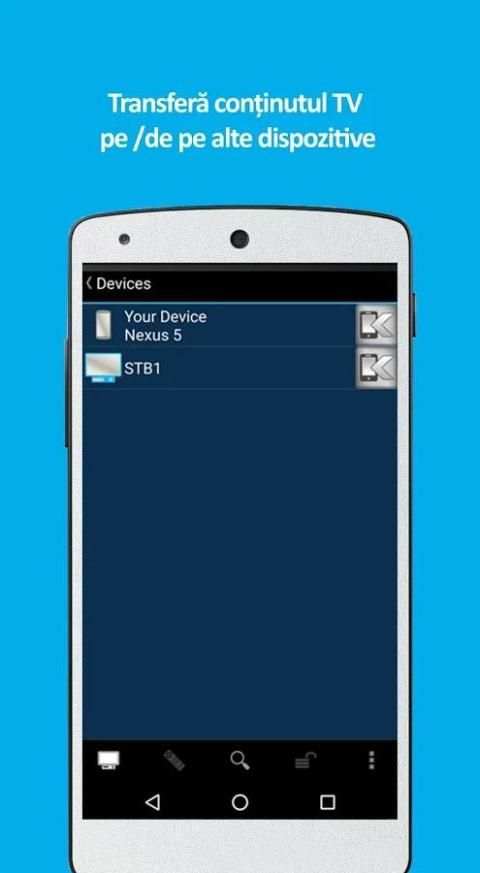
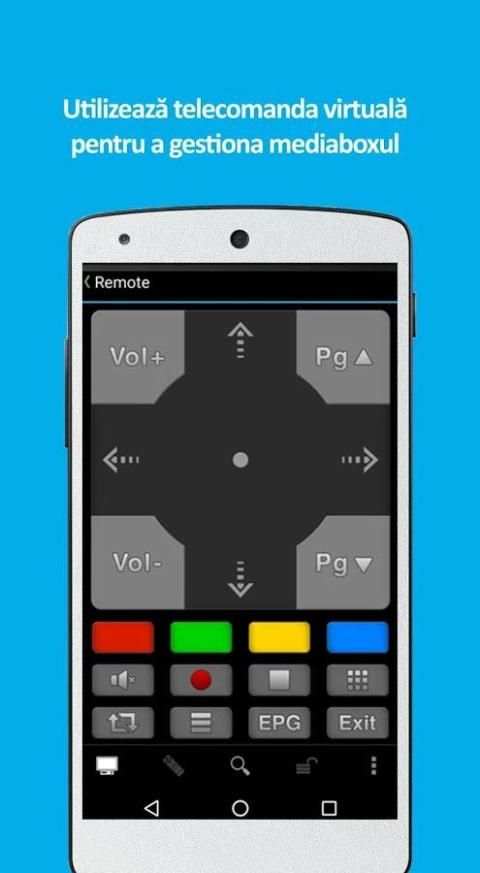
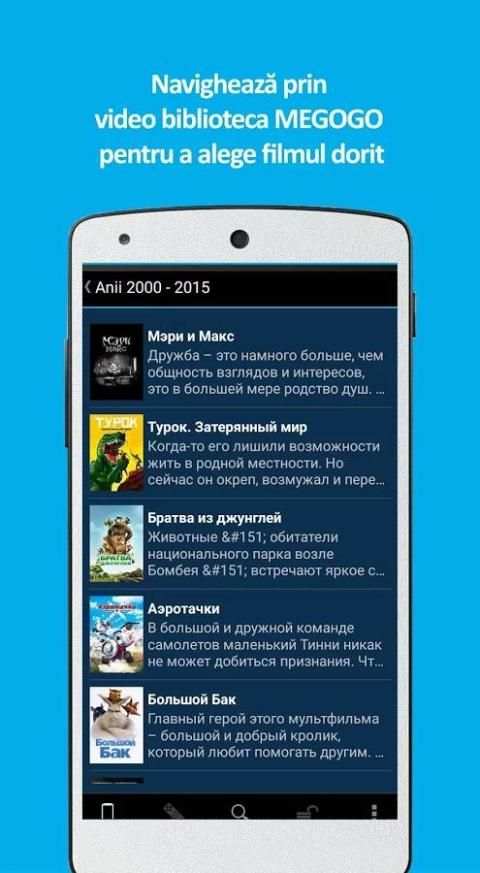
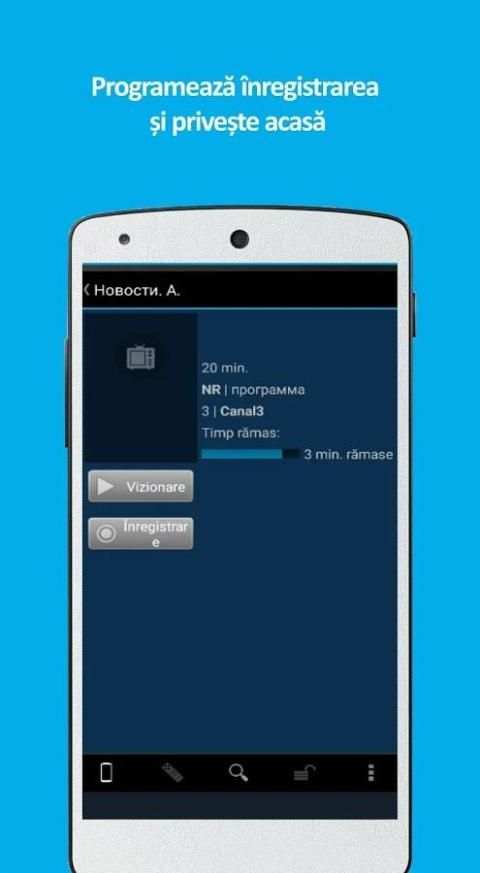
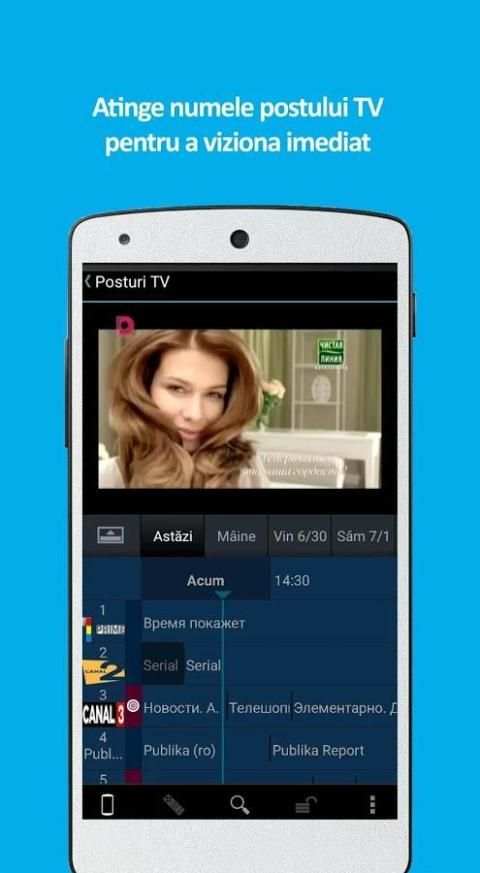
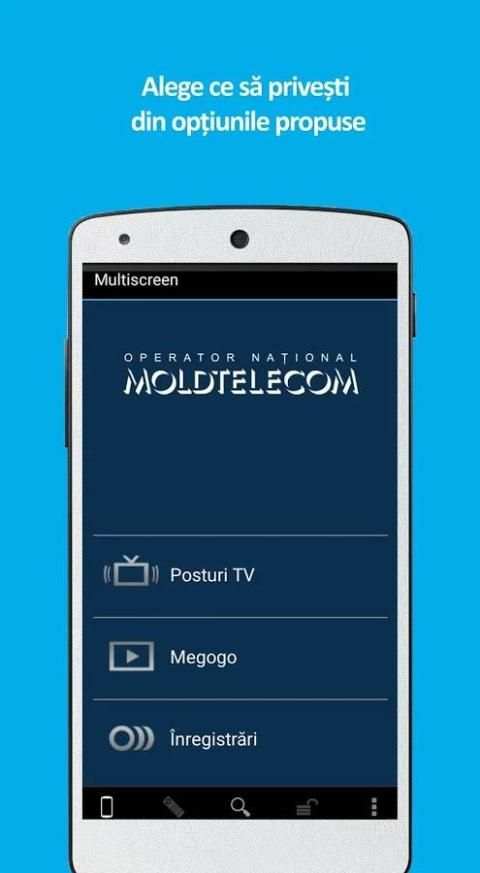
Multiscreen - TV on Laptop, Tablet and Smartphone
I. subscribers of any operator:
1. Complete the online application on www.moldtelecom.md/multiscreenGo. E-mail will be sent your login and password.
2. Connect to the Internet (WiFi / 3G / 4G).
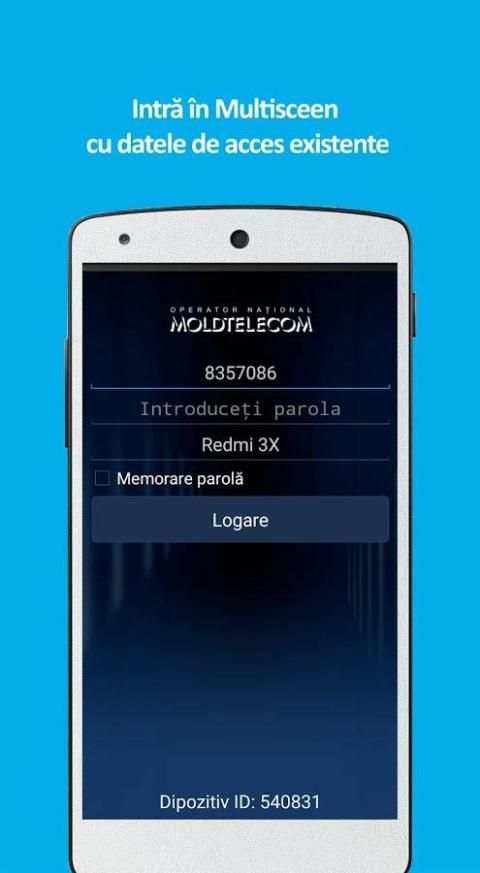
3. Launch the Multiscreen.
4. Enter: login and password.
details www.moldtelecom.md/multiscreenGo
II. IPTV subscribers MOLDTELECOM:
1. Enable / disable service by calling 1181 or through application stores Moldtelecom.
2. e-mail or sms will be sent login and password.
3. Connect to the Internet (WiFi / 3G / 4G)
4. Launches Multiscreen.
5. Enter: login and password.
details www.moldtelecom.md/multiscreen




some bug fixes