










DOWNLOAD IS NOT SUPPORTED IN WEB STORE!
Use the latest version of 9Apps to download APK&OBB file of games in one click!
DOWNLOAD 9APPS
Update:
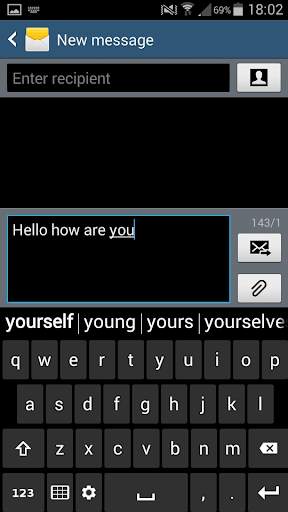
Avaliable layouts: old style ABC and QWERTY.
----
Keyboard provides very easy and comfortable way of typing for someone who is annoyed with usually small keyboard buttons.
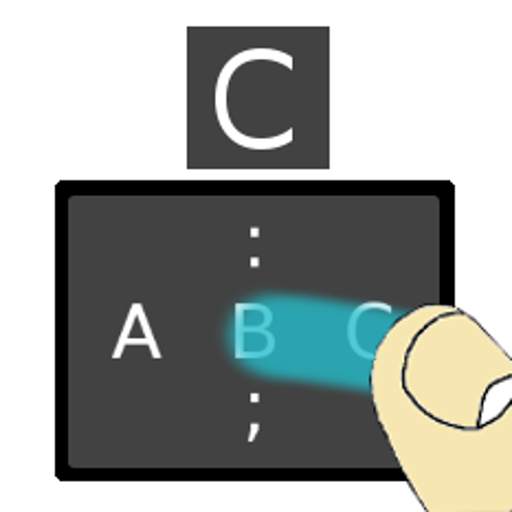
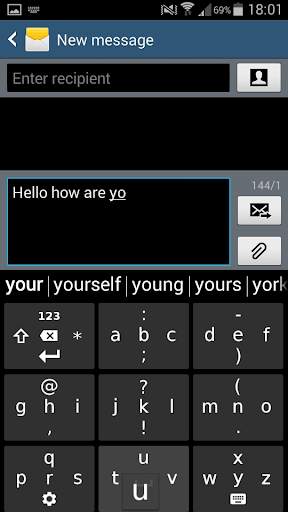
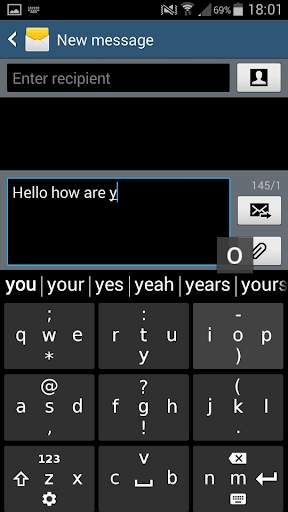
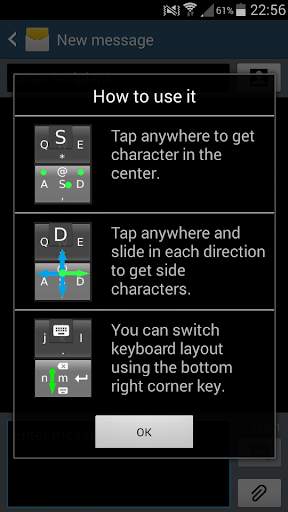
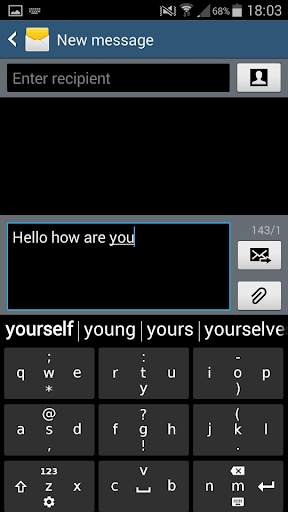
The core idea is keyboard having 3x3 big "sliding" buttons. Each of them can handle 5 different characters.
The way you type them is:
- if you just tap the big button - you get character in the center
- if you touch and slide:
- UP - you get character on the top
- DOWN - you get character on the bottom
- LEFT - you get character on the left side
- RIGHT - you get character on the right side.
And no matter where exactly you touch the big button . You can even touch it in it's corner and it still works the same. (e.g. if you tap button in its corner then it will get character in the center, or if you touch the big button in the bottom and slide UP then you get character on the top.)
If you have problems with getting use to the new way of typing you may always instantly switch to traditional form of keyboard using button in the bottom-right corner.
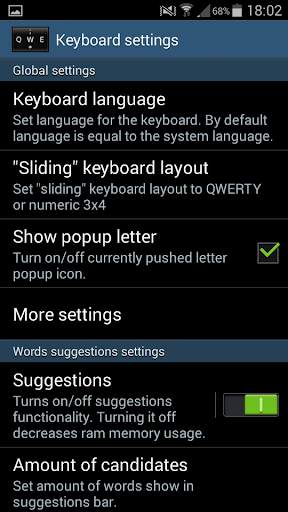
Using bottom-left key you can also access keyboard settings.
Settings:
You may adjust many things:
- suggestions - you can enable/disable word suggestions functionality where aditionally you can set:
- Amount of words shown as suggestions (max 30),
- suggestions depth which speeds up typing longer words
- suggestions bar height and font size.
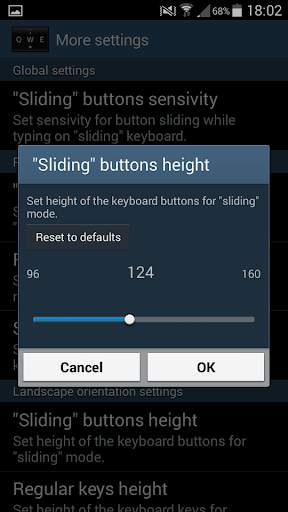
- big "sliding" buttons sliding sensivity
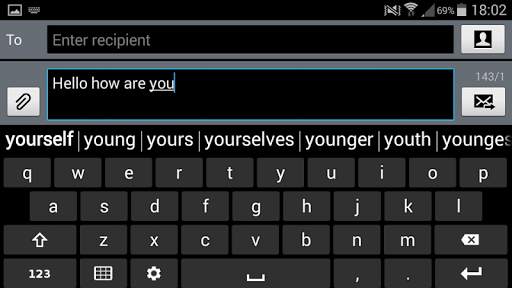
- keyboard height in portrait and lanscape orientation
- space below keyboard - aditionally you may set space below keyboard in situtation
when you have problems with mistakenly pressed touch buttons below the keyboard itself
- you can add new or remove existing words from dictionary (while typing).



Fixed keyboard width.
Fixed suggestion words clicking problem on devices with high resolutions.


