












DOWNLOAD IS NOT SUPPORTED IN WEB STORE!
Use the latest version of 9Apps to download APK&OBB file of games in one click!
DOWNLOAD 9APPS

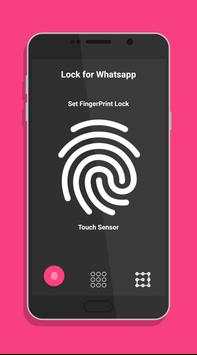
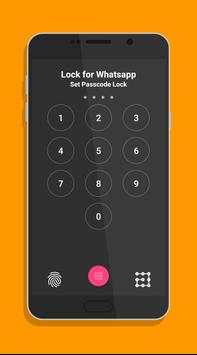
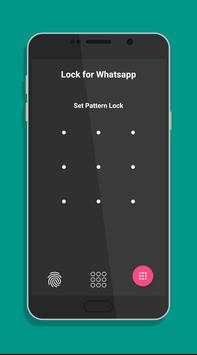
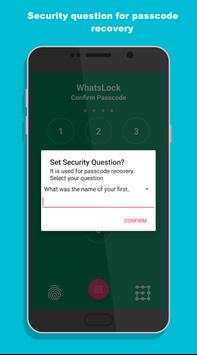
Application gives privacy to Whatsapp using three type of lock.
1. Fingerprint Lock
2. Passcode Lock
3. Pattern Lock
Features:
1. Easy to set lock in just three steps.
2. Never worry about unauthorized access.
3. Reset/Change lock.
4. Set security question, Used when you forgot passcode.
5. Easy to enable/disable lock.
FAQs:
1. How to set lock?
=> Use fingerprint or pattern or passcode to set the lock.
2. How to change lock type?
=> Click reset/change lock from setting, answer security question, then set new lock.
3. How to reset lock?
=> Click reset/change lock from setting, answer security question.
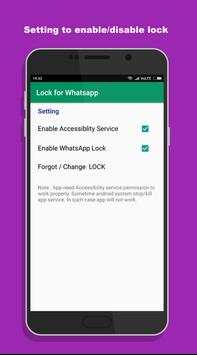
4. Enable/Disable lock?
=> Use checkbox from setting to enable/disable lock.
5. Enable accessibility service?
=> Click on checkbox from setting. It will open usage access permission setting. Find this app & turn it on.
Note :
Fingerprint lock requires a device with fingerprint sensor & having any one finger registered. Application need usage access permission for android 5 devices.
Disclaimer:
Application does not belongs to or related to Whatsapp Inc.
Removed device administrator permission


