

![OBD2 Scanner Live Data Explained: [Top 3] Data PIDs screenshot 4](https://i.ytimg.com/vi/9YLHaavMDVw/mqdefault.jpg)










DOWNLOAD IS NOT SUPPORTED IN WEB STORE!
Use the latest version of 9Apps to download APK&OBB file of games in one click!
DOWNLOAD 9APPS
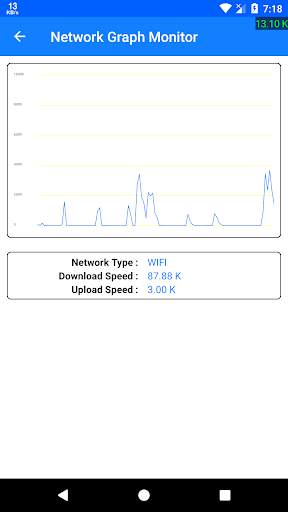
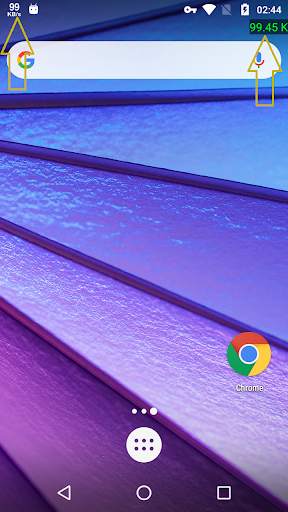
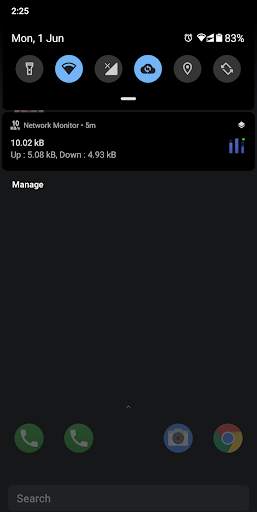
Live Internet Speed monitor shows the network speed over all screens as a floating overlay and on status bar
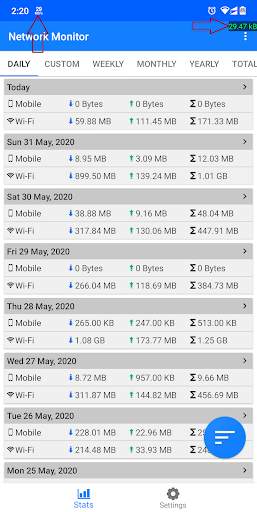
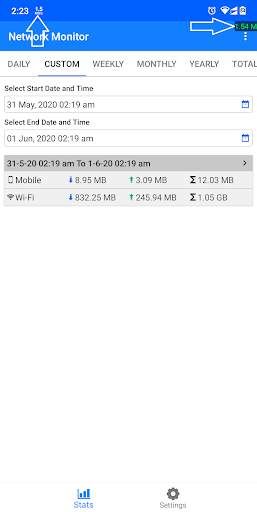
with usage history
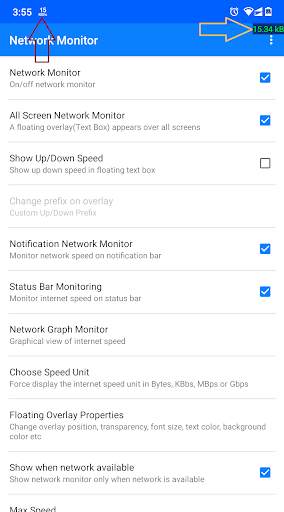
. Check the internet usage history in previous days, weeks, years, months or by selecting your custom date and time. Also monitor live internet speed using graphs as well. A little floating window(text box) is appeared over all applications(Check your upper right corner of screen) and also on status bar. So that you can monitor the speed of network while you are using other applications as well.
For Example you can monitor your Internet speed when you are surfing from browser or play Youtube videos.
- The application track and save the maximum reached speed of your Internet for Wi-Fi or MOBILE data connection.
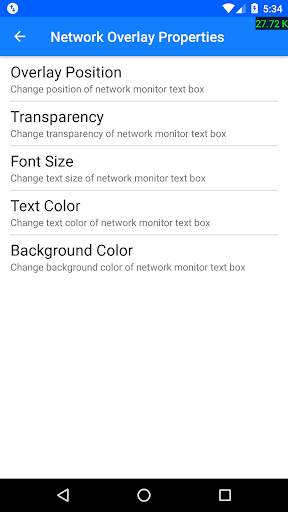
- The application provides the feature to change the overlay text box properties like text box position, text color, text background color, text size, transparency.
- Track internet usage history by daily basis, weekly, monthly and yearly with sorting options.
- Select your custom date and time, to check usage in this range
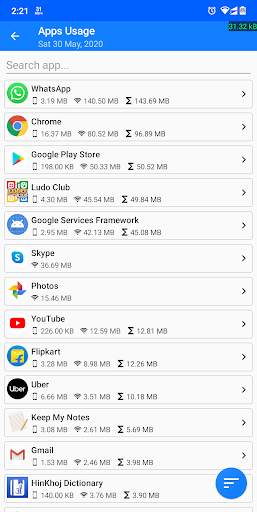
- Check internet consumption history per application.
1. Now track internet usage history.
2. New app logo with updated design
4. Sort data usage
3. Bug fixes