
DOWNLOAD IS NOT SUPPORTED IN WEB STORE!
Use the latest version of 9Apps to download APK&OBB file of games in one click!
DOWNLOAD 9APPS

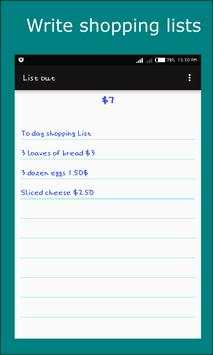
You want to go for shopping or you just want to make a personal estimate on things to buy.
You write the list of things with prices on a sheet of paper. You use a calculator to key-in the prices. If you change any list item price, you usually keying-in all the prices again to avoid wrong total estimate.
With List app. you just write your list items and their prices and let the calculations happen automatically.
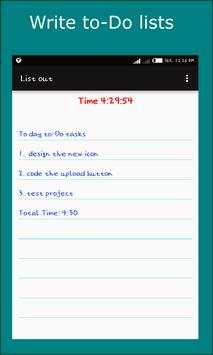
Say you have a task to do or tasks you want to finish. You want to spend certain amount of time doing it or you want to track how fast you can finish it. You also want to be notify when the time stop.
With List app. you can use the reminder feature to do this.
App Features
Automatically sum-up expense prices.
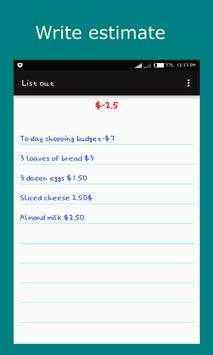
Automatically sum-down expense prices from total when budget amount is set.
Notification when total expense prices exceed budget amount.
Share list.
Clear list.
Automatically save list.
Define own currency to be used – you can set anything (symbols, signs or letters) as currency sign.
Use # as a short cut to get currency sign
Set timer – use for short time to-Do tasks, or use as reminder.
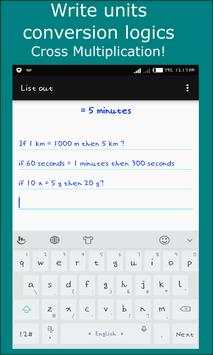
Cross Multiplication Logic – use to convert units
User guide that explain how to use list app.