









DOWNLOAD IS NOT SUPPORTED IN WEB STORE!
Use the latest version of 9Apps to download APK&OBB file of games in one click!
DOWNLOAD 9APPS
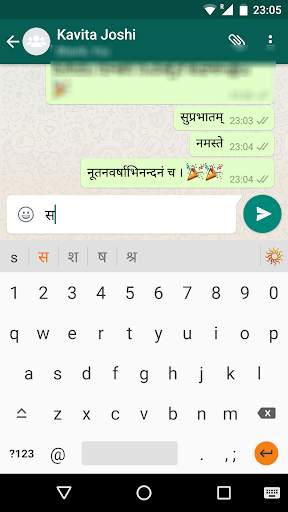
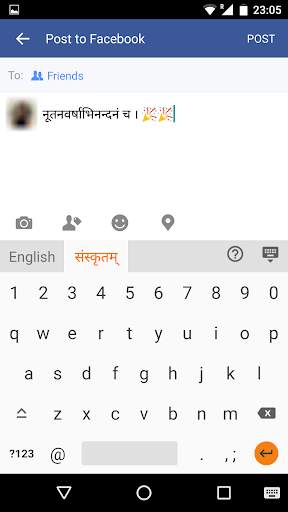
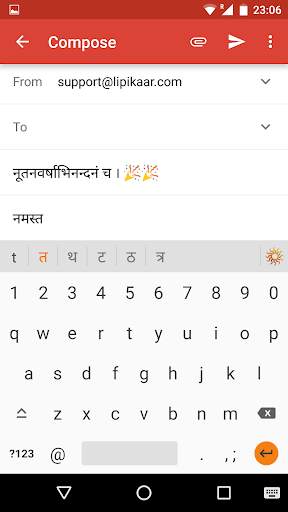
Now you can send emails, post Facebook updates and send messages on Whatsapp in Sanskrit using the Lipikaar Sanskrit Keyboard.
How to type in Sanskrit(संस्कृतम्) with Lipikaar:
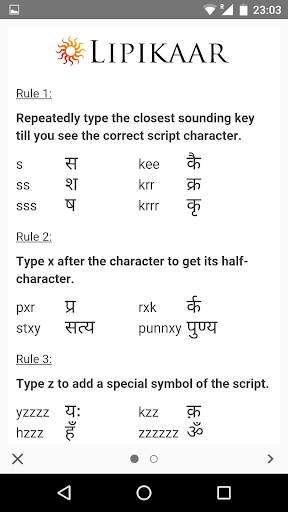
Rule 1:
Repeatedly type the closest sounding key till you see the correct Sanskrit script character.
s = स ss = श sss = ष
krr = क्र
krrr = कृ
Rule 2:
Join two characters by typing x between them.
pxr = प्र
rxk = र्क
stxy = सत्य
Rule 3:
Type z to add a special symbol of the script.
z = ं zz = ़ zzz = ँ zzzz = ः
For more details:
http://bit.ly/1mYNP6G
Features:
- No memorizing key positions. Simple and intuitive typing in Sanskrit using regular English (QWERTY) keyboard.
- No fluency in English is required. Lipikaar encourages users to think in their language.