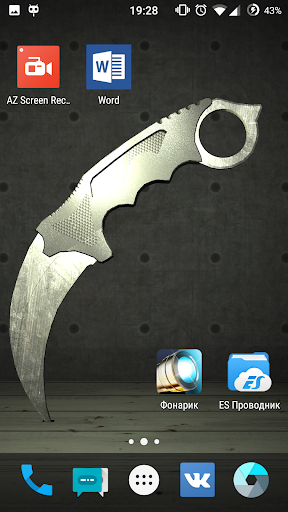
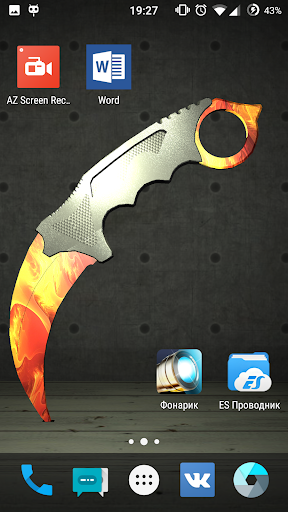
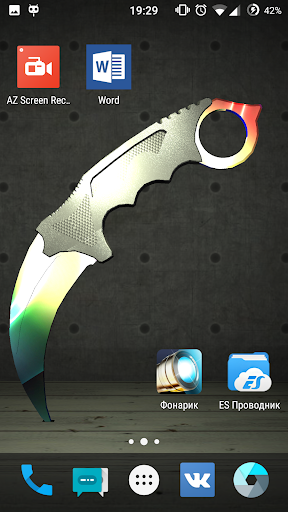
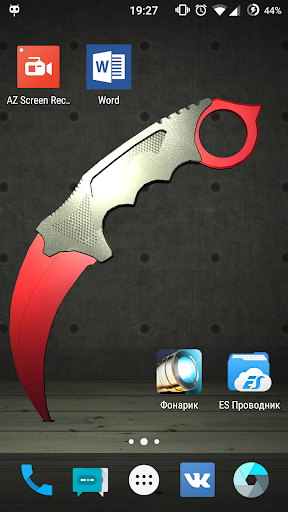
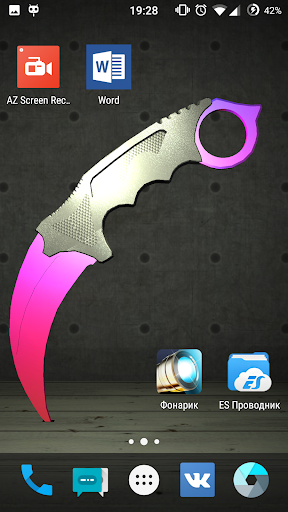
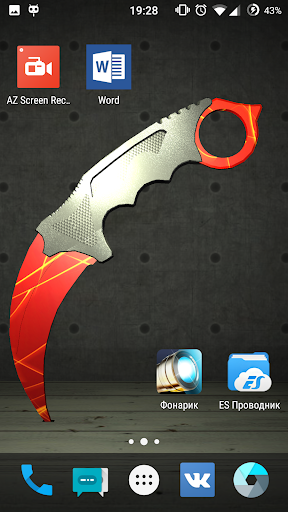
Karambit knife Live Wallpaper icon

Karambit knife Live Wallpaper

1.4 for Android
3.3 | 100,000+ Installs | Reviews

2EZ

Description of Karambit knife Live Wallpaper

Click READ MORE to see the installation instructions
MUST READ!!!
How to set the live wallpaper:
1. In the phone settings: Menu - Settings - Display (LCD) - Wallpaper - Live Wallpaper (Interactive wallpaper) - select needed, we press Install (Apply/Set)
2. or on the home screen: Long press - Wallpaper - Live Wallpaper - select needed (swipe left), we press Install (Apply/Set)
If incorrectly displays the contents of the Wallpaper:
1. Remove the Live Wallpaper
2. Reinstall the Live Wallpaper
Brief Introduction:
Notice:
> This app specially designed for Android devices. The core - Unity engine .
> Live Wallpaper available for phones with android version 4.0.3 and later.
Thank you for your continued support! Feel free to contact us if you have any problems or suggestions
E-mail: 2ezlwp@gmail.com

What's New with Karambit knife Live Wallpaper 1.4

Changed sound control

Information

  • Category:
    Personalization
  • Latest Version:
    1.4
  • Updated:
    2017-04-05
  • File size:
    38.4MB
  • Requirements:
    Android 4.0.3 or later
  • Developer:
    2EZ
  • ID:
    com.karambitknife
  • Available on:
Reviews
  • avatar
    like
    2020-10-13 10:36
  • avatar
    it sucks dosent show on home screen😤😤😤
    2019-07-25 12:47
  • avatar
    soo cool!!!!! just watch the vid to understand how to do to bro thx for the wallpaper.
    2019-02-07 02:32
  • avatar
    do not download it is a skam
    2018-12-25 12:10
  • avatar
    It's good but can you add more secret weapon
    2017-08-10 04:22
  • avatar
    I dont know how to do it in settings im on most recent update i need help.
    2017-06-07 10:40