








DOWNLOAD IS NOT SUPPORTED IN WEB STORE!
Use the latest version of 9Apps to download APK&OBB file of games in one click!
DOWNLOAD 9APPS
Create square collages & Blur Photos for Instagram
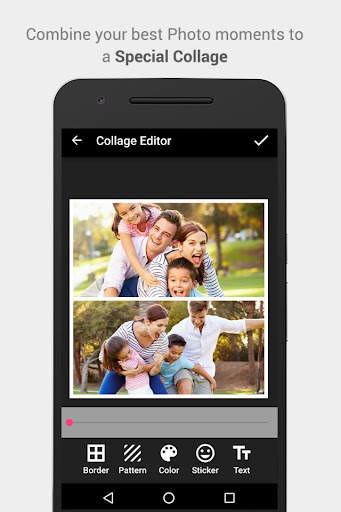
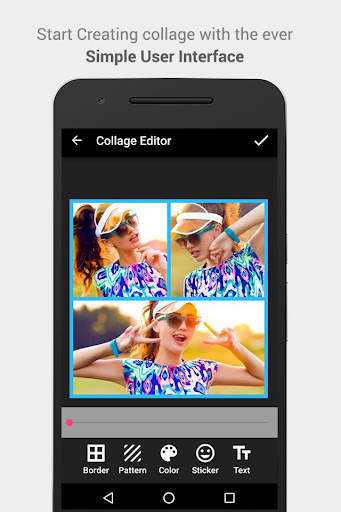
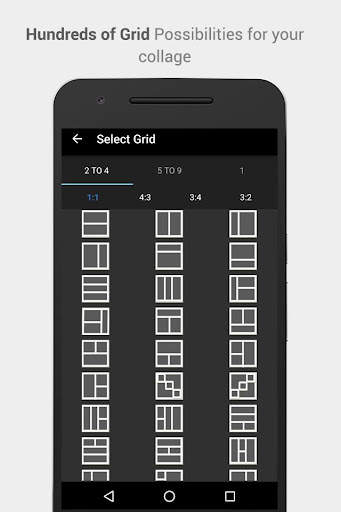
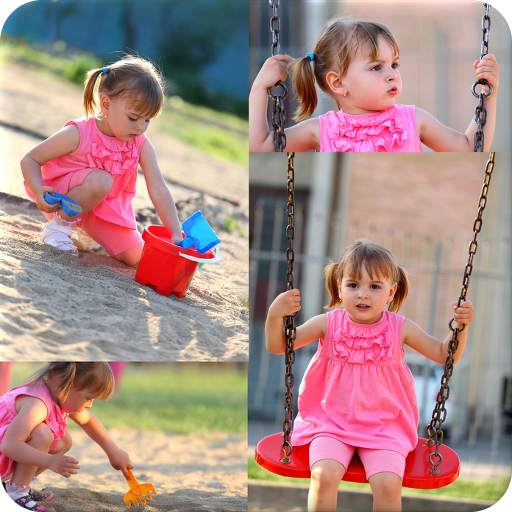
Pic Frame provides more than 100 grids and powerful photo editor, now you can create collage with your nice photos and share it with the world.
Features of Pic Frame:
1. More than 50 grids available for making collage and select aspect ratio.
2. Powerful Image Editor
3. Move/Resize/Rotate Photos in the grid.
4. Choose and change Border color.
5. Add Pattern as background to the border.
6. Change the border width.
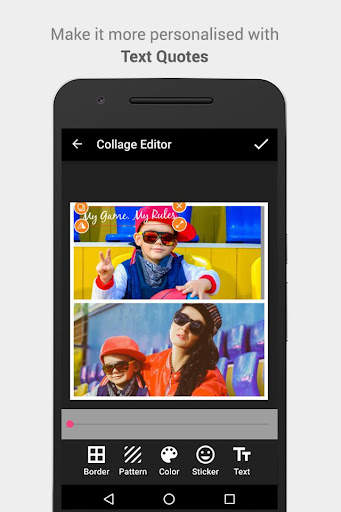
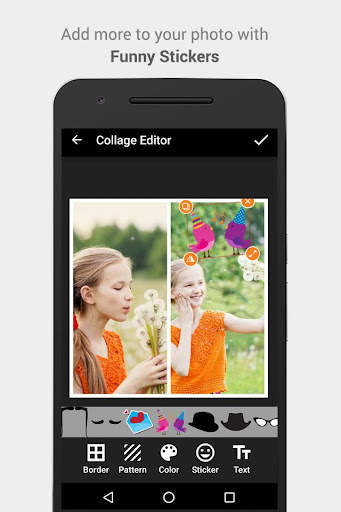
7. Add text, stickers to the collage
8. Save the collage and share it to Instagram and other social networks.
Blur Square:
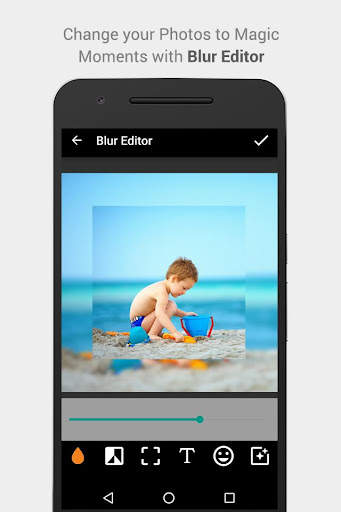
Insta Picture Frame lets you create and post full square size photos without cropping for Instagram. nice blur background, with much more control to adjust the blur level.
1. Add Blur Background
2. Besides blur background, you can also have solid, pattern background.
3. Add Stickers and text to the photos
4. Multiple filters for your size/no crop photos.
5. Adjust blur level and intensity.


1. App Name changed to Pic Frames
2. User reported issues resolved.
3. User Interface improvement.